Product launch emails are the most over-written, under-read category in SaaS lifecycle marketing. Teams spend a week crafting a beautiful announcement, someone writes a subject line in 90 seconds, and the whole thing lands at a 12% open rate.
The fix isn’t a better body. It’s a better subject line.
I pulled the 30 subject lines below from the DigiStorms email library — real emails sent by brands like Notion, Loom, Linear, Figma, Buffer, Zapier, and Miro — and grouped them by the launch type they fit: new product, new feature or capability, AI or platform update, redesign or visual refresh, integration, roundup or monthly recap, and comeback or re-engagement.
Pick the bucket that matches your launch and steal the structure. For the full guide on what goes in the body (and when to send), see the 23 product launch email examples piece.
New product launch (the big announcement)
Zero-to-one launches. New brand, new category, new SKU. You have one shot at the “this is new” reaction.
“Agent early access + 20% pro discount” — Lovable · See the email →
“All-new features are coming.” — Fiverr · See the email →
“Bluesky has landed in Buffer 🦋” — Buffer · See the email →
“Introducing WhatsApp in Aircall” — Aircall · See the email →
“Pipedrive AI is here!” — Pipedrive · See the email →
Why they work: They lead with specifics (product name, concrete benefit) instead of adjectives. Fiverr’s “All-new features are coming” is the softest of the group because it doesn’t name the feature — but it works as a teaser before the real launch. The rest name the thing: Aircall names the integration partner, Pipedrive names the capability, Buffer names the network. “Has landed” beats “is available” because it feels like an event, not a status update.
New feature or capability
The most common launch type. You shipped something inside the existing product. The subject line needs to communicate what it is AND why the reader should care.
“Editing just got easier 🔍” — Loom · See the email →
“Fresh ways to present and diagram” — Figma · See the email →
“From 280 to 25,000: Say hello to long-form X posts” — Buffer · See the email →
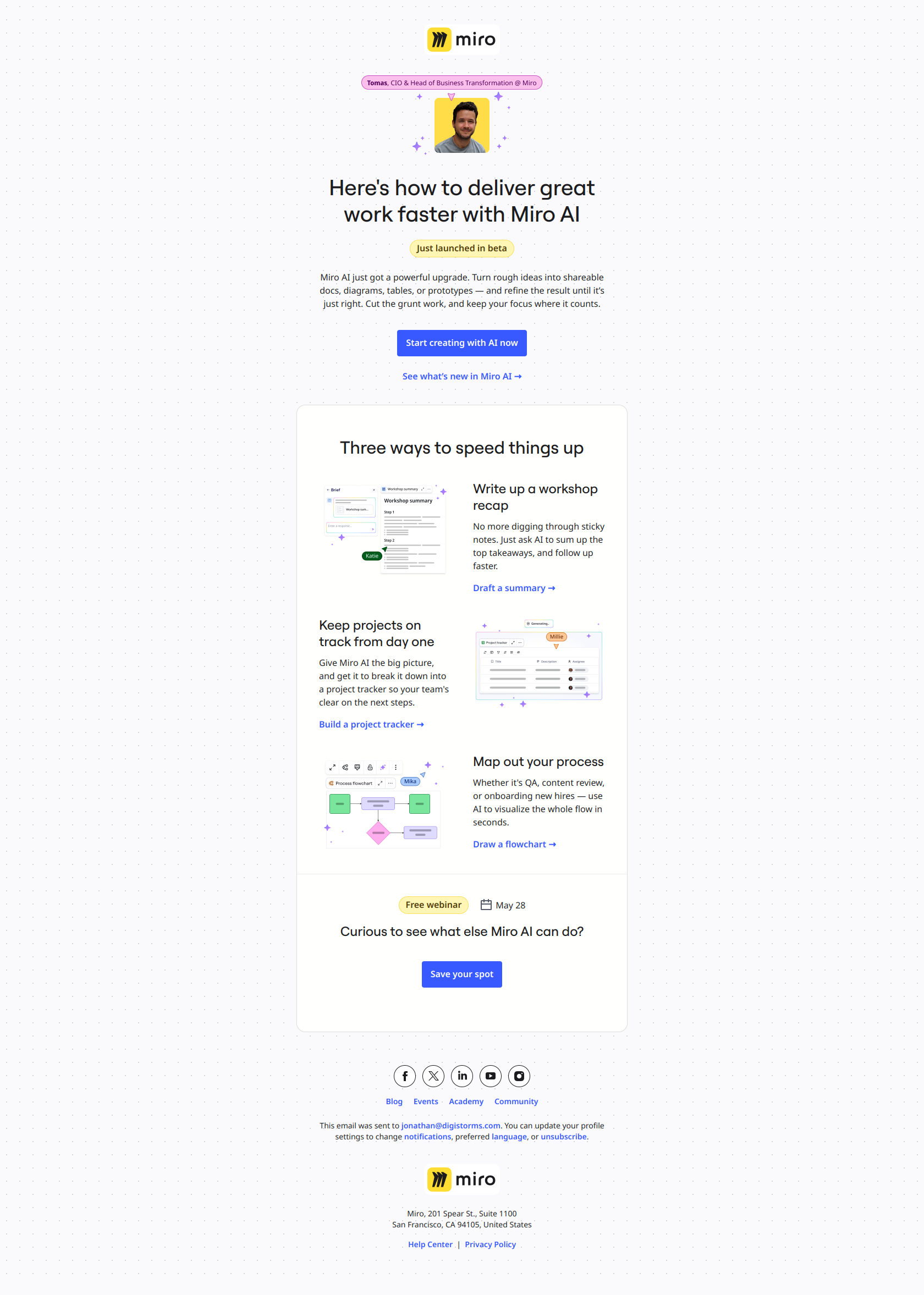
“Go from idea to impact, faster than ever 🚀” — Miro · See the email →
“All-in-one calendar” — Notion · See the email →
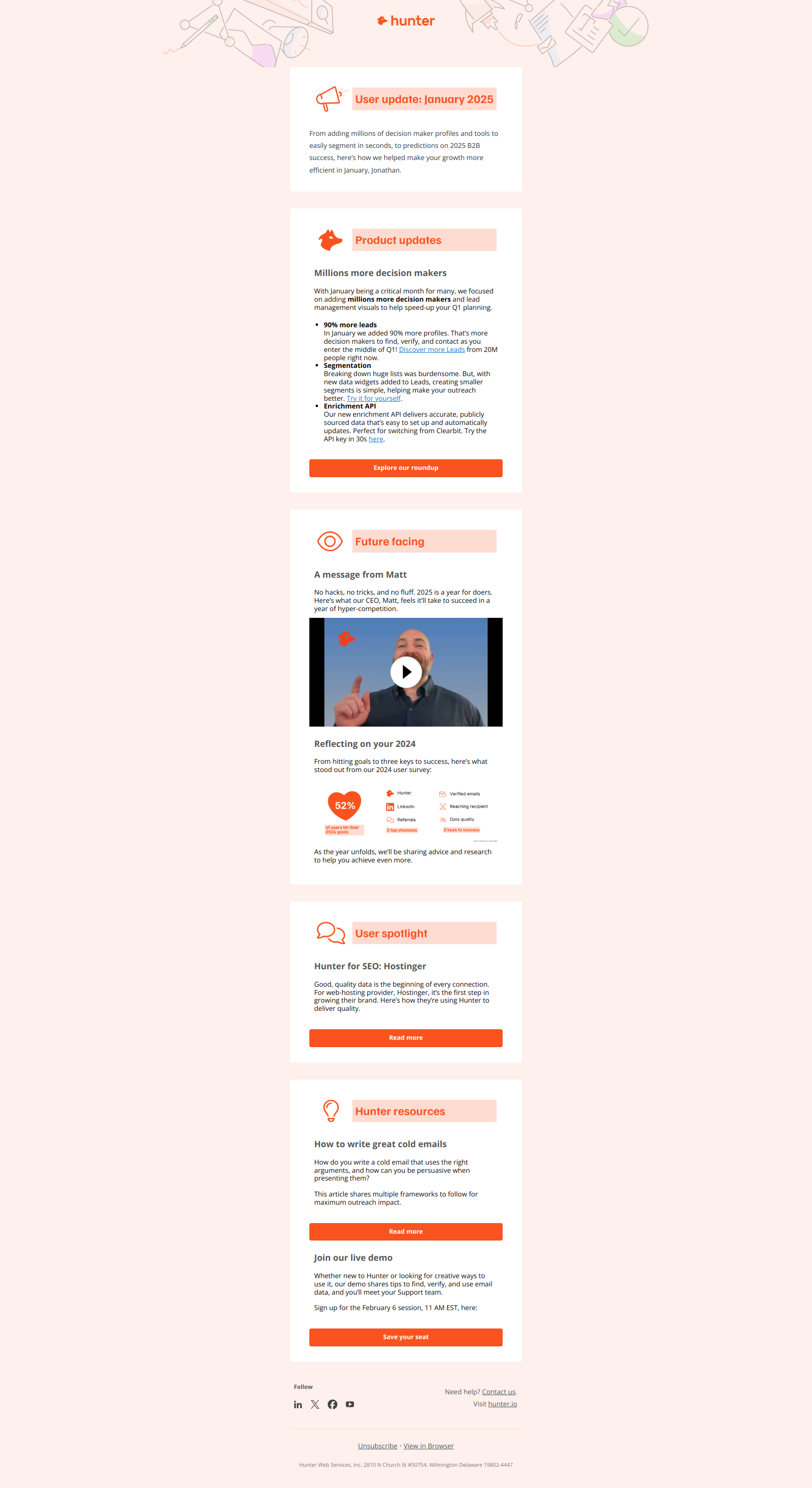
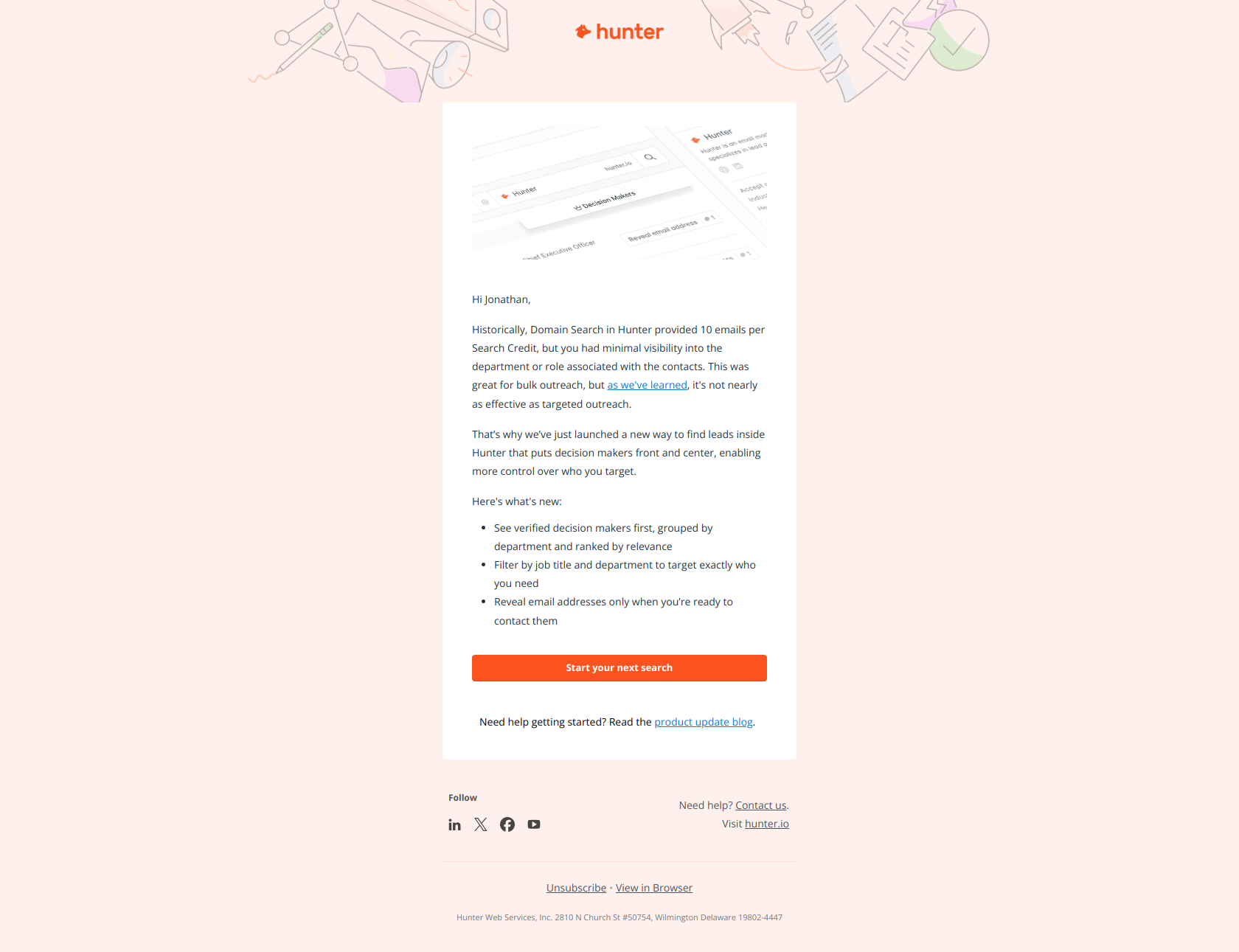
“2x more data for your outreach” — Hunter.io · See the email →
“Facebook Stories scheduling is here” — Buffer · See the email →
Why they work: Every one of these names the benefit in 3–7 words. Buffer’s “From 280 to 25,000” is a masterclass — it communicates the entire feature (longer posts, specific limit change) in 8 words without using the word “feature” or “launch.” The reader knows exactly what they’re getting.
AI or platform-level update
A separate bucket because AI launches have their own conventions. Brands are leaning heavily into “AI time-savers” framing — let the AI do X for you — rather than “new AI model” framing.
“AI time-savers you should know about” — Miro · See the email →
“Automate with Perplexity & optimize your ads” — Zapier · See the email →
“Let our new AI feature write your emails” — Pipedrive · See the email →
“Enhancing Miro AI: What You Need to Know” — Miro · See the email →
“Batch AI in Site Audit, Competitive map in Report Builder, and more” — Ahrefs · See the email →
Why they work: They lead with the verb (“automate”, “let X write”, “AI time-savers”) instead of the noun (“new AI model”). Users don’t get excited about new AI. They get excited about AI that does something specific for them. The Ahrefs subject line is longer but it works because each named feature is concrete.
Redesign or visual refresh
Redesigns are hard to sell in a subject line because “we changed how things look” isn’t a benefit. The best subject lines reframe the redesign around what the user can now do.
“Early access to UI3 has been enabled for your account” — Figma · See the email →
“Get closer to your contacts with these updates” — MailChimp · See the email →
”🤩 Redesigned Loom desktop recorder: faster, more reliable, and easier to use” — Loom · See the email →
”📊 LinkedIn Analytics just got personal” — Buffer · See the email →
Why they work: Figma’s “has been enabled for your account” turns a UX change into an exclusive unlock — an individualized benefit, not a global announcement. MailChimp reframes the redesign around the outcome (“closer to your contacts”) instead of the surface change. Loom’s version is unusually long but earns it by listing the three things you actually feel after the redesign — faster, more reliable, easier to use. Buffer’s “just got personal” is the smallest verb-swap that changes everything: a redesign becomes a personality shift.
Integration launch
Integrations are easy to announce badly (“We integrated with X!”) and easy to announce well (name what the user can now do).
“Automate with Perplexity & optimize your ads” — Zapier · See the email →
“Bluesky has landed in Buffer 🦋” — Buffer · See the email →
“Connect Calendly with your top tools” — Calendly · See the email →
“Ace AI workflows in minutes with Chatbots + Canvas” — Zapier · See the email →
Why they work: Buffer’s “has landed” verb is stronger than “is here” or “is available” — it feels like an event rather than a status update. Zapier’s “Chatbots + Canvas” format works because it’s scannable and names both sides without leading with “integration.” Calendly’s version is the most generic of the bucket but it works inside a campaign because “your top tools” implies the reader’s stack — without naming any specific partner, it still feels personalized.
Monthly or quarterly roundup
Cadence emails that bundle several smaller changes. These live or die by whether the subject line frames them as worth opening vs. “another monthly update.”
“Calendly Product Update – March 2024” — Calendly · See the email →
“Calendly Product Update – 2024 Best-of List” — Calendly · See the email →
“Everything we shipped in 2024” — Figma · See the email →
“February Release Notes from Figma” — Figma · See the email →
“August Product Updates” — SemRush · See the email →
“Brand Radar, Ahrefs certification, and more” — Ahrefs · See the email →
Why they work: They’re honest about format (it’s a roundup) but earn the open through specificity. “Everything we shipped in 2024” is the standout — it commits to comprehensiveness, which is exactly what power users want. Calendly’s “Best-of List” subtype is smart — a year-end roundup reframed as a curated best-of reads differently than a generic “year in review.”
Comeback or re-engagement
For users who haven’t engaged with product updates recently. These need to break the cycle of update fatigue.
“Feeling stuck on what to post? This might help” — Buffer · See the email →
“Get your free trial of the best of Loom 🚀” — Loom · See the email →
“Always have the greatest tools at your fingertips” — Adobe · See the email →
“We’ve noticed you haven’t sent an envelope yet” — DocuSign · See the email →
“Come back and do more with Illustrator” — Adobe · See the email →
Why they work: They ask a question or name the user’s current problem (“feeling stuck”, “haven’t sent”, “come back and do more”) instead of announcing a product change. Buffer leads with the user’s pain. DocuSign names the exact unfinished action — far stronger than a generic “we miss you.” Adobe’s “come back and do more” pairs the comeback with a verb the user already knows how to do — lower friction than asking them to learn something new.
The rules behind the rules
After staring at ~200 product launch subject lines across 38 SaaS brands, four rules hold up across every category:
-
Name the thing. Subject lines that say “new feature” or “update” underperform ones that name the specific thing. “Bluesky has landed in Buffer” beats “Buffer product update” by a wide margin.
-
Lead with the verb, not the noun. “Automate with Perplexity” beats “Perplexity integration.” “Editing just got easier” beats “New editing features.” Active verbs in the subject line get clicks; category nouns get ignored.
-
One emoji at most, at the end. 🚀 🔍 🦋 ✨ — these work when they’re one, and they’re trailing. Two emojis or a leading emoji tanks deliverability and reads as promotional.
-
Cadence emails deserve the longest subject lines. A one-off feature launch works in 5 words. A monthly roundup benefits from listing 2–3 highlights — “Batch AI in Site Audit, Competitive map in Report Builder, and more” gives the power user a reason to click.
See the full guide
These 30 subject lines are the entry point. The full 23 product launch email examples — body copy, timing, structure, CTA framing — live in the product launch email guide.
Browse the source material by tag: product-update (94 emails), new-feature-nudge (111 emails), or feature-update.
And if you’d rather skip writing launch emails entirely, DigiStorms generates the whole sequence — pre-launch teaser, launch-day announcement, post-launch activation nudges — from your product description in about 2 minutes. Free for your first 100 signups.