
Brand
Make
Subject line
🟣 Automate Gmail and more: Pre-built templates inside
Use case
Onboard Free UserAbout this email
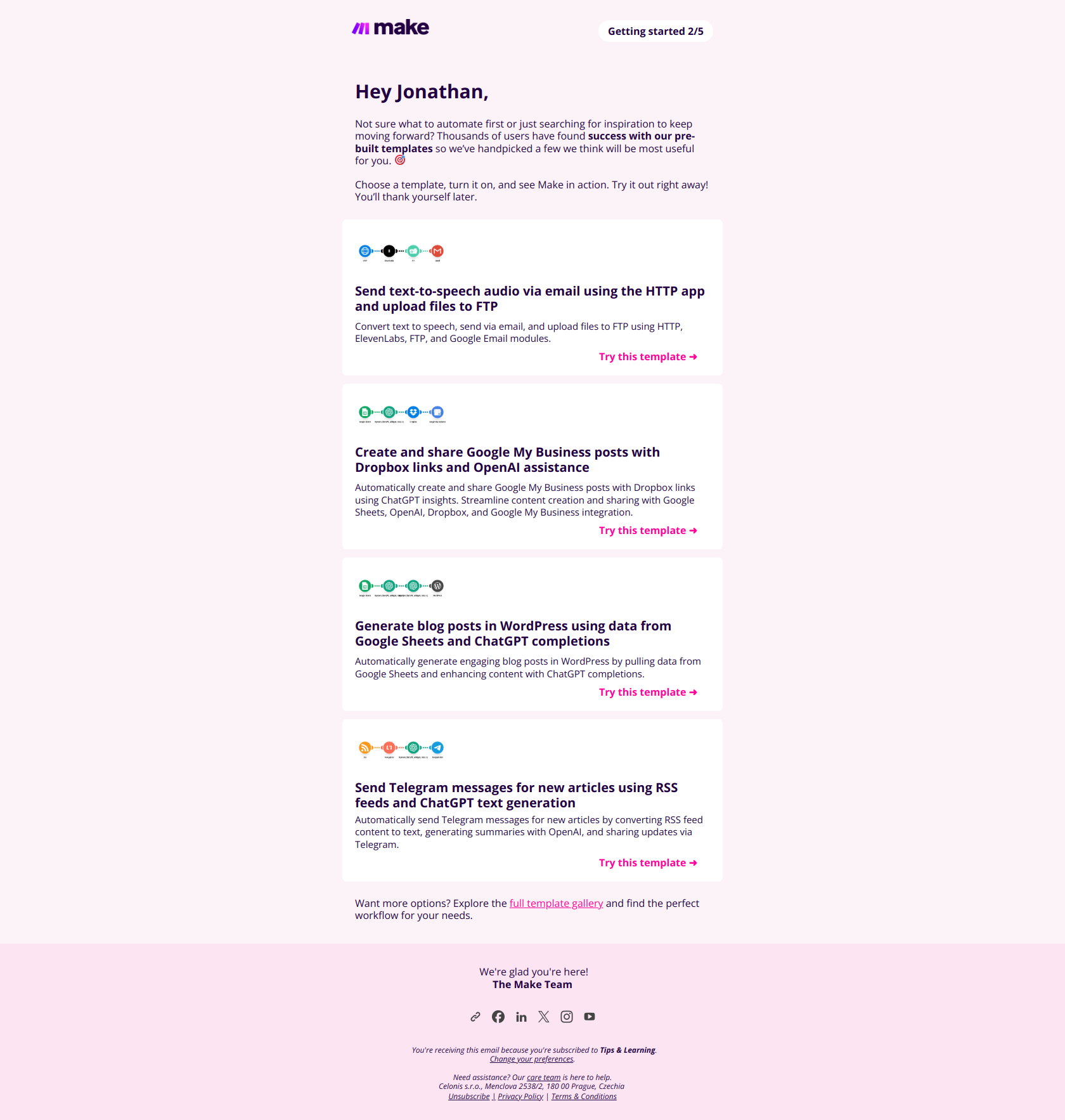
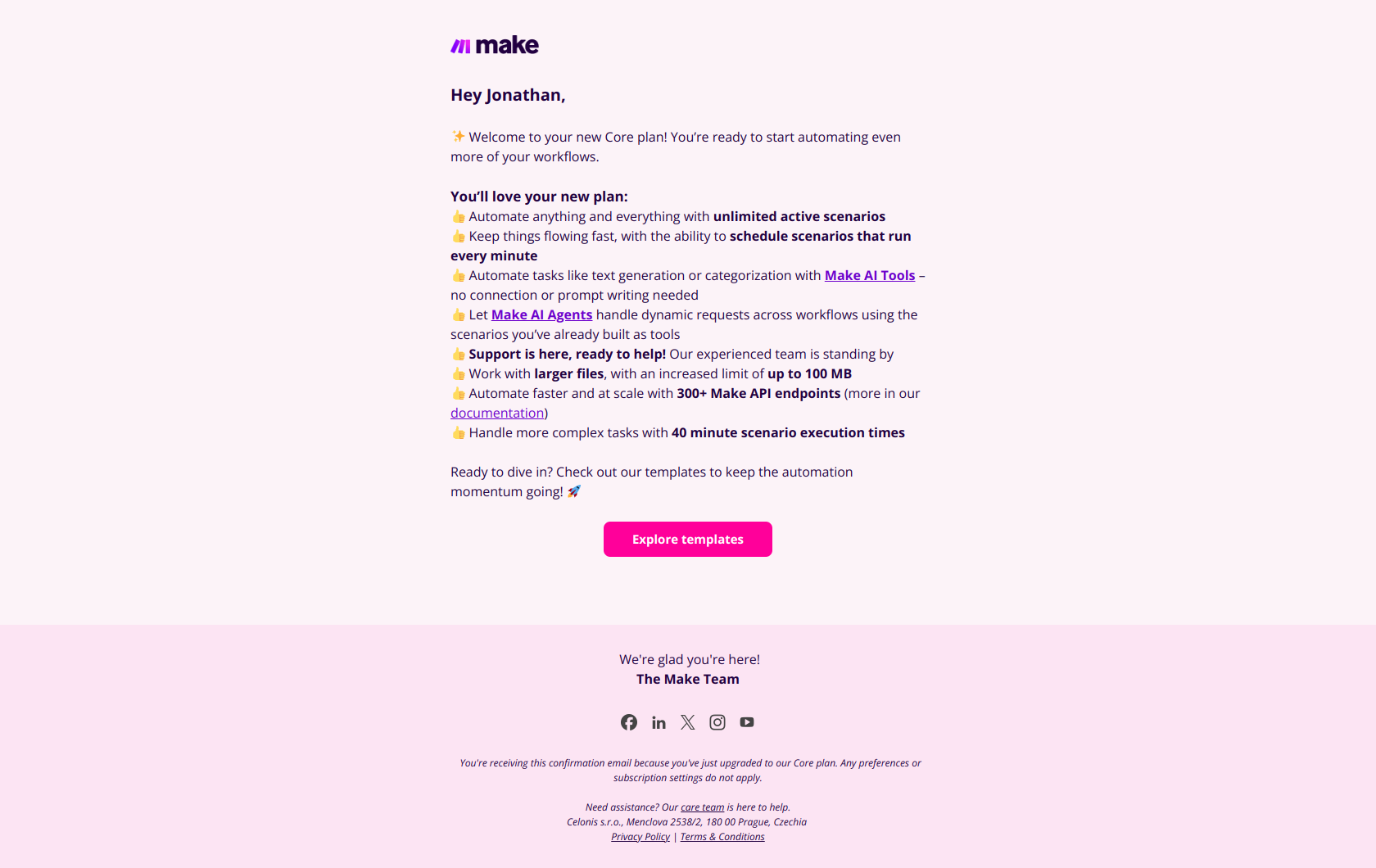
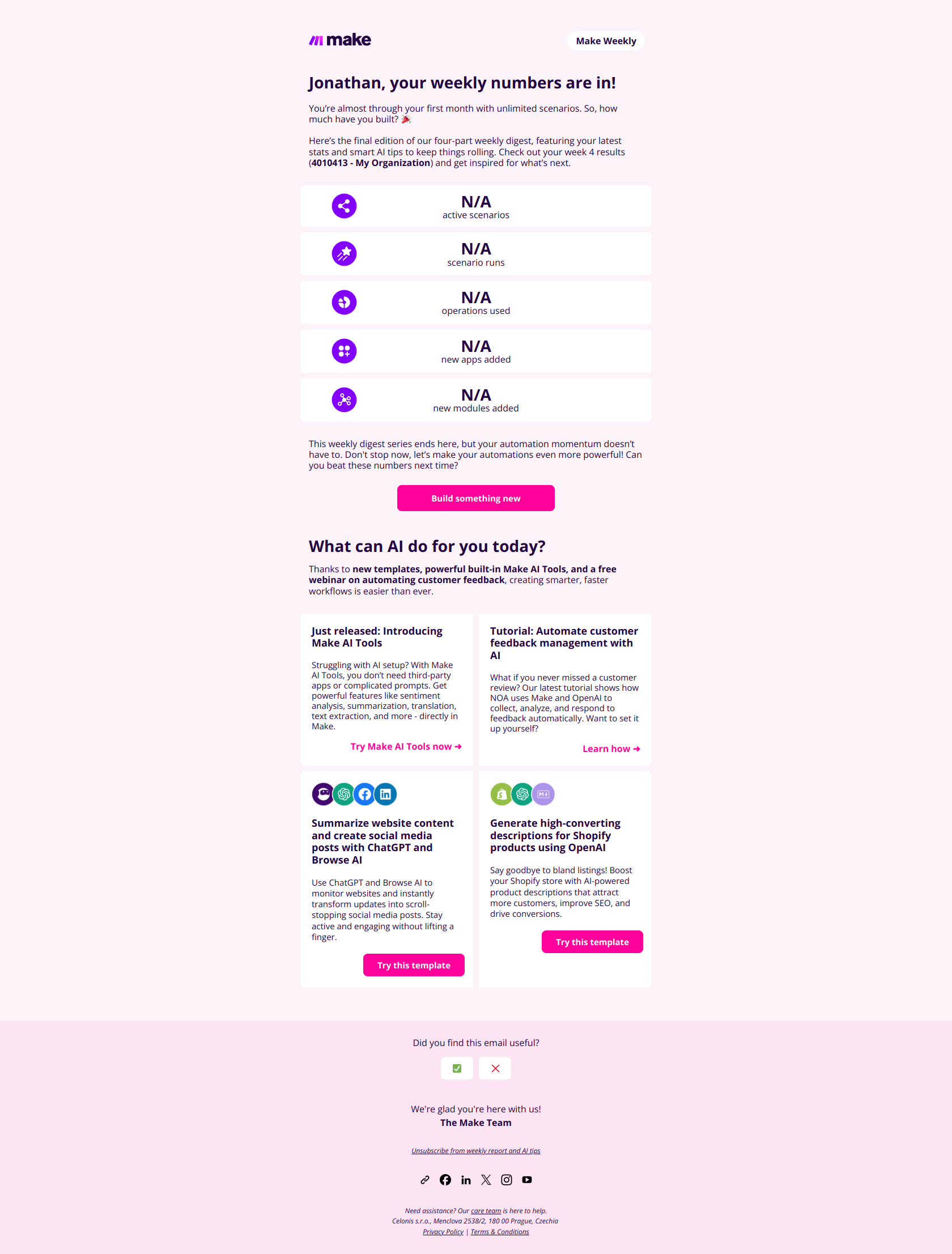
This email serves as a product onboarding and engagement message from Make, highlighting the use of pre-built automation templates to help new users get started quickly. It provides a friendly, encouraging tone with clear calls to action inviting users to pick and activate templates directly, showcasing specific automation examples with visuals and links for easy trial. The structure is informative and visually segmented, featuring tips for better usage, direct template trials, a link to the full gallery, and helpful contact information for support, reinforcing user empowerment and ongoing engagement.
Make journey
Why this works
**Why this works.** The subject line leads with "Automate Gmail and more" rather than the product name or feature, so free users immediately see the outcome they'll achieve, not the tool they're learning; the pre-built templates in the body then function as proof that this outcome is one click away, not months of learning. The pattern here is "show the job-to-be-done before showing the solution"; you can lift it for any onboarding email where you want free users to activate a feature instead of bookmark it for later.
More from Make
More Onboard Free User emails
Browse all Onboard Free User emails →
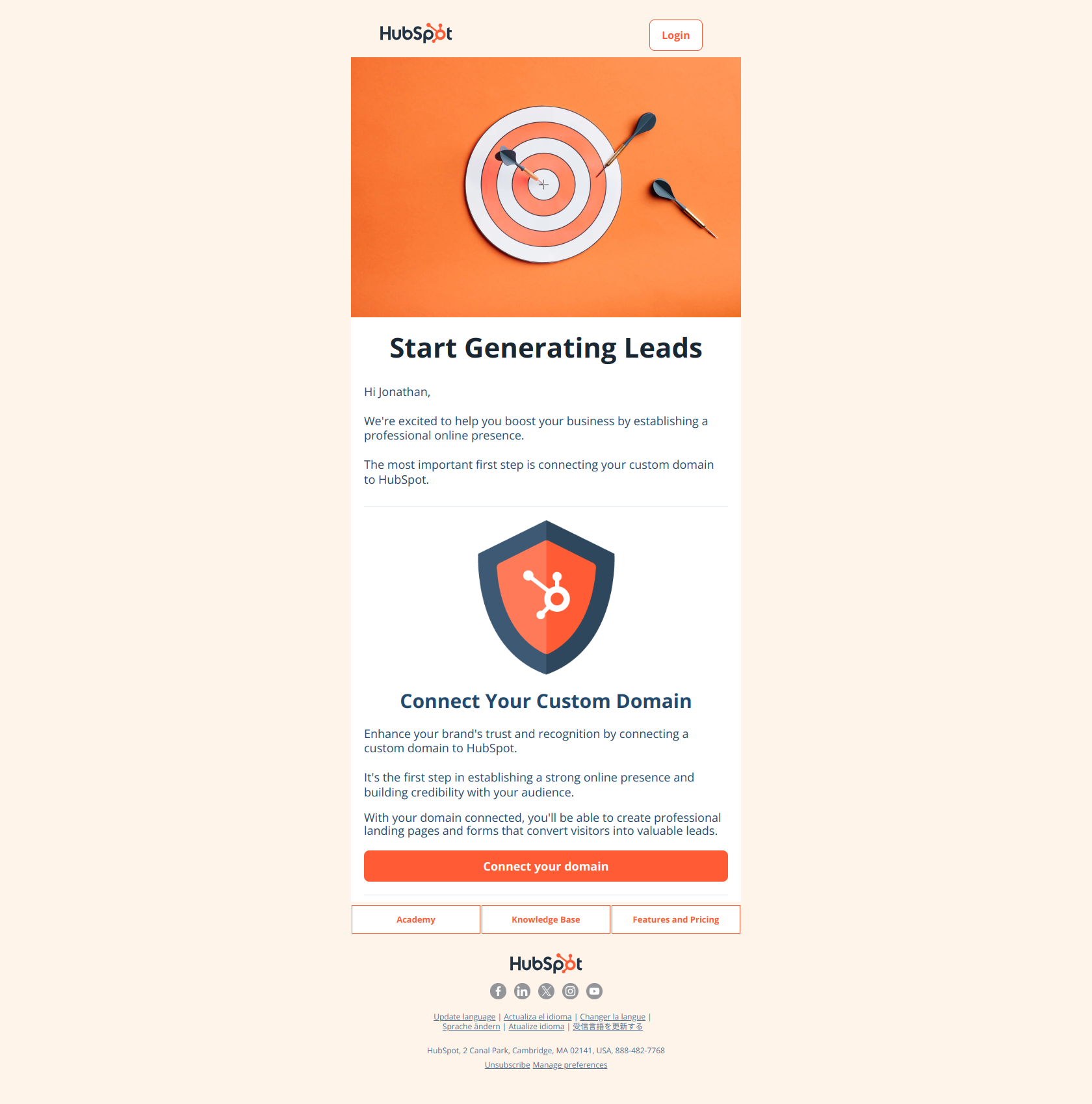
(Step 1) Start generating more leads with your forms and landing pages
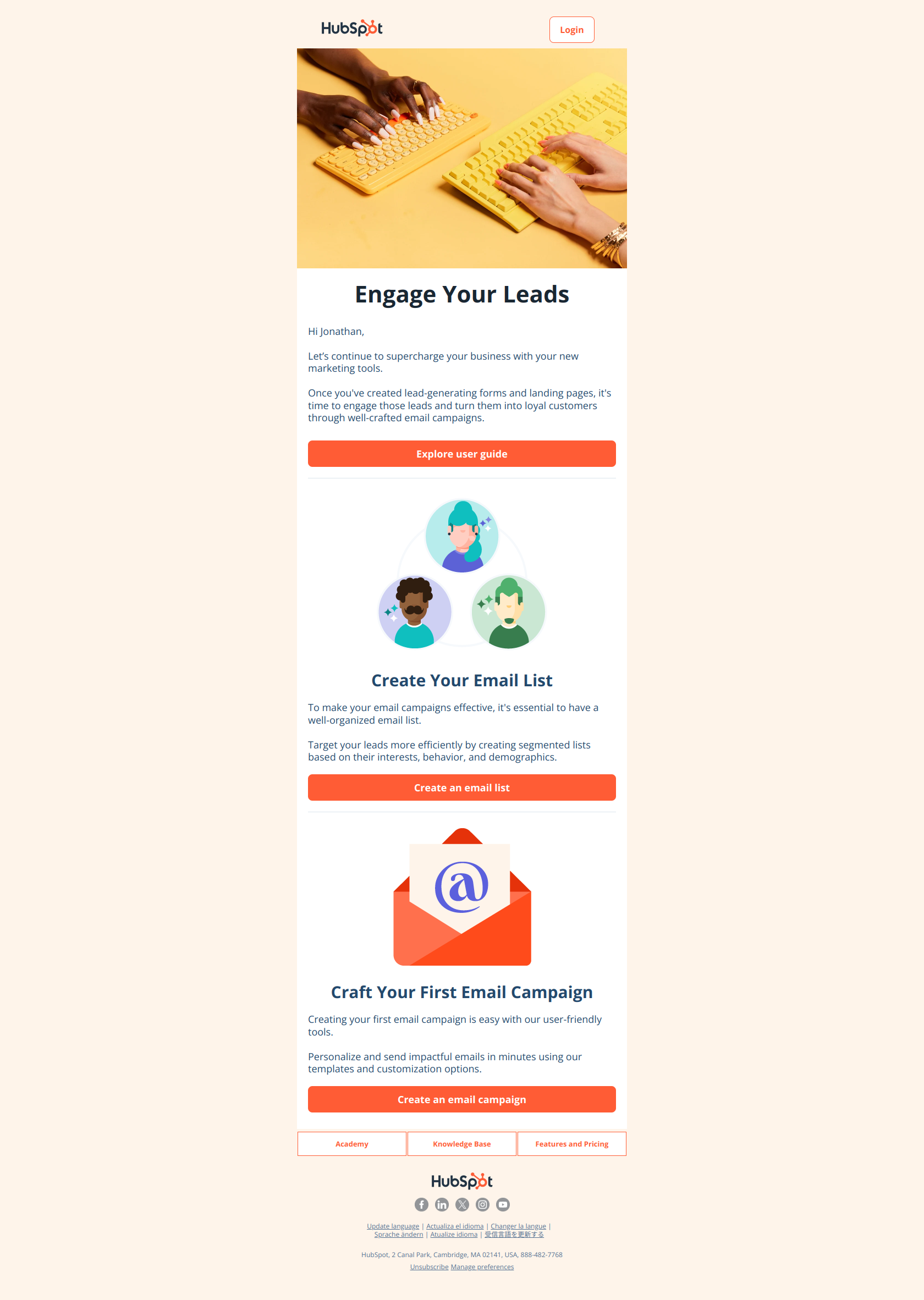
(Step 2) Convert leads into loyal customers with email marketing campaigns
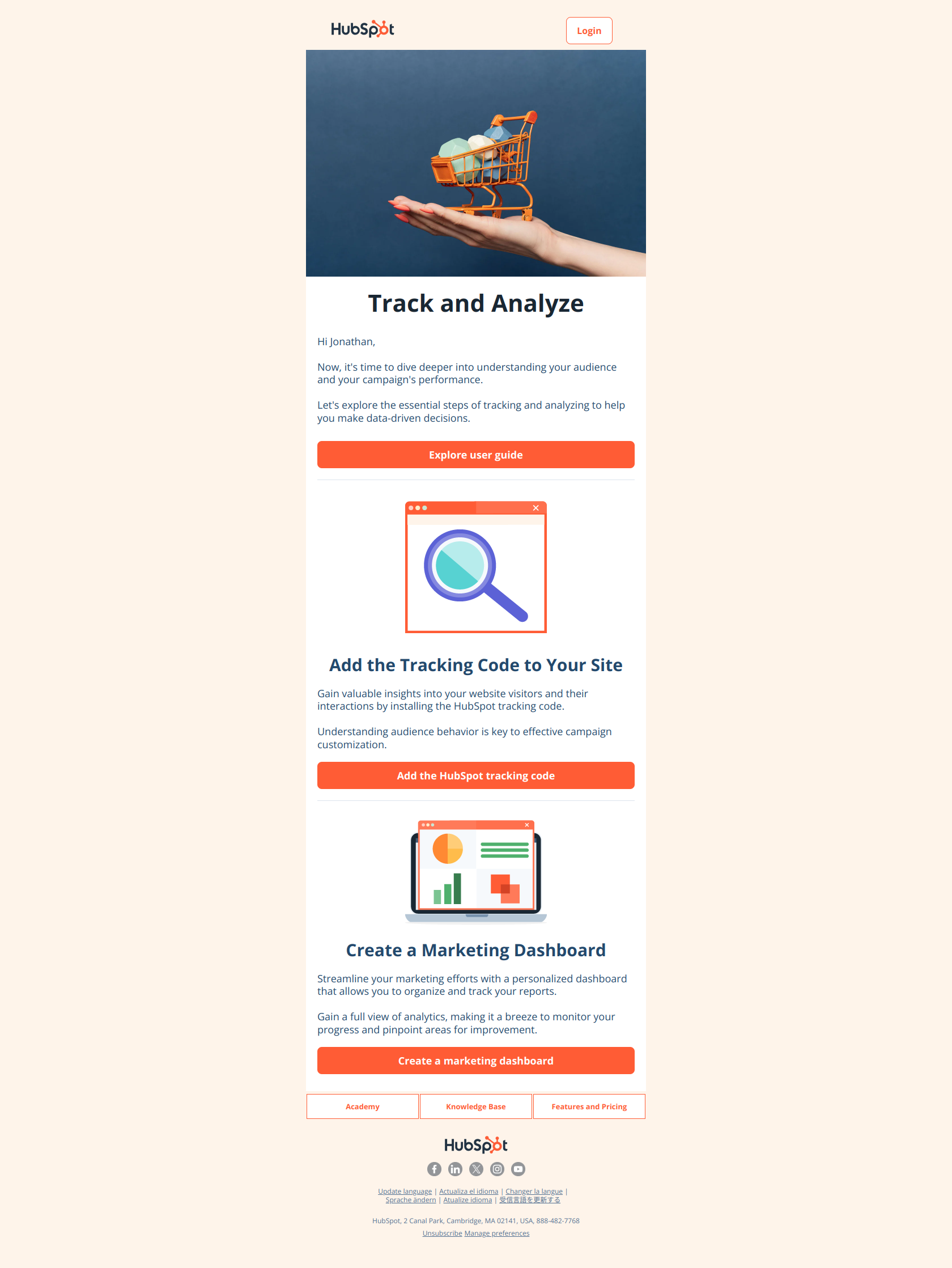
(Step 3) Gain insights and improve results with website tracking and marketing reports
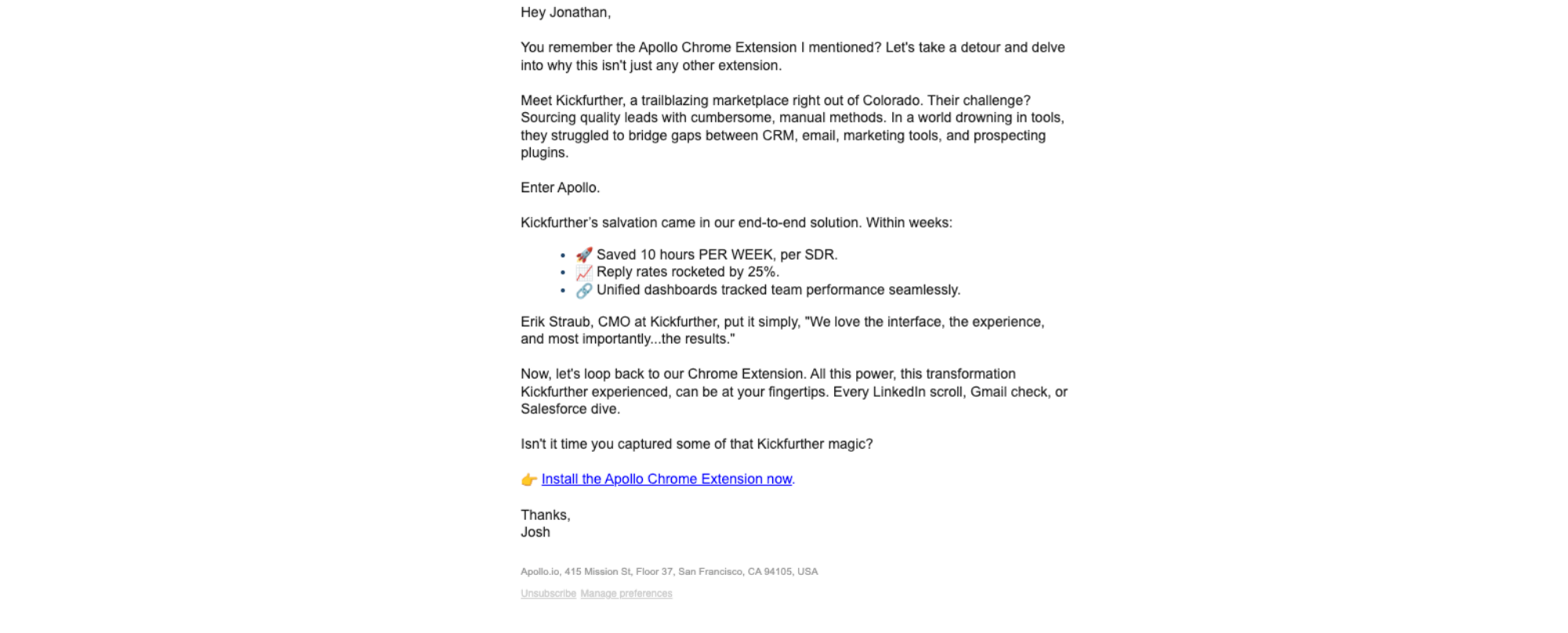
10 hours per week per rep
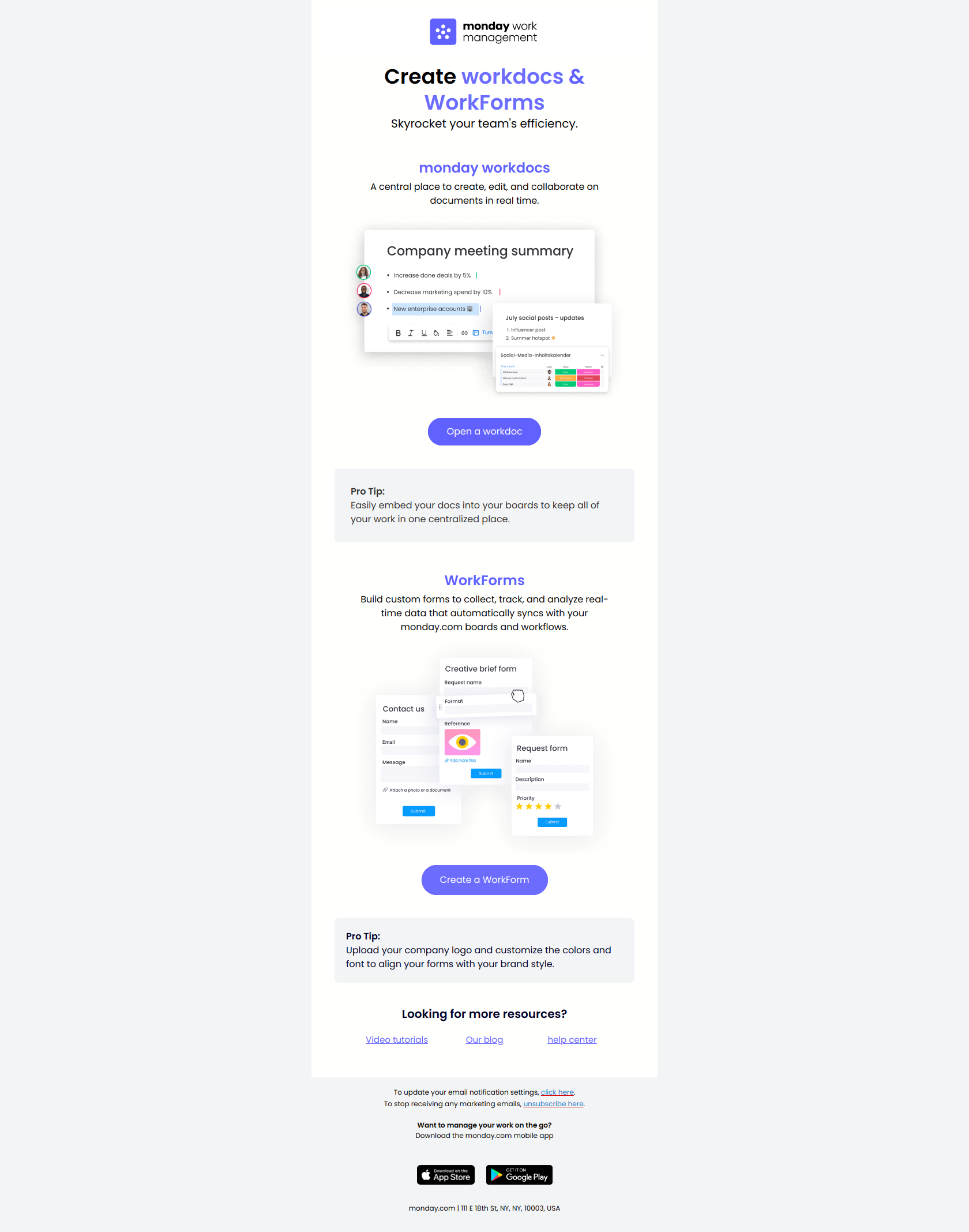
2 key tools to maximize efficiency
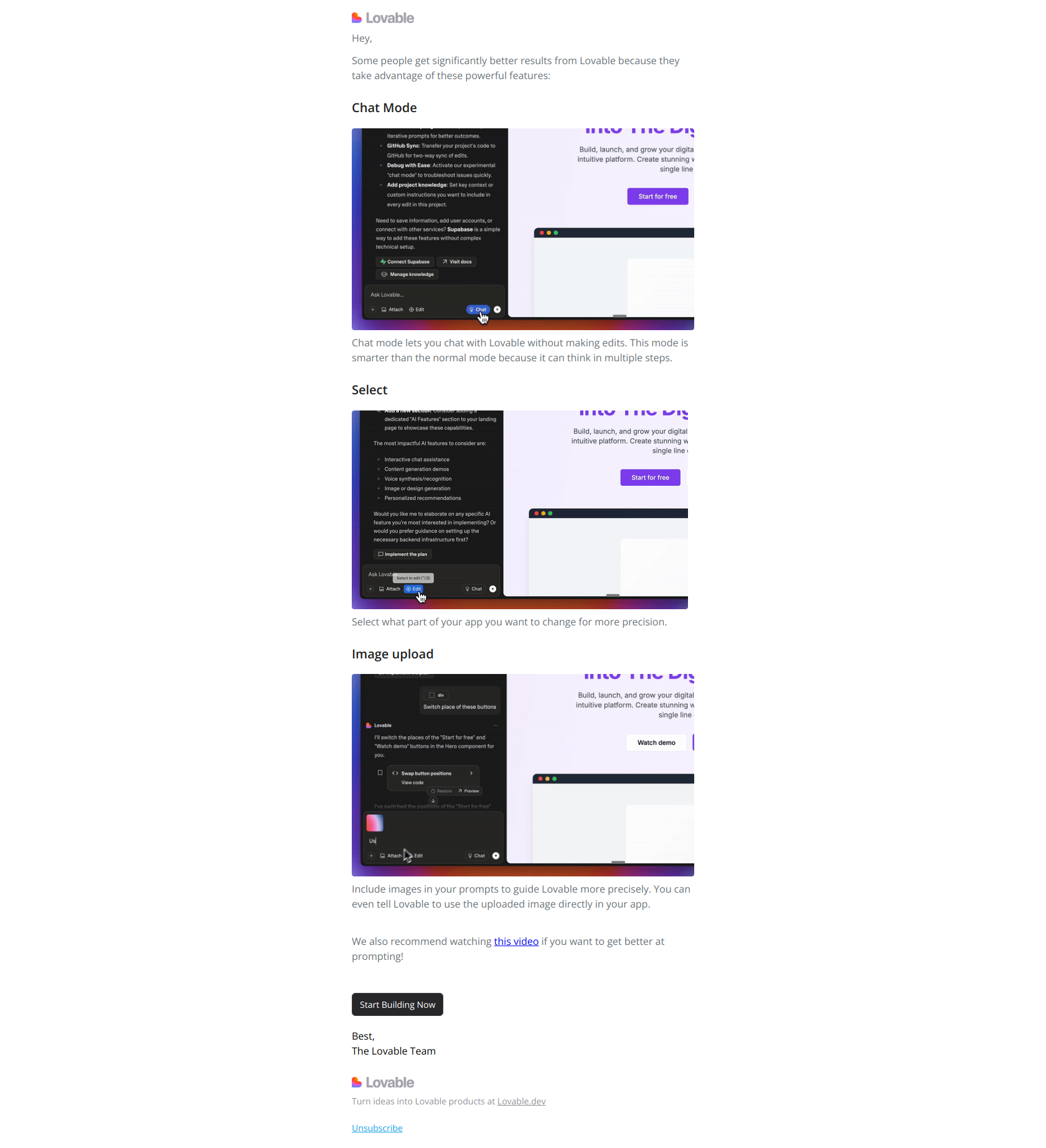
3 tricks to get more value from Lovable