The cancellation email is the one lifecycle email most SaaS teams never write. It gets generated by the billing system, nobody reads the copy, and it goes out at the single moment a customer is paying the most attention to your product — the moment they’re leaving it.
That’s a mistake, because cancellation isn’t one email. It’s a short sequence with four distinct jobs: confirm the intent, receipt the change, mark the deadline before access ends, and leave a door open. Handled well, a meaningful share of cancellations reverse before the access date ever arrives. Handled badly, you turn a pause into a permanent exit — and often a refund request.
This article breaks down 10 real subscription cancellation emails from Semrush, Freepik, Lucid, Pipedrive, Adobe, Loom, Jira and Dropbox, and the pattern behind each one.
If the cancellation wasn’t the customer’s choice — a card expired, a payment bounced — that’s involuntary churn, and it needs a different sequence entirely. See dunning emails for that. If the user hasn’t cancelled yet but has gone quiet, start with re-engagement emails.
TL;DR — what makes a subscription cancellation email work
- Confirm the decision before you pitch the return. Every high-performing cancellation email acknowledges the user’s choice first. Emails that open with a save offer read as manipulative and get deleted; emails that open with “here’s what you asked for” get read all the way down.
- Name the concrete date and the concrete loss. “Your service ends 18 August,” “your deals and contacts will be removed” — specific consequences do the persuasion work that adjectives can’t. Vague admin language (“your plan has changed”) gets ignored as noise.
- Treat downgrade as its own email, not a footnote. A user dropping from paid to free is still a customer. The downgrade receipt should state exactly which limits now apply, so the loss is felt at the moment it happens rather than discovered later in frustration.
What is a subscription cancellation email?
A subscription cancellation email is any automated message triggered by a customer ending or reducing a paid subscription. In practice that covers four different messages, sent at four different moments:
- The confirmation request — sent when the user starts cancelling, asking them to confirm the action and spelling out what it costs them.
- The cancellation receipt — sent once the cancellation is processed, stating the plan, the final charge, and the date access ends.
- The access-deadline notice — sent in the window between cancellation and the end of the paid period, when the account still works and reactivating is one click.
- The downgrade receipt — sent when the user doesn’t leave entirely but drops to a free or lower tier, listing exactly which limits now apply.
Note what’s not on that list: the win-back email you send weeks later. That’s a separate campaign with a separate trigger, covered in re-engagement emails. The four emails above all fire inside the cancellation event itself, and they’re the ones most teams ship on autopilot without ever reading.
The 10 examples below are sequenced across exactly those four stages.
10 subscription cancellation emails from real SaaS
Stage 1 — Confirm the intent (before the cancellation processes)
The user has clicked cancel. You have one email to make sure they understand what they’re giving up — without blocking them from doing it.
Semrush — “Confirm cancellation of your Semrush subscription”
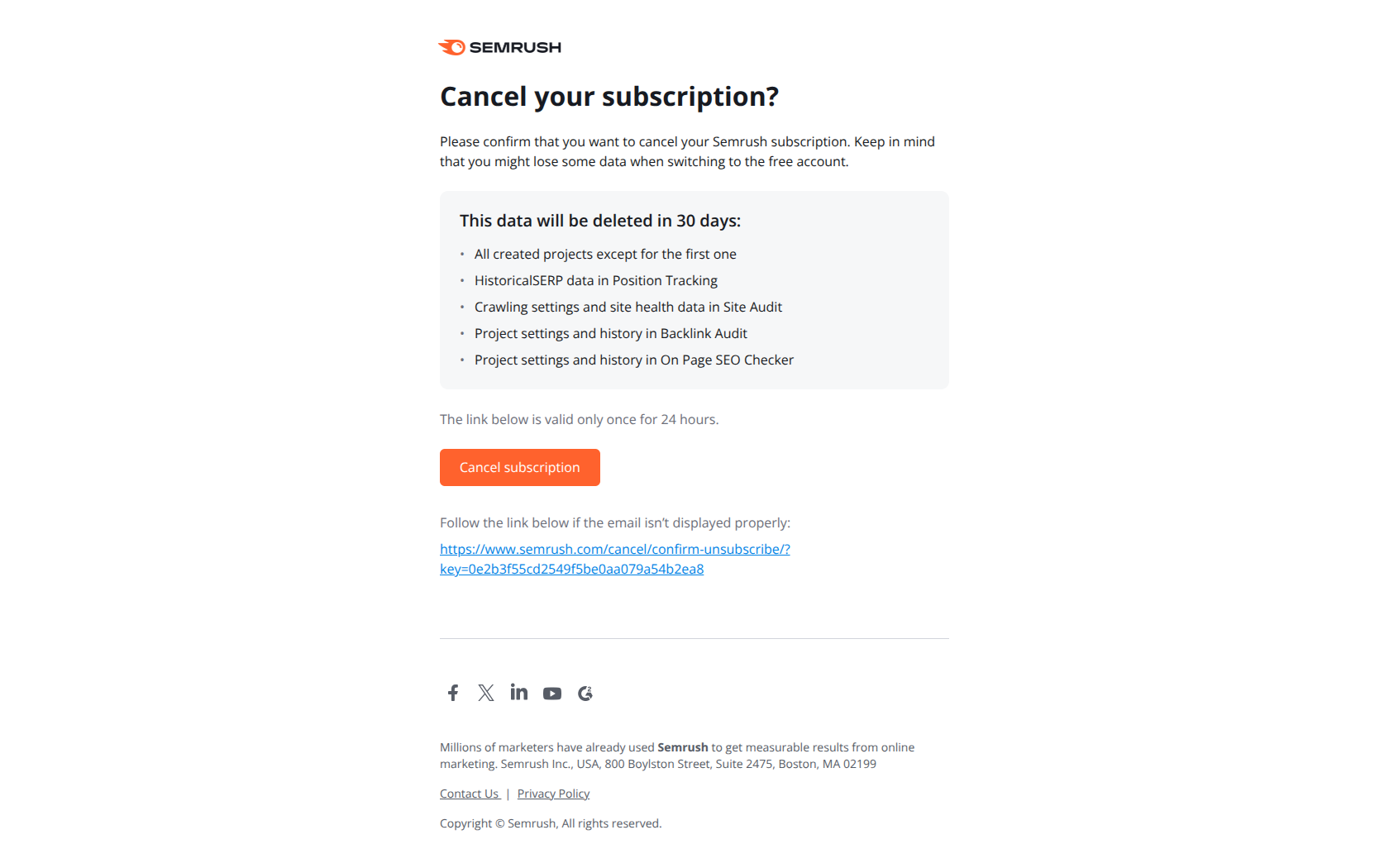
Subject line: Confirm cancellation of your Semrush subscription
Semrush names the action in the subject rather than pleading. There’s no “wait!” and no discount — just the confirmation the user asked for, plus a single-use link with a time limit. The body does the persuasion quietly, in bullets: specific project data disappears after 30 days. That framing works because it arrives after the user’s intent has been respected, not instead of it. A customer who has already decided to leave is maximally sensitive to manipulation, and a subject line that fights them confirms every suspicion they had about your product.
The pattern: meet users in their stated intent, then reframe the cost. Confirm the cancellation they asked for, and let the consequences — data, deadlines, specific losses — carry the argument instead of the copy.
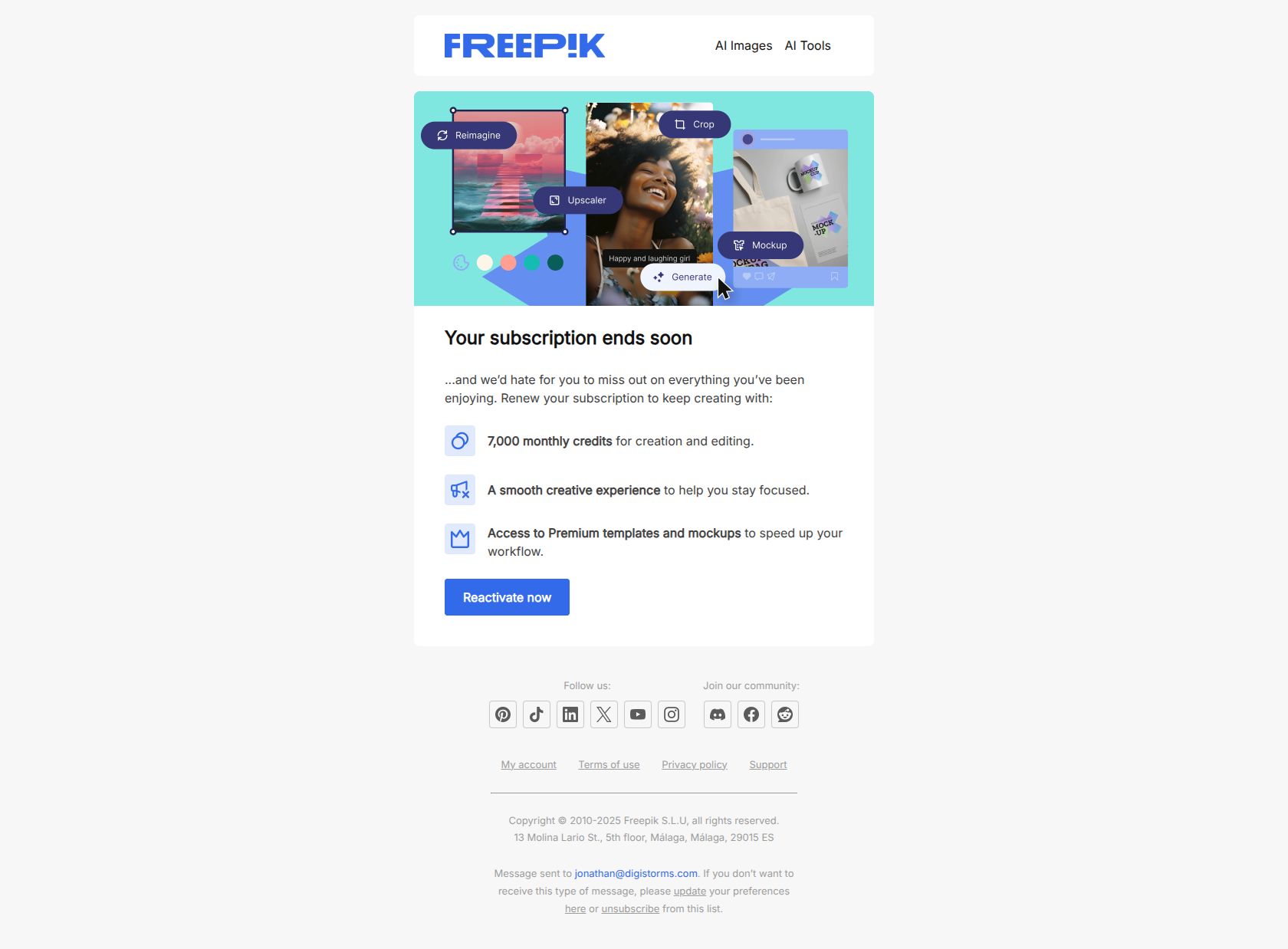
Freepik — “Sure you want to leave us?”
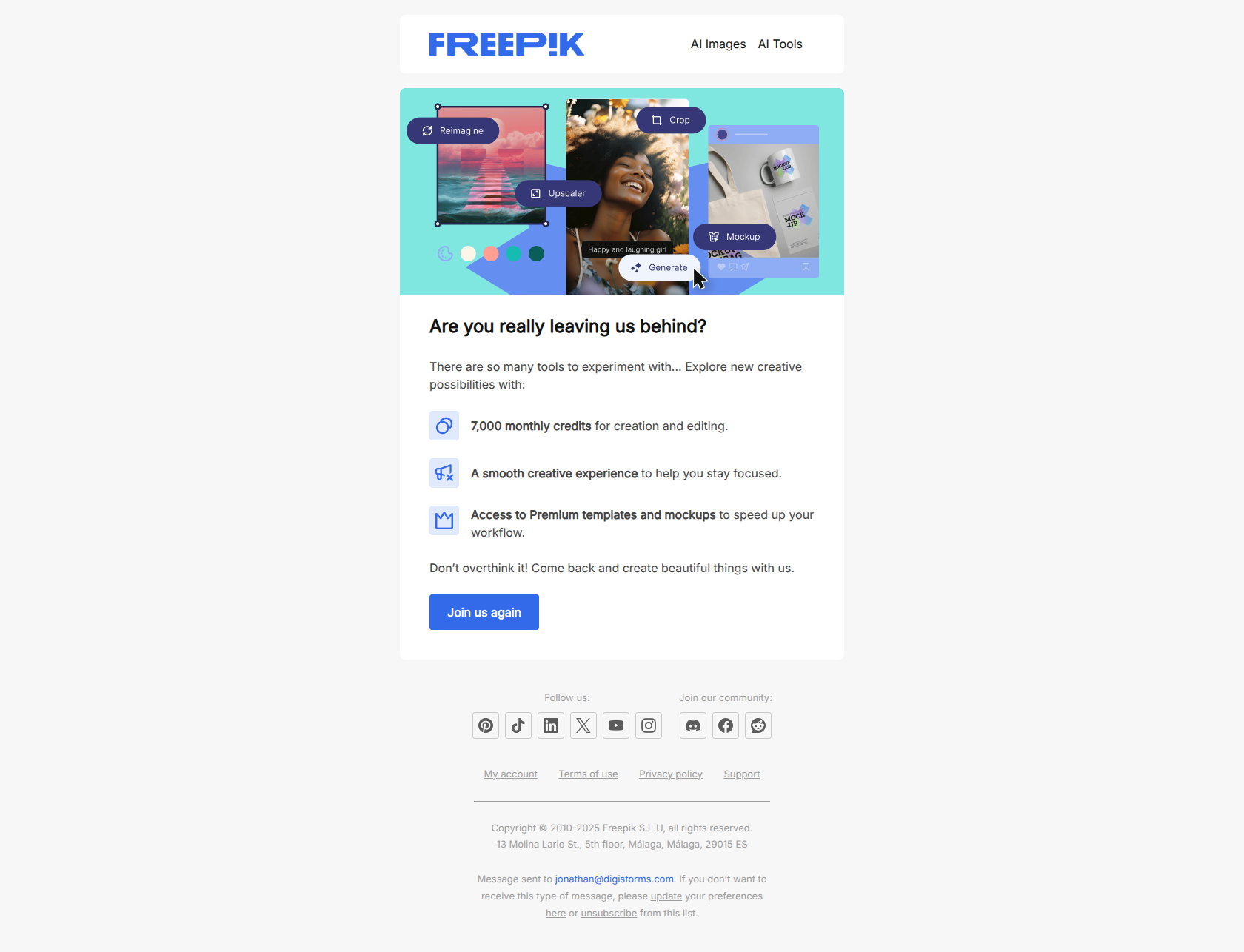
Subject line: Sure you want to leave us?
Freepik takes the opposite tack and asks a direct question. It works for one reason: the question comes before the offer. A subject line that leads with a discount (“50% off if you stay!”) tells the user exactly what the email is and gets filed as a sales pitch. A question creates a half-second of genuine hesitation, and the body then makes the case with concrete value — 7,000 monthly credits, premium templates — rather than a bribe. The risk is real, though: this pattern only lands if the answer is allowed to be “yes, I’m sure.” If the cancel flow is buried behind three more screens, the goodwill evaporates.
The pattern: doubt before offer. Prompt the re-evaluation with a question, then supply the value case — but keep the exit one click away or the whole email reads as a hostage negotiation.
Stage 2 — Receipt the cancellation (immediately after)
The cancellation is processed. This email is the one users actually open, because they need proof the charge has stopped. It’s the highest-attention message in the entire sequence.
Lucid — ”✅ You have successfully canceled your subscription”
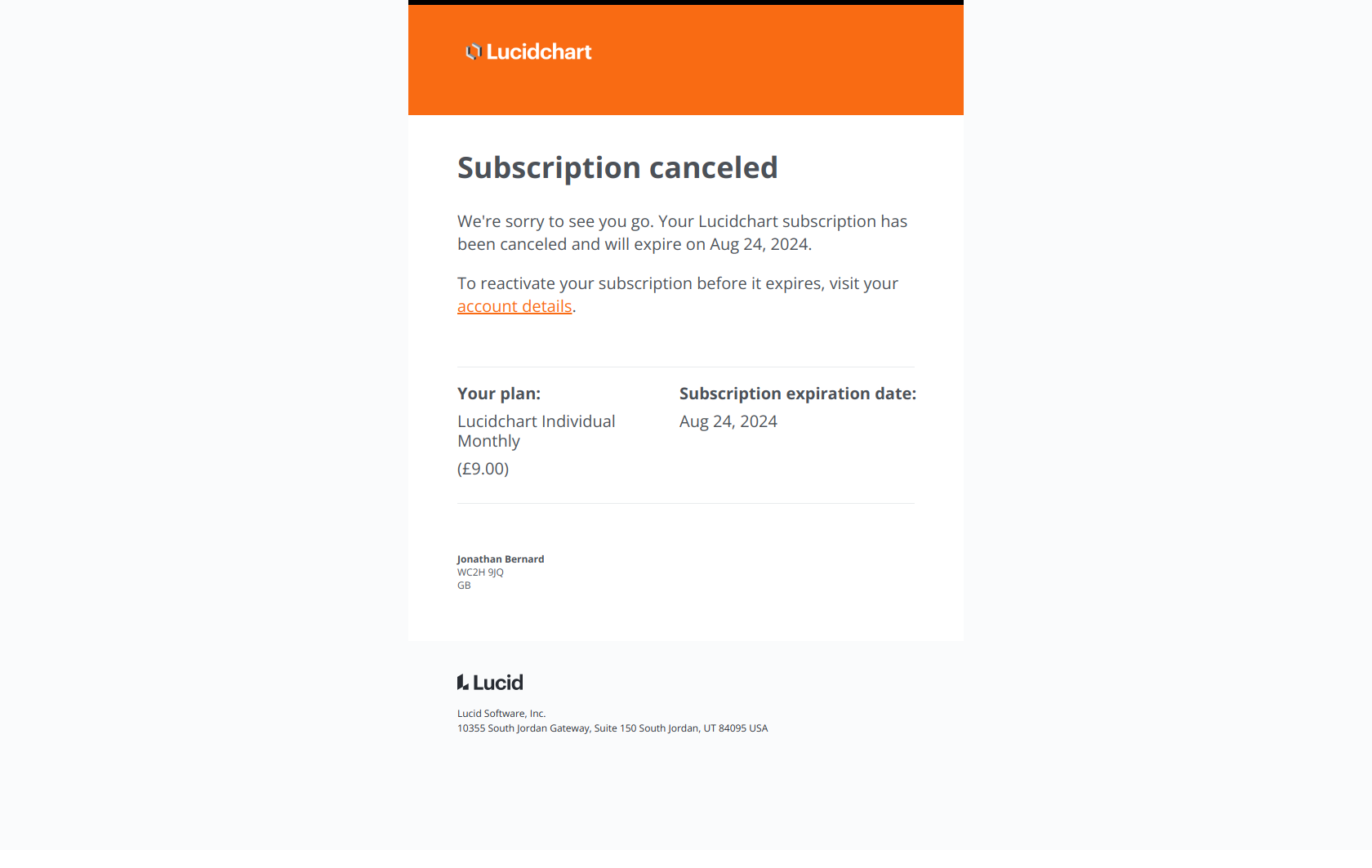
Subject line: ✅ You have successfully canceled your subscription
The checkmark does a lot of work. It signals completed action, which is precisely what an anxious cancelling user is scanning for — confirmation that the billing has actually stopped and they don’t need to chase support. Because the email delivers that reassurance immediately, the user reads the rest: plan type, cost, expiration date, and a reactivation link that’s present but not pushy. The reactivation offer converts because it isn’t the point of the email.
The pattern: confirm before you convert. Deliver the receipt the user came for in the subject line, then place the return path underneath — an offer inside a genuinely useful email outperforms an offer disguised as one.
Pipedrive — “Your Pipedrive subscription has been cancelled”
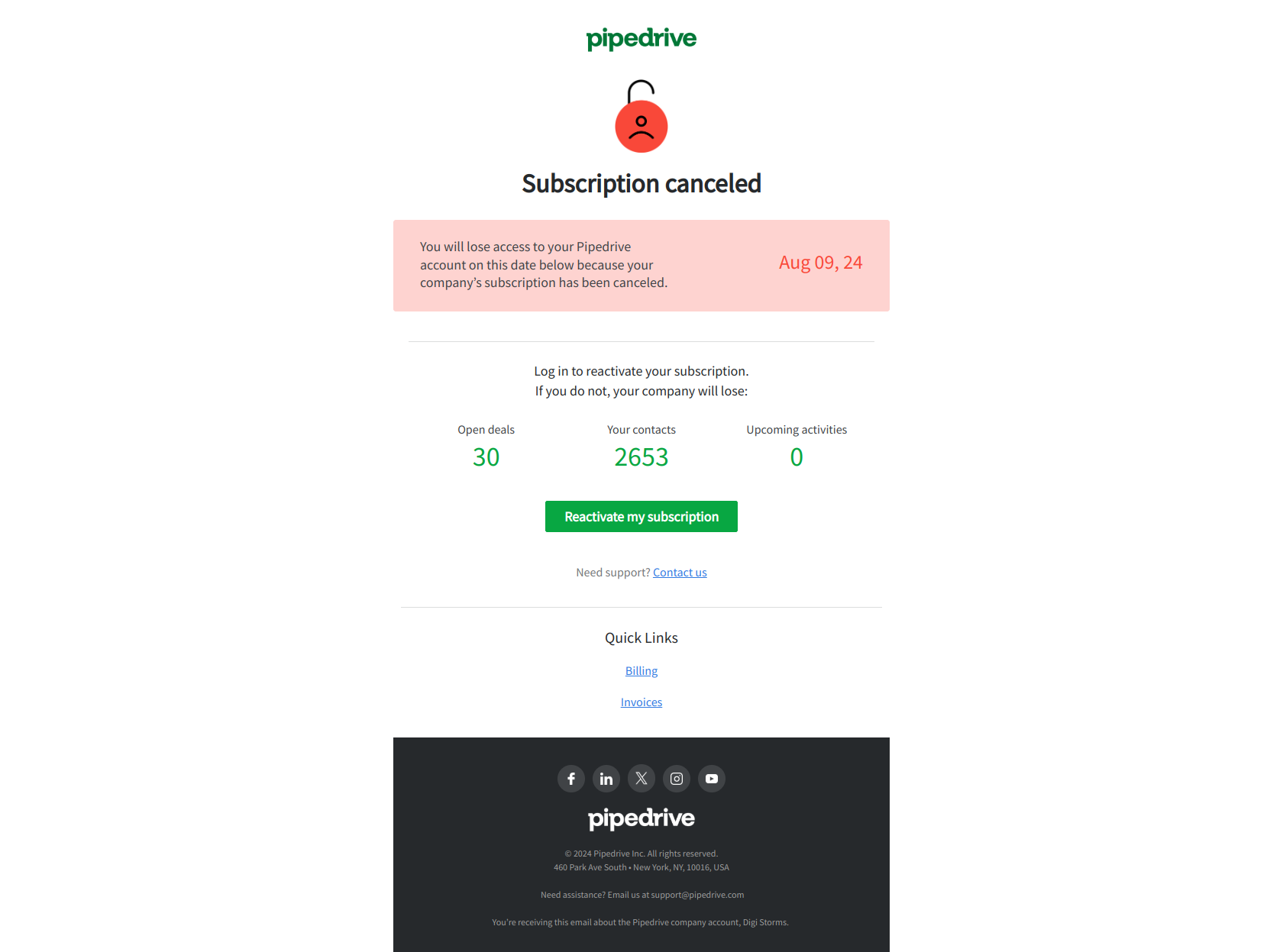
Subject line: Your Pipedrive subscription has been cancelled
Pipedrive’s receipt leads with the concrete loss: access to deals and contacts ends on a specific date. That’s a very different email from “sorry to see you go.” For a CRM, the sunk cost isn’t the subscription — it’s years of pipeline history the user has typed in themselves. Naming that asset forces a mental calculation (“what happens to my deals?”) that a feature pitch never triggers. The reactivate button sits right next to the date, so the moment the calculation lands, acting on it takes one click.
The pattern: quantify the sunk cost, then put the escape route beside it. Lead with the asset at risk — data, contacts, configurations — and make reactivation reachable in the same eyeline.
Freepik — “Your subscription renewal has been canceled”
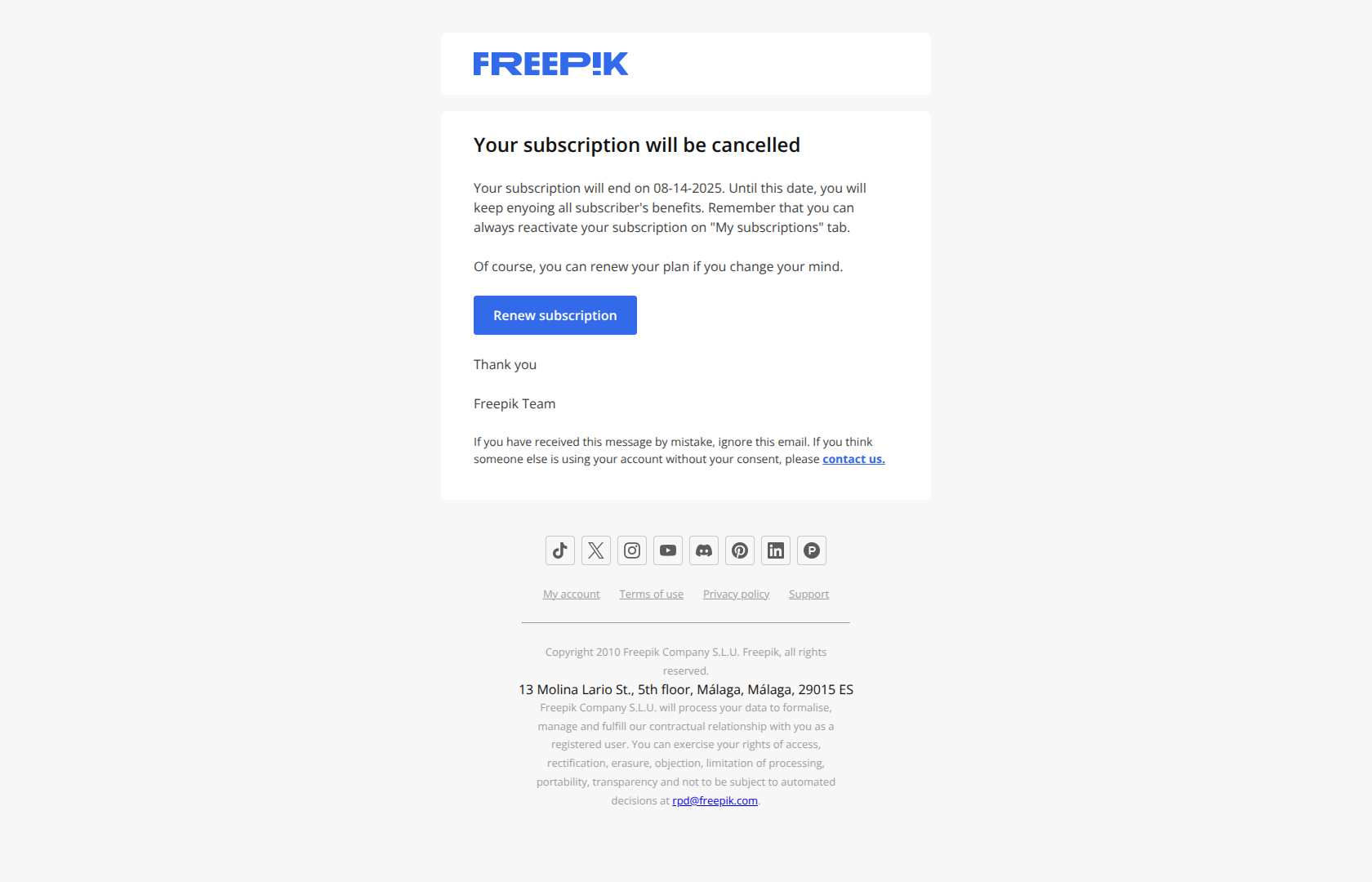
Subject line: Your subscription renewal has been canceled
This is the subtler variant: the renewal is cancelled, not the subscription. The distinction matters because the user still has full access until the period ends, and the email says so explicitly. Reassurance up front (“you keep everything until [date]”) removes the panic that makes people demand refunds, and it converts the remaining paid days into a live re-evaluation window rather than a dead countdown. Most billing systems send a single generic message for both events; separating them is close to free and reads far more competent.
The pattern: separate “renewal off” from “access ended.” Reassure the user about what they still have, name the date they lose it, and let the remaining period do the selling.
Stage 3 — The access deadline (between cancellation and cut-off)
The account still works. This window — usually days or weeks — is where the highest reactivation rates live, and where most SaaS companies send nothing at all.
Adobe — “Your service will end on 18-August-2025 (PT)”
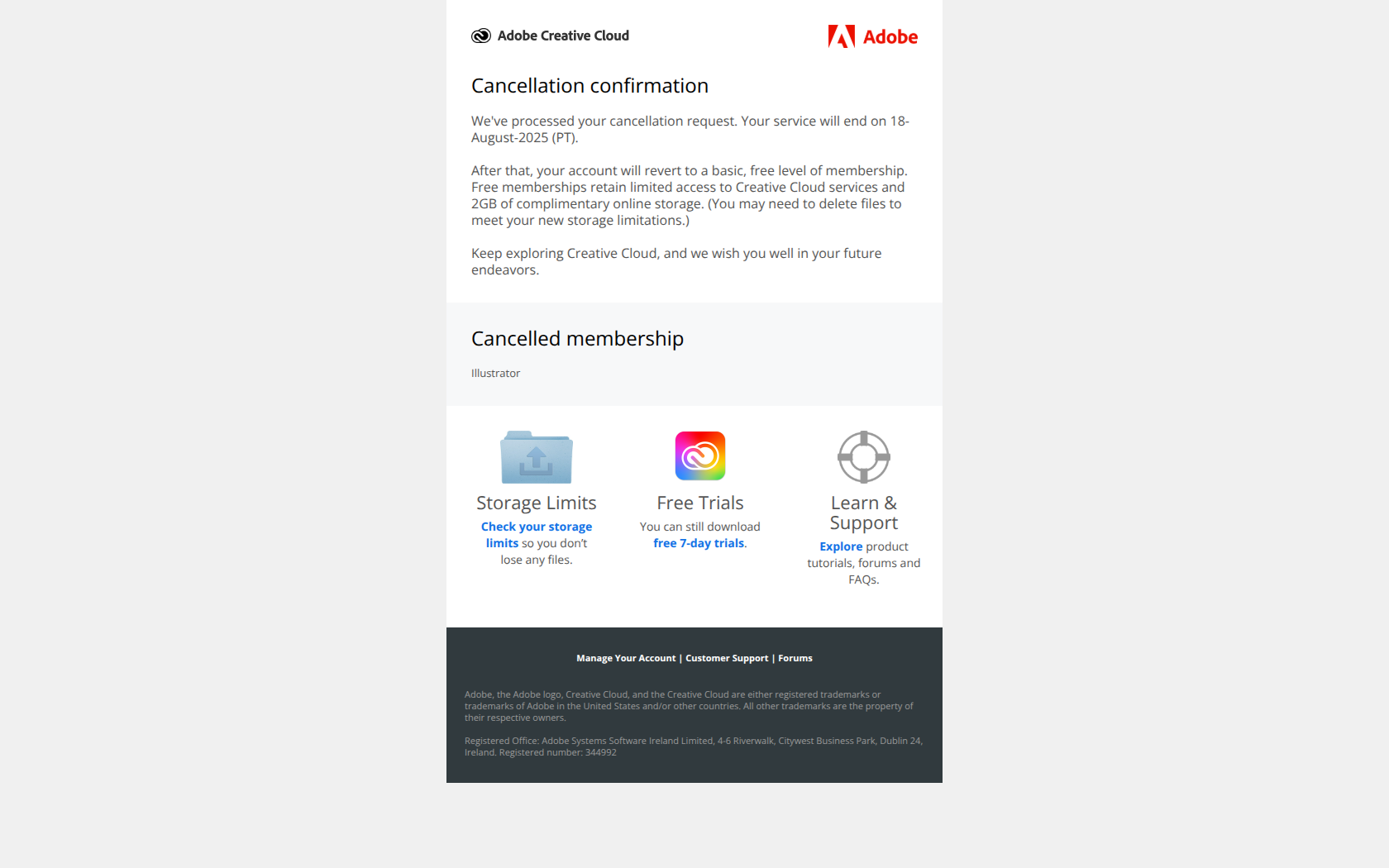
Subject line: Your service will end on 18-August-2025 (PT)
No “we miss you,” no percentage off — just a date, down to the time zone. That specificity is what earns the open: the subject line reads as account administration rather than marketing, so it survives the delete-on-sight filter that every win-back email fights. The user opens to verify a fact about their own account, and only then encounters the renewal path. Emotional appeals get pattern-matched to spam; calendar facts don’t.
The pattern: specific expiration date over emotional appeal. In the deadline window, write like the billing system and let the date create the urgency your adjectives can’t.
Pipedrive — “Last chance to save your Pipedrive data”
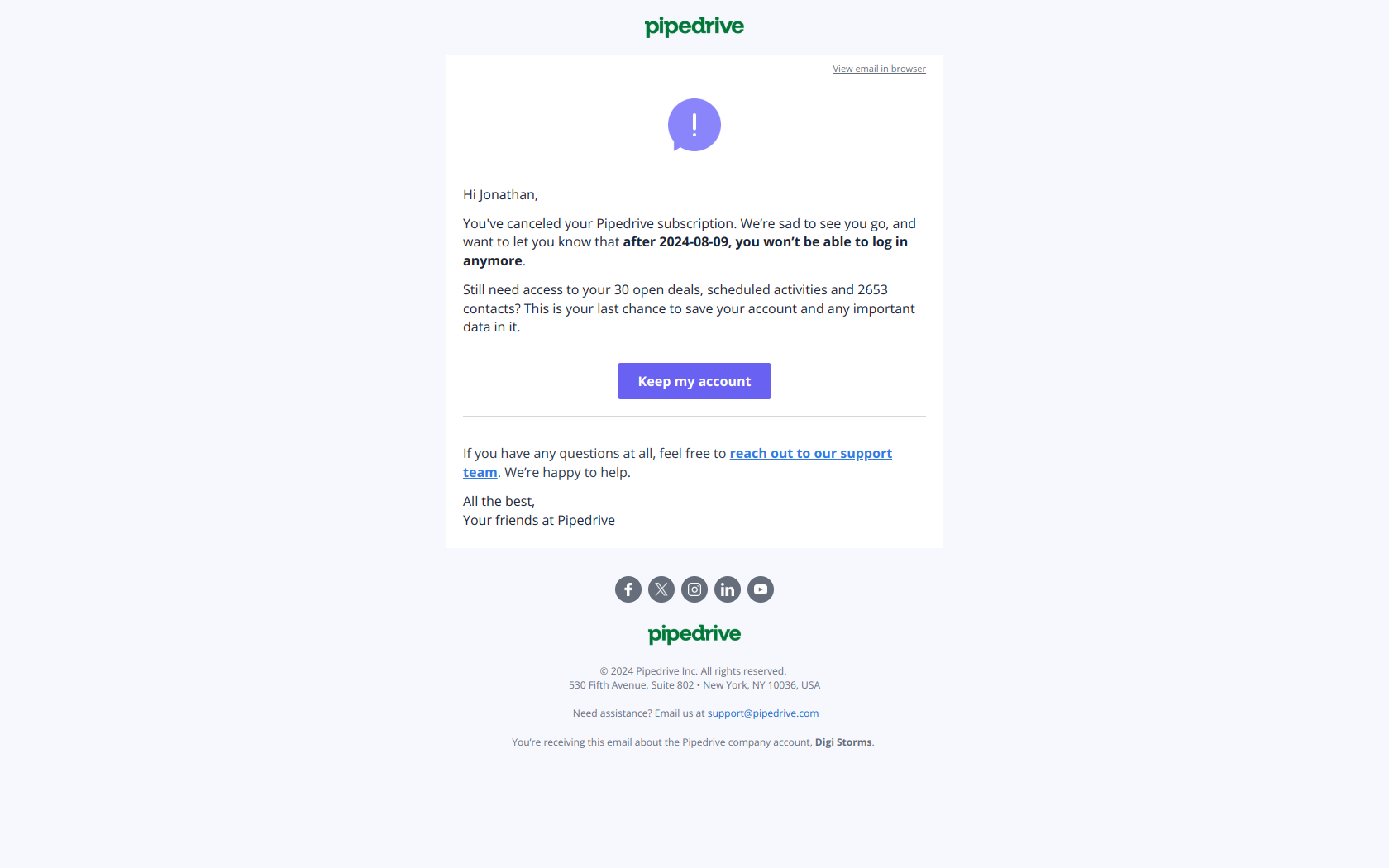
Subject line: Last chance to save your Pipedrive data
The final email in the window anchors on data loss, not on the product. That’s a deliberate reframe: “do I want Pipedrive?” is a question the user has already answered no to, while “do I want to lose my contacts, deals and scheduled activities?” is an entirely different question they haven’t considered. The email doesn’t argue the value proposition again — it just points at the irreversible consequence and offers two ways out: keep the account alive, or talk to support. Note that this works honestly only if the data really is deleted; hollow deadlines train users to ignore you.
The pattern: threat to assets over threat to pride. When the product pitch has already failed, switch the subject of the email from your software to the user’s work — and only claim a deadline you’ll actually enforce.
Stage 4 — The downgrade receipt (paid → free)
Not every cancellation is an exit. Users who drop to a free tier are still customers, and the downgrade email is your only chance to make the reduced limits land as a felt loss.
Loom — “Digistorms has been downgraded to Loom Starter”
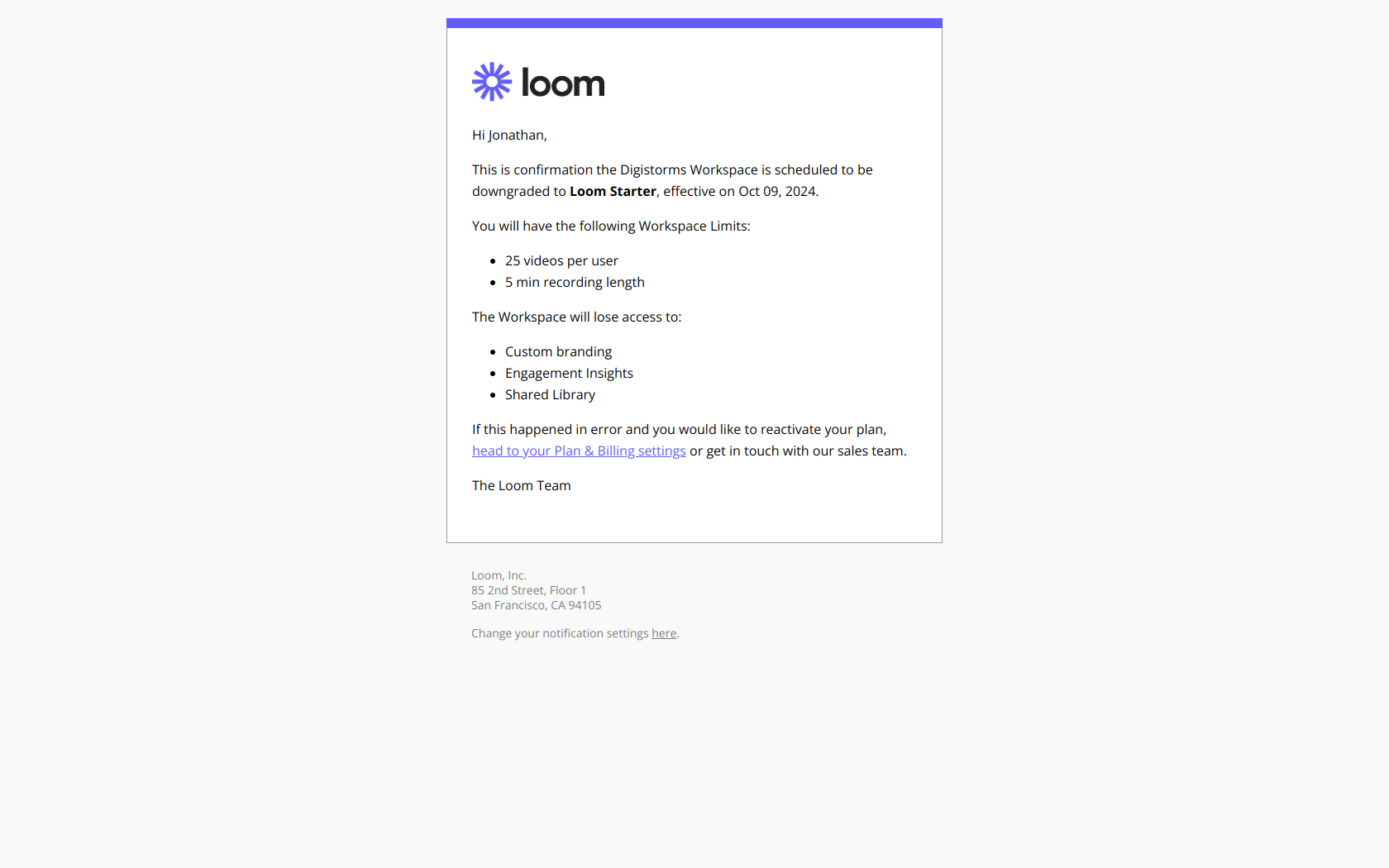
Subject line: Digistorms has been downgraded to Loom Starter
Loom refuses to soften it. The subject names the workspace, the direction (downgraded) and the destination tier — no “your plan has been updated” euphemism. The body then itemises the new limits and the features being removed, so the cost is concrete before the user hits it mid-task next week. This is the opposite of a courtesy note: it’s a deliberate confrontation with the trade-off the user just made, followed by a one-click path to reverse it. The “in case this was a mistake” framing gives that reversal a face-saving reason.
The pattern: name the pain before offering the solution. State the downgrade plainly, list what’s gone, then offer reactivation — a user who feels the loss now converts far better than one who discovers it later.
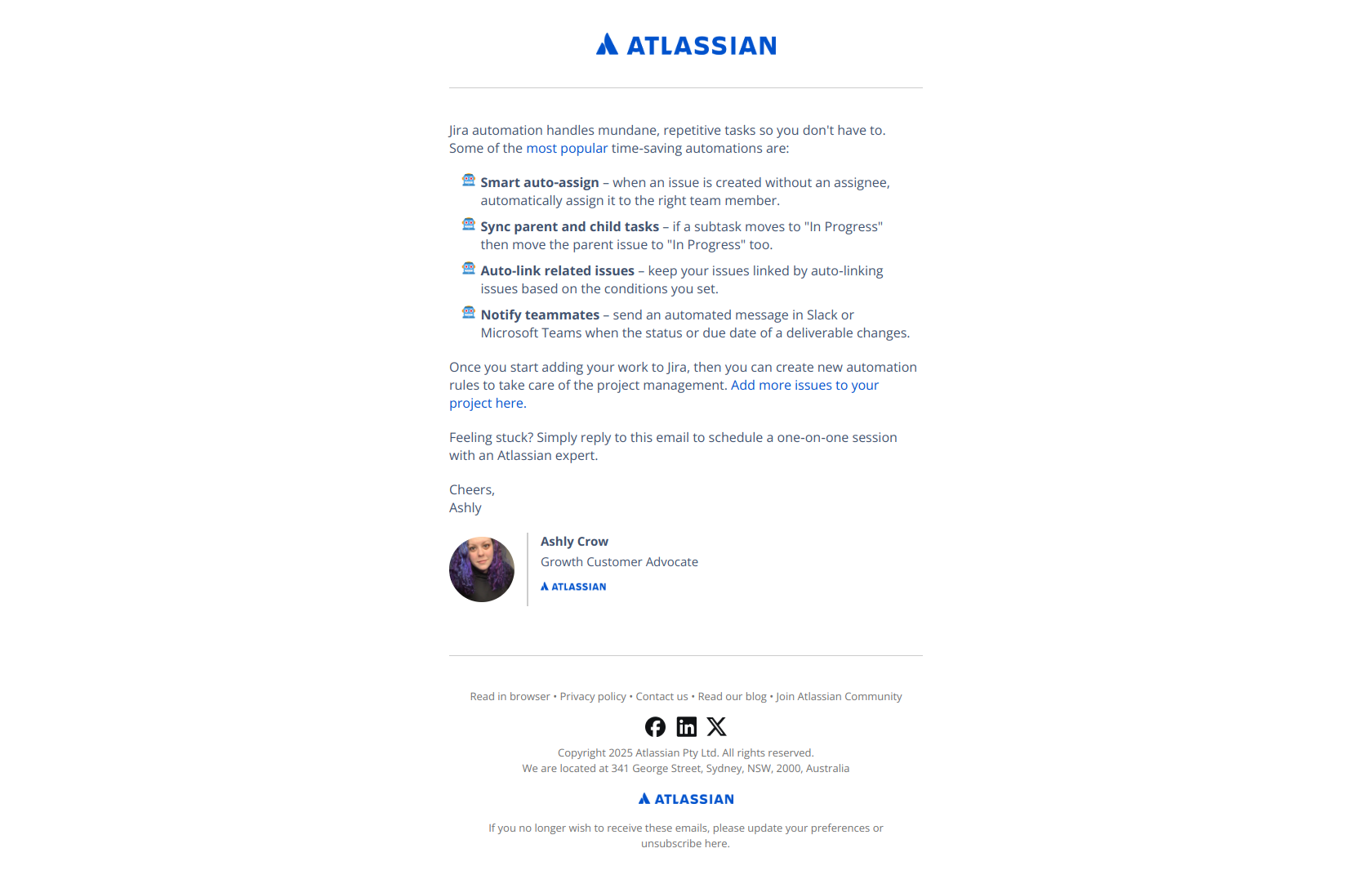
Jira — “We’ve switched you to the Jira Free plan”
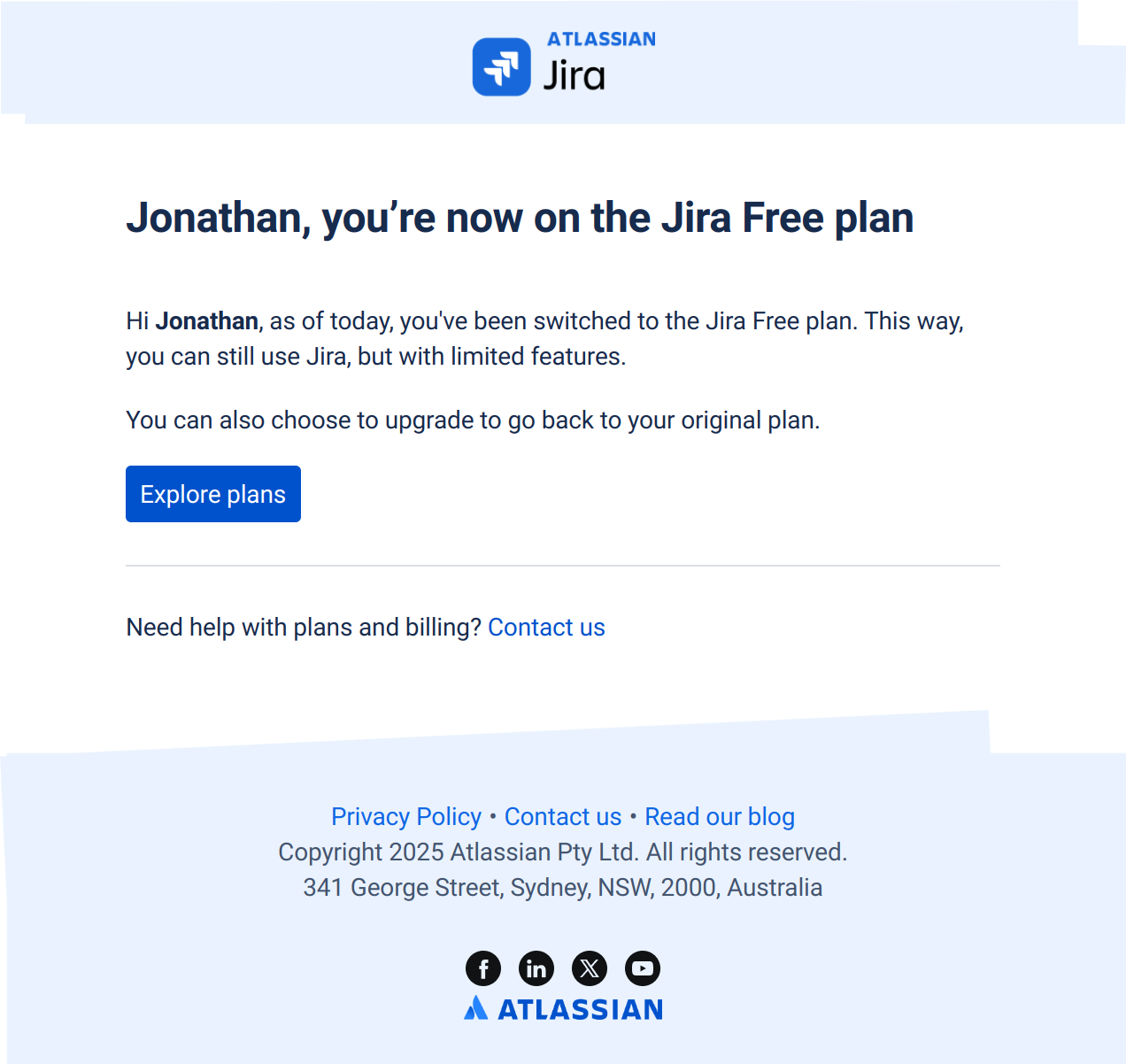
Subject line: We’ve switched you to the Jira Free plan
Jira lands the same message with a softer hand. The subject states a completed action rather than asking for anything, which is why users who have mentally checked out still open it — it reads as “here’s what happened,” not “here’s what we want from you.” The plan comparison and the upgrade options come after that acknowledgement, so they present as genuine alternatives rather than a plea. Compared with Loom’s confrontation, this is the version to reach for when the downgrade is expected and you want to preserve the relationship for a later expansion.
The pattern: confirm the exit before offering the return path. Acknowledge the user’s decision as done, then let the upgrade options sit as information rather than pressure.
Dropbox — “We reverted your Dropbox account”
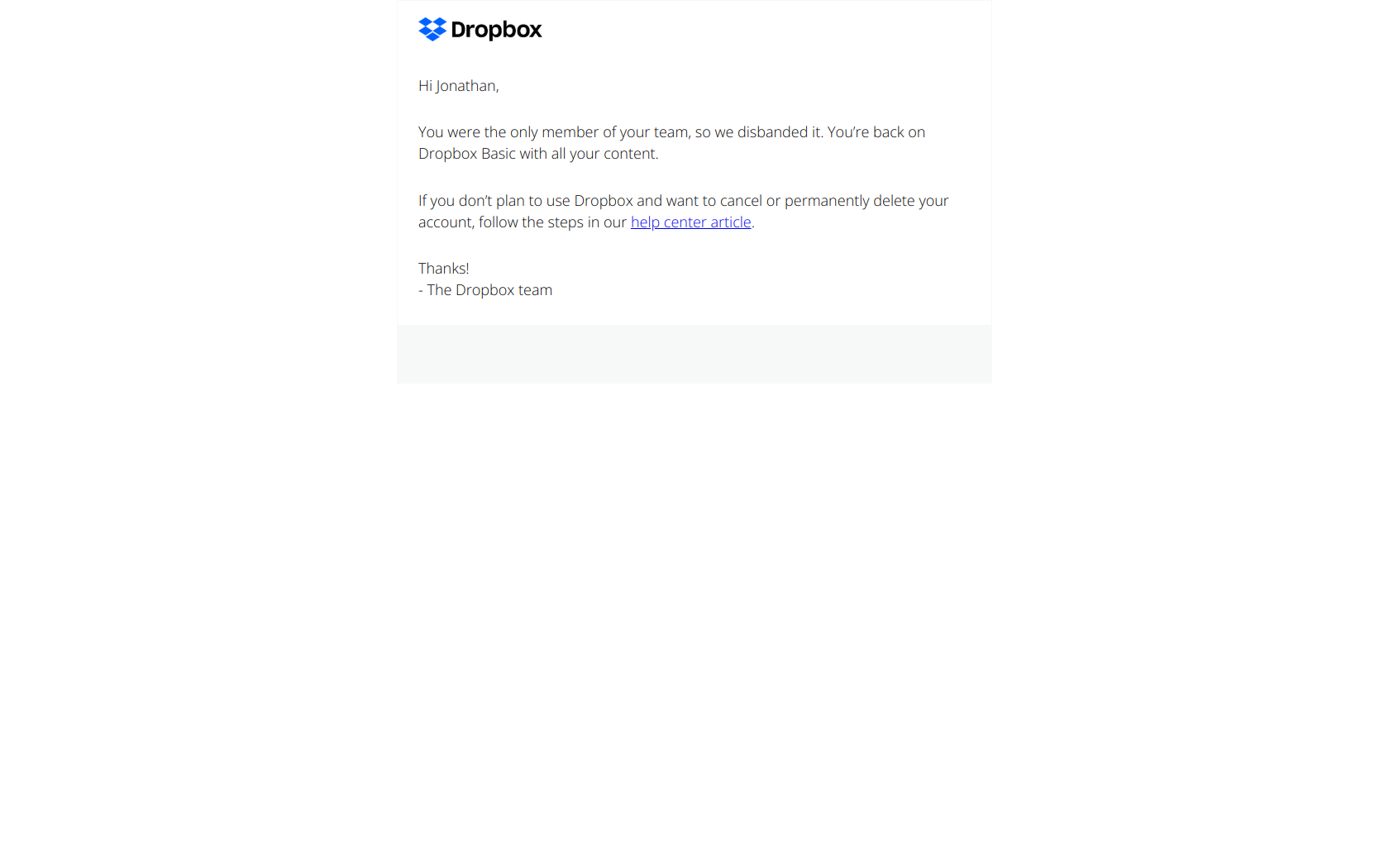
Subject line: We reverted your Dropbox account
The past tense is the whole trick. “We reverted” tells the user something has already changed about their account, and account-state changes are the one category of email people open immediately — nobody risks ignoring a message about access to their own files. Dropbox pairs that urgency with the reassurance that matters most in a storage product (“your content is intact”) and links to next steps. It’s a template for any automatic, system-initiated downgrade: the user didn’t ask for this, so the email has to explain the change and defuse the panic in the first two lines.
The pattern: past tense for account-state changes. When the system acted, say so plainly, then immediately answer the only question the user has — what happened to my stuff?
The cancellation sequence, at a glance
Every example above maps to one of four jobs. Use this as the skeleton for your own flow:
| Stage | Trigger | Job | Subject-line formula | Example |
|---|---|---|---|---|
| 1. Confirm intent | User clicks cancel | Verify the decision, price the loss | Name the action, not the plea | Semrush, Freepik |
| 2. Receipt | Cancellation processed | Prove billing stopped, state the end date | Completed action + plan facts | Lucid, Pipedrive, Freepik |
| 3. Access deadline | Days before cut-off | Convert the last high-intent window | The date, plainly | Adobe, Pipedrive |
| 4. Downgrade receipt | Paid → free tier | Make the new limits felt now | The tier change, stated flatly | Loom, Jira, Dropbox |
Three threads run through all four stages.
The decision gets acknowledged first. Semrush confirms, Lucid receipts, Jira states the switch — and only then does the return path appear. Emails that invert the order, leading with a save offer, get read as manipulation at the exact moment the user is most alert to it.
Specificity replaces persuasion. “18-August-2025 (PT),” “deals and contacts,” “7,000 monthly credits,” “Loom Starter.” None of these emails argue that the product is good; they state precisely what changes and when, and let the user do the arithmetic.
Loss is named at the moment it happens, not after. The strongest downgrade emails itemise the removed limits on day one rather than letting the user hit a wall mid-task three weeks later. The same holds for data deadlines — but only if you enforce them, because a deadline you don’t keep is a lesson to ignore the next one.
Want the raw material behind these patterns? Every screenshot above links to its full entry in the DigiStorms email library — a free, searchable collection of real SaaS lifecycle emails you can study subject line by subject line, then adapt for your own cancellation flow.