
Brand
Figma
Subject line
Tips for designing in Figma
Use case
Onboard Free UserAbout this email
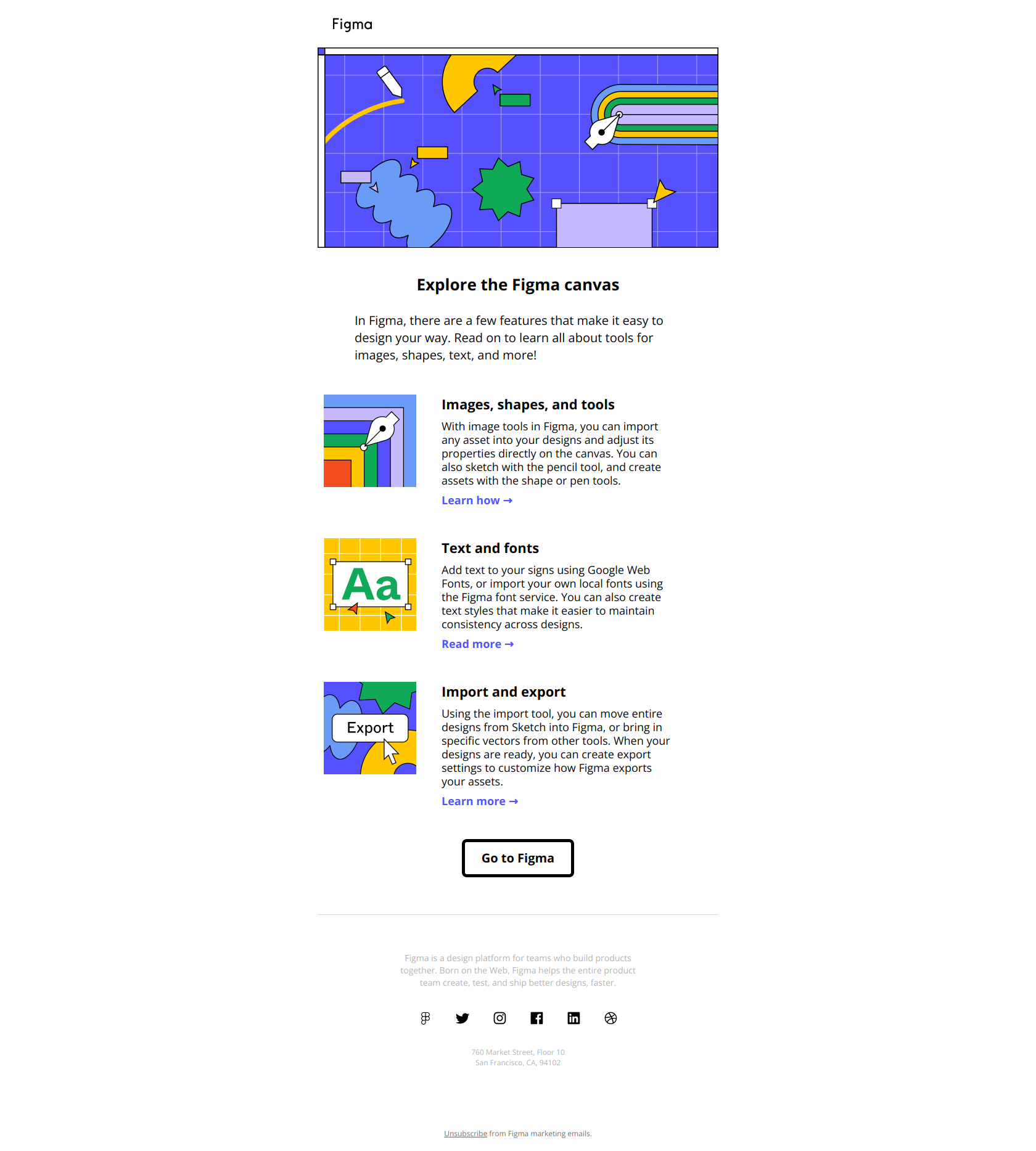
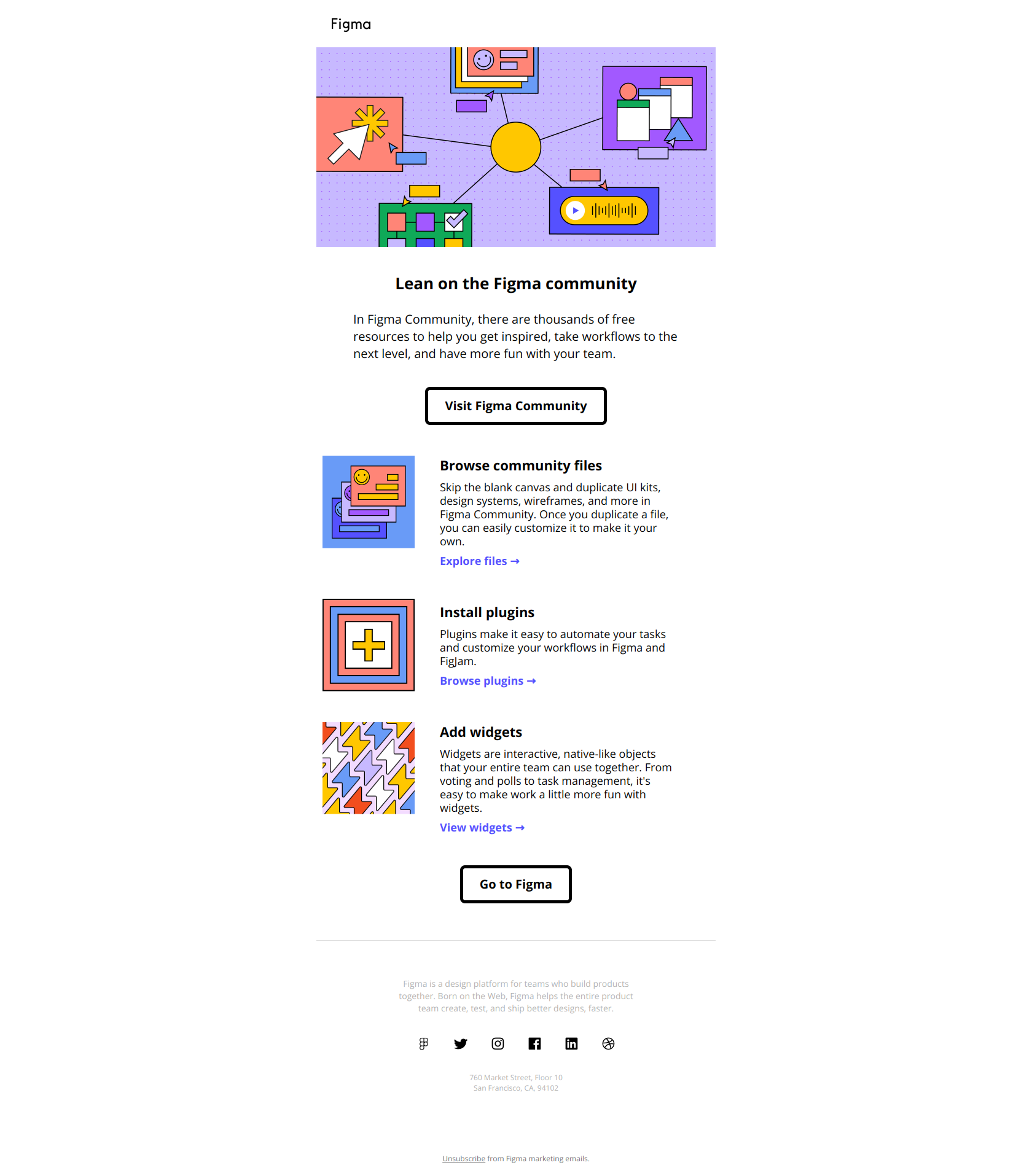
This email serves as an educational touchpoint for Figma users, highlighting key features such as importing assets, creating text styles, and using design tools for images and shapes. It is structured with visually supported sections that link to tutorials and deeper content, encouraging users to explore and learn. The tone is informative and promotional, aimed at empowering users to utilize Figma’s capabilities efficiently within their design workflows.
Figma journey
Why this works
**Why this works.** The subject line names a concrete outcome (tips for designing) rather than announcing a feature drop or product update, so free users open expecting immediate utility instead of a sales pitch. The pattern here is "teach before you sell"; you can lift it for any onboarding sequence where new users need proof that your tool solves their actual workflow problem before they commit time to learning it.
More from Figma
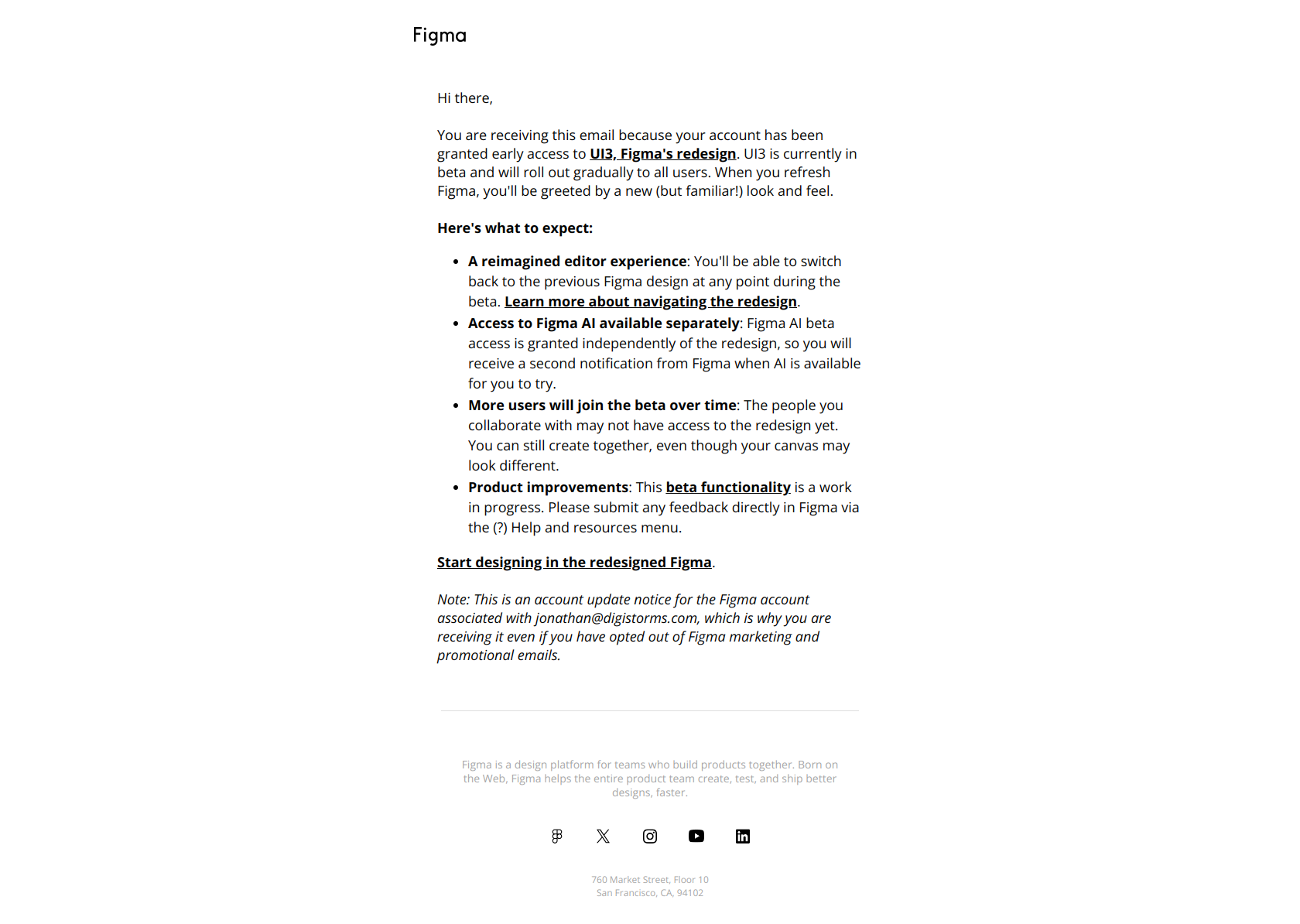
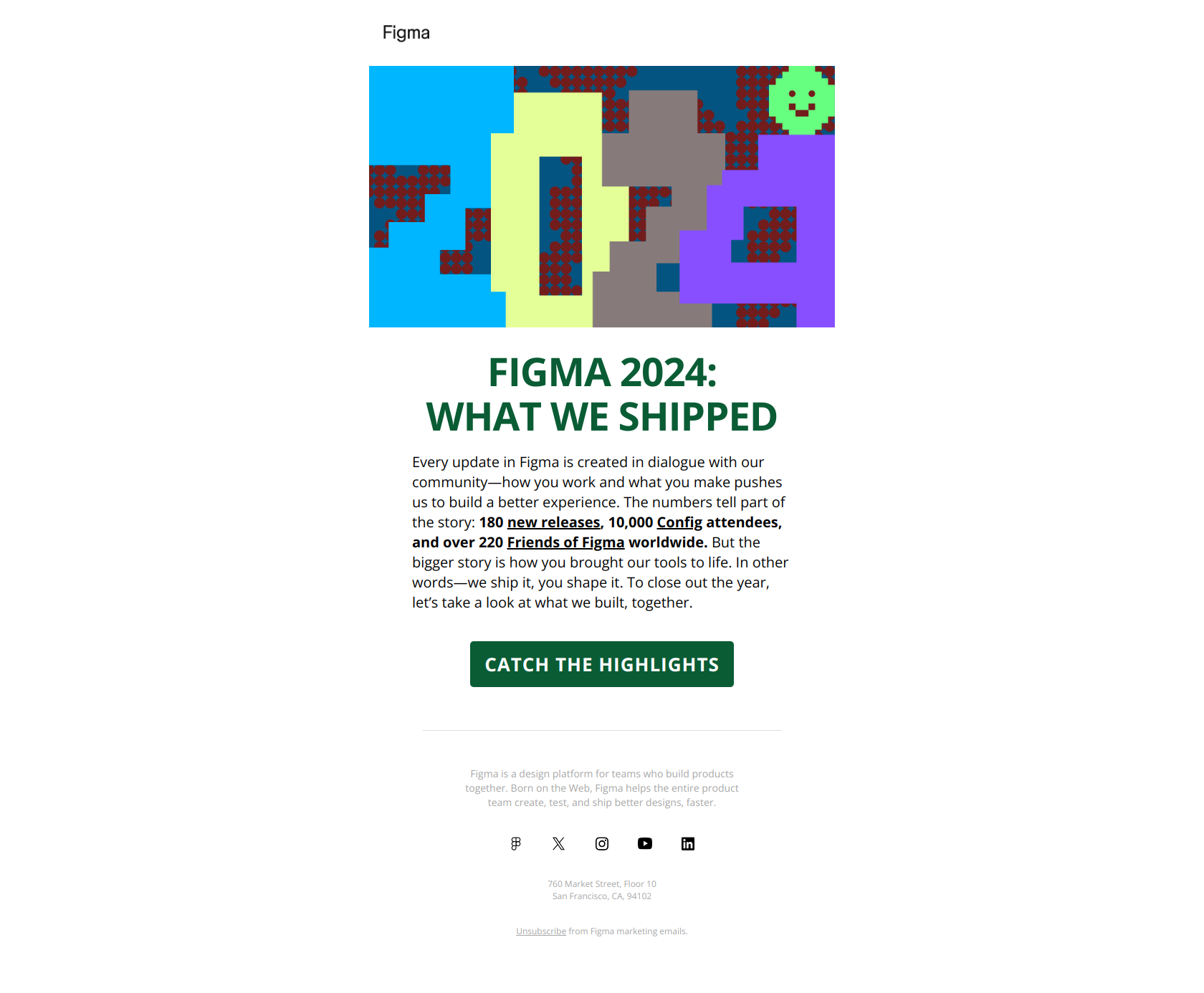
More Onboard Free User emails
Browse all Onboard Free User emails →
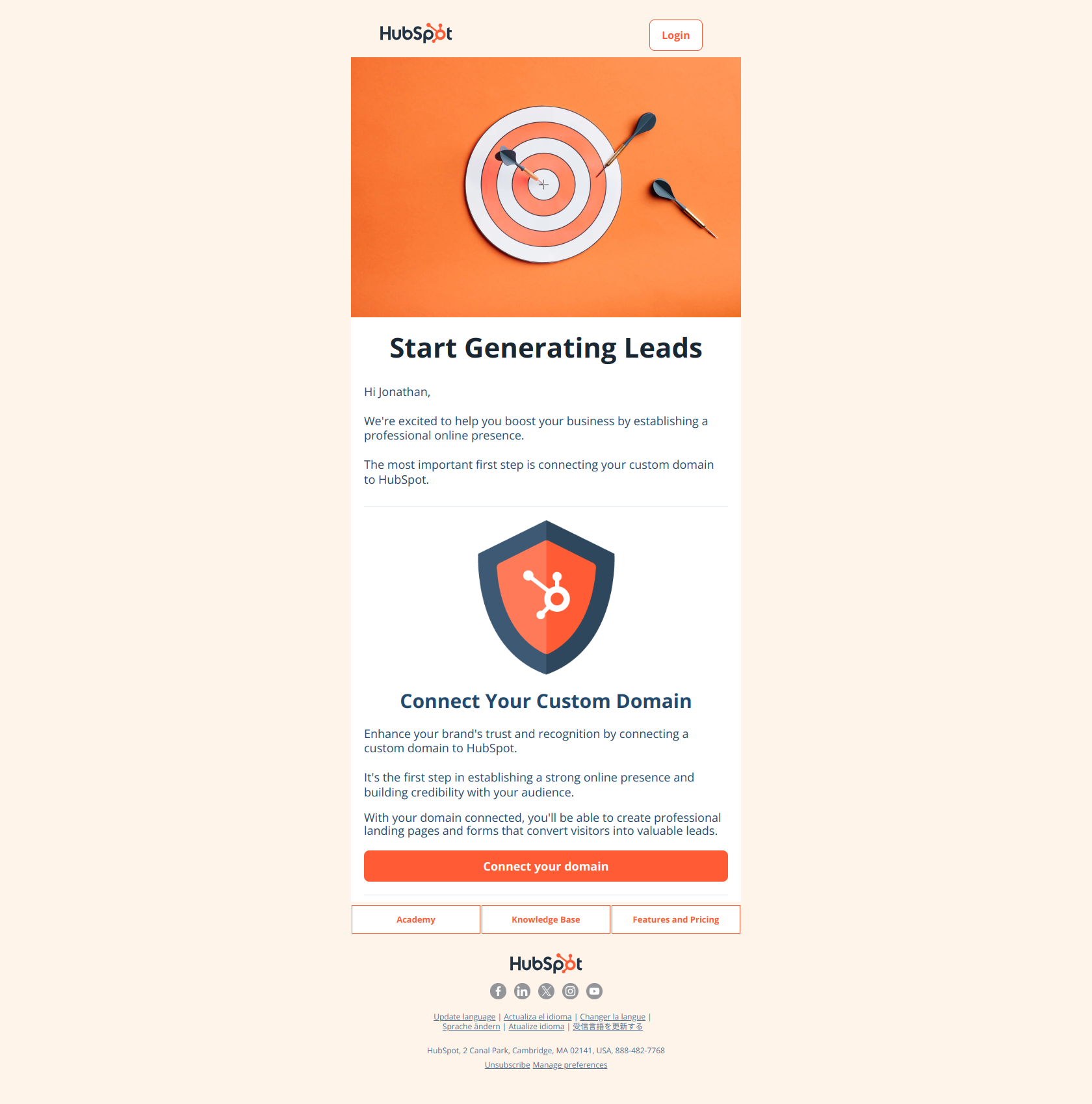
(Step 1) Start generating more leads with your forms and landing pages
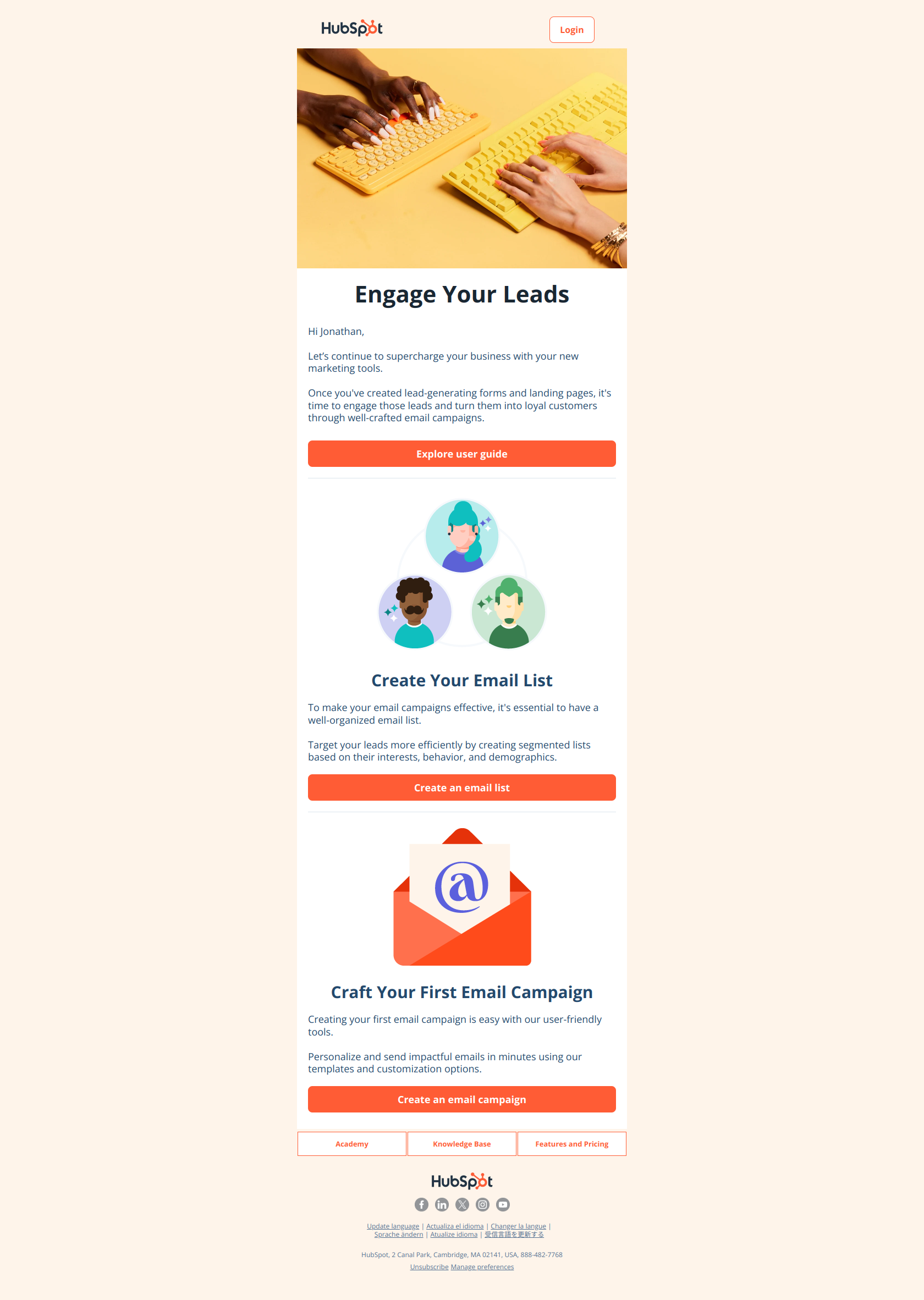
(Step 2) Convert leads into loyal customers with email marketing campaigns
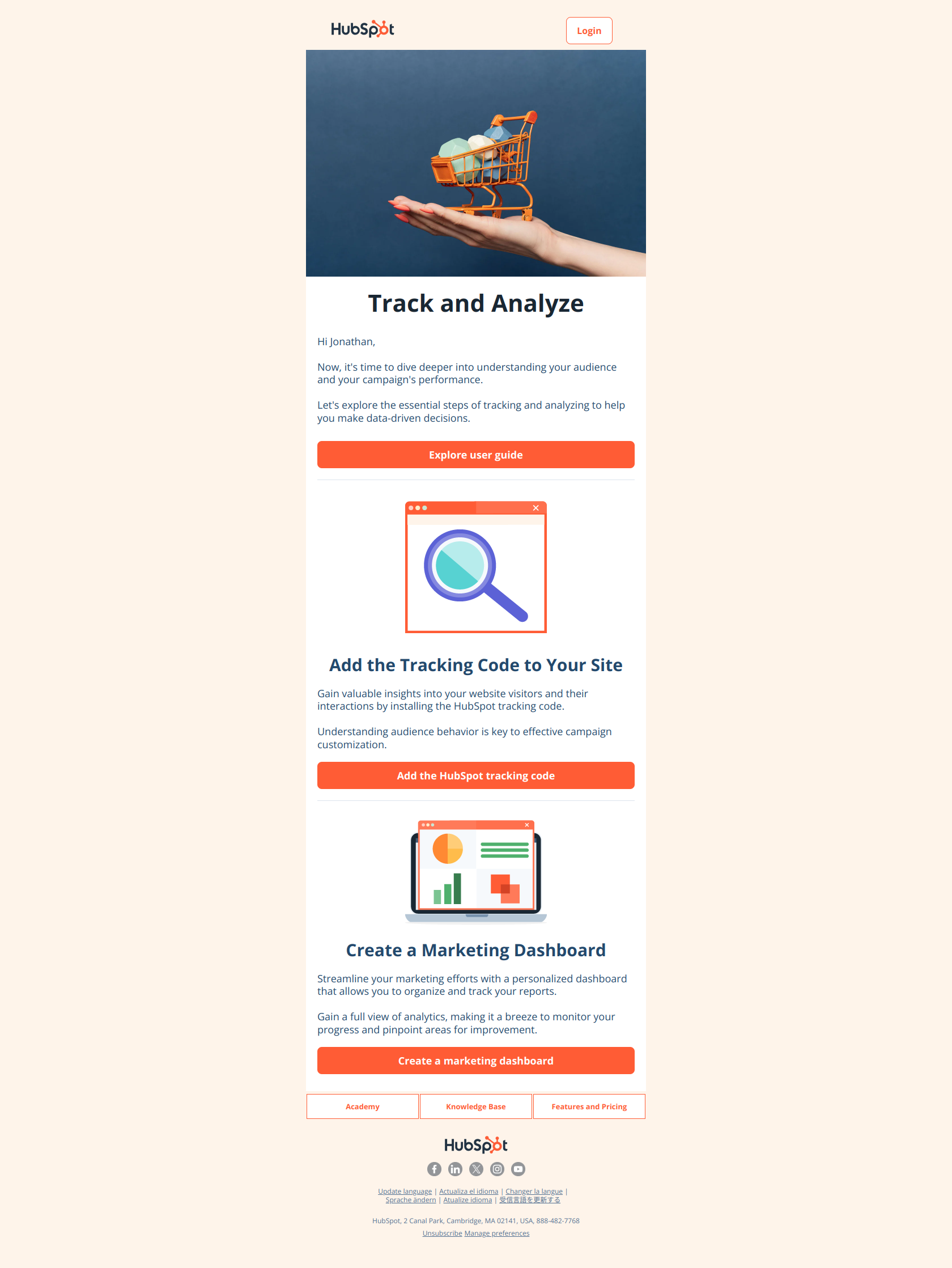
(Step 3) Gain insights and improve results with website tracking and marketing reports
10 hours per week per rep
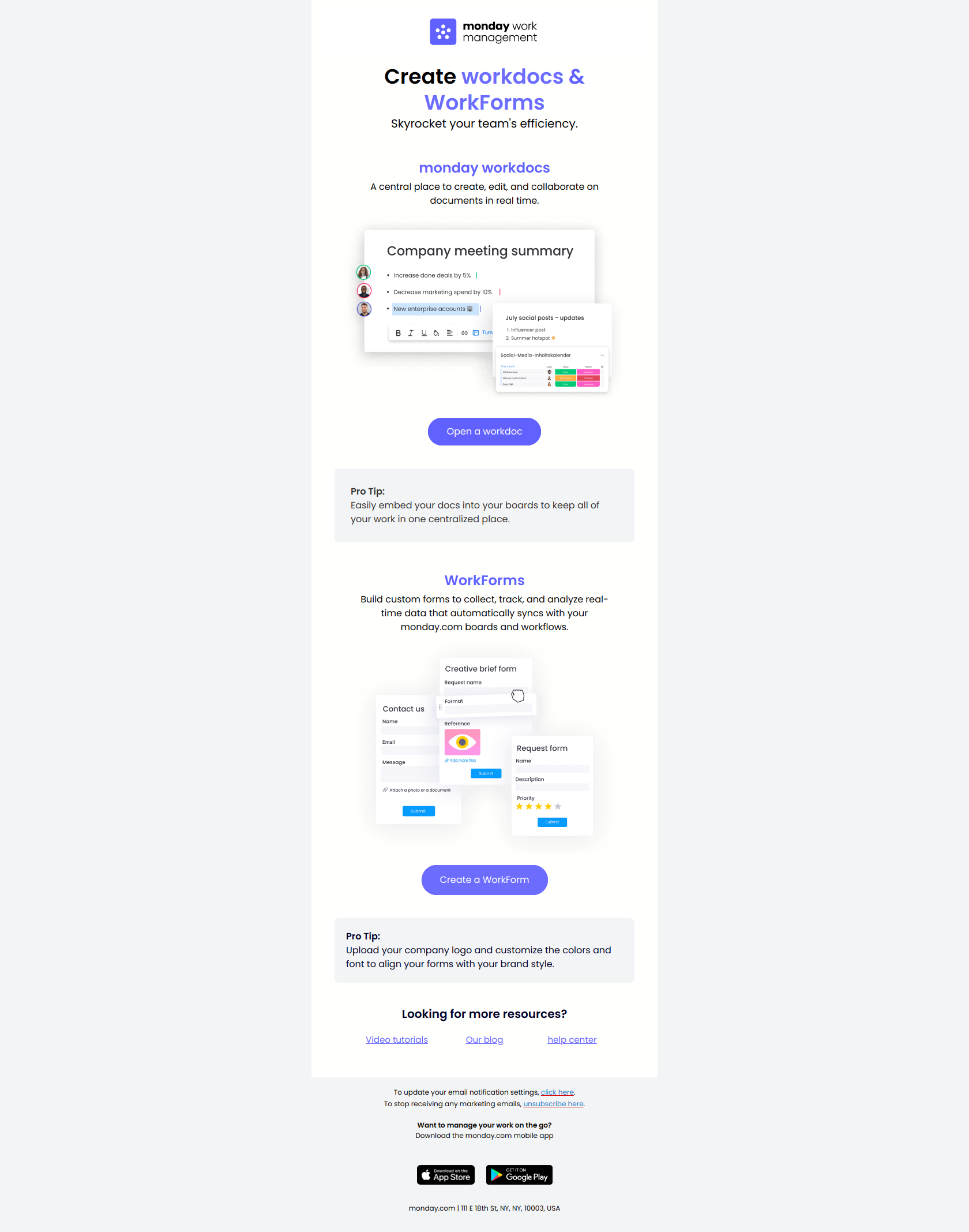
2 key tools to maximize efficiency
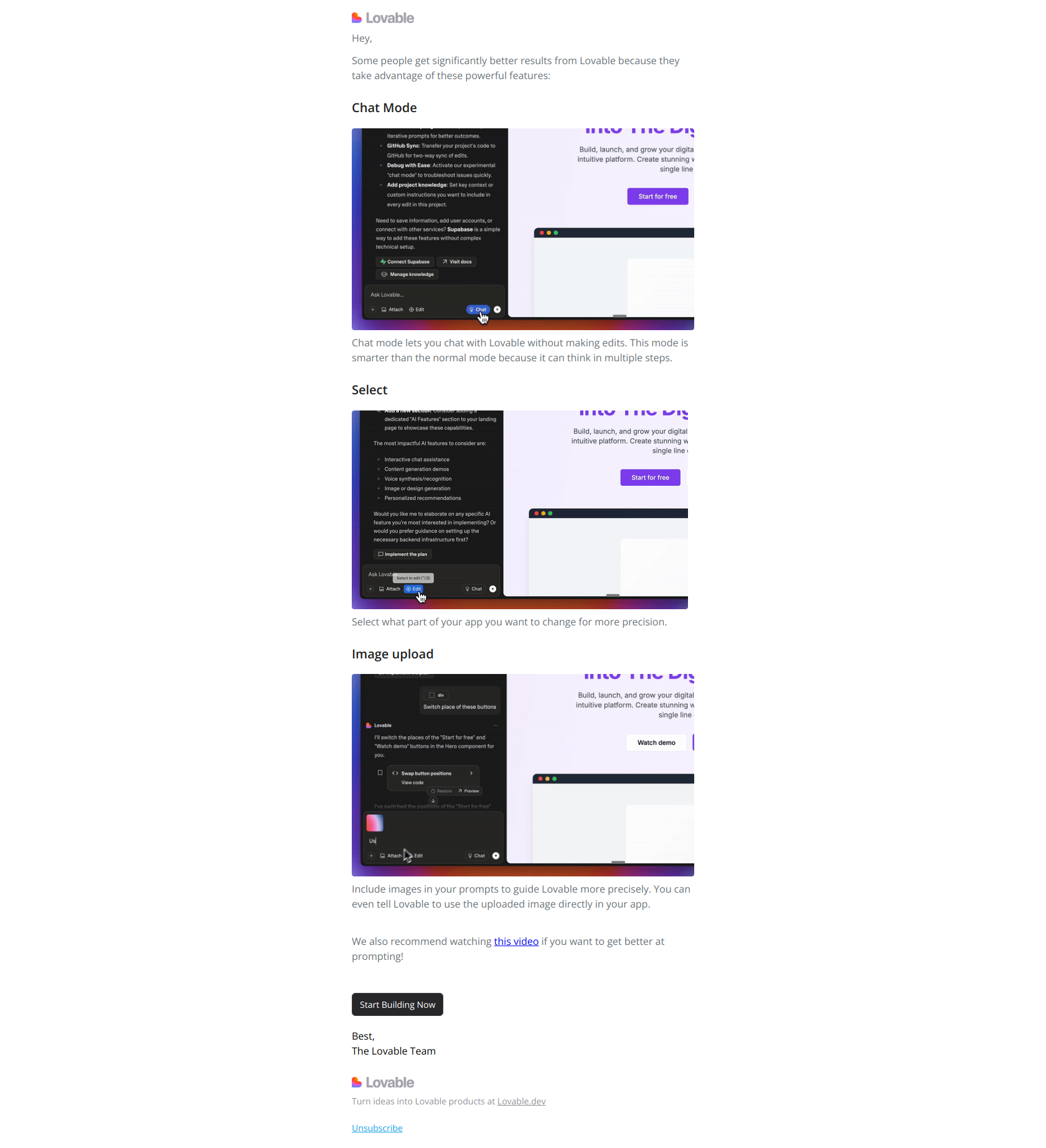
3 tricks to get more value from Lovable