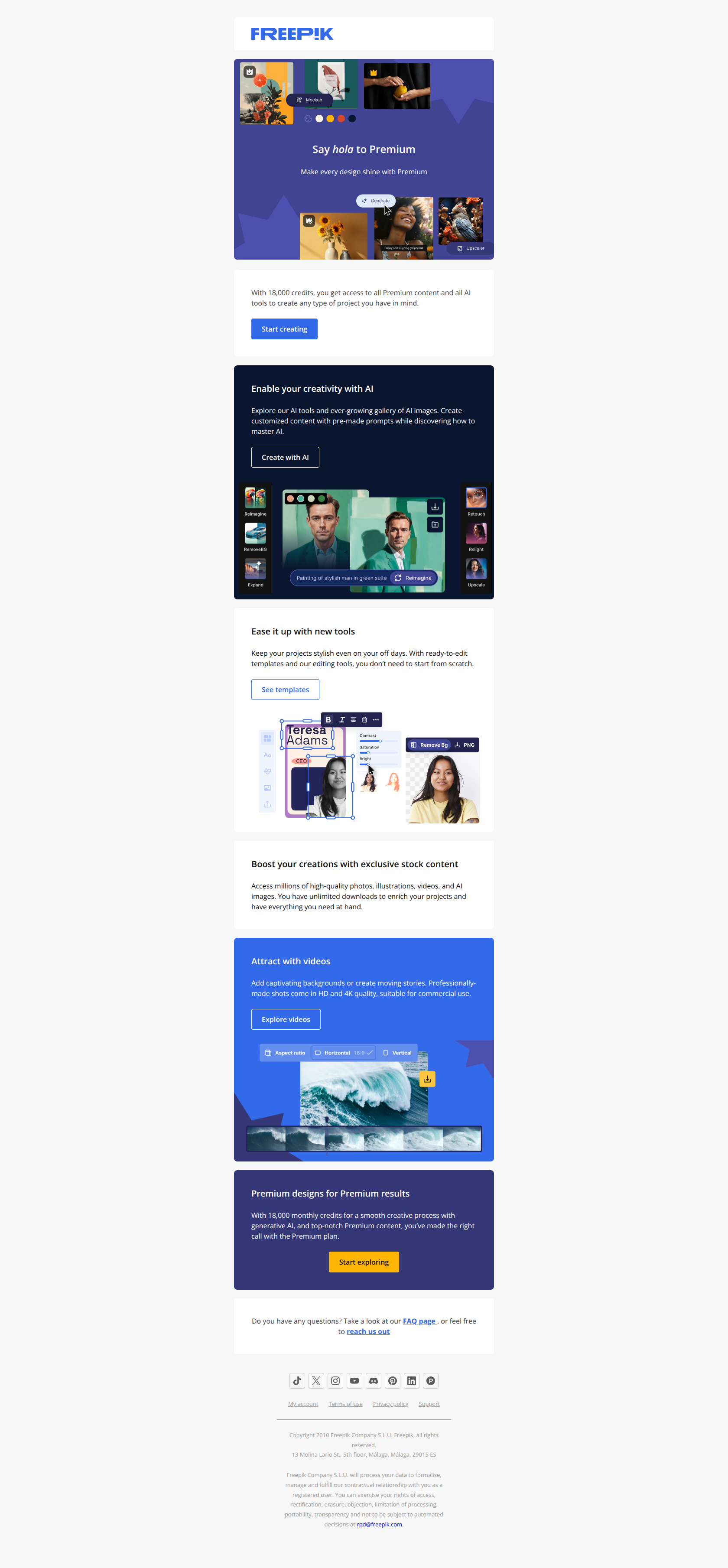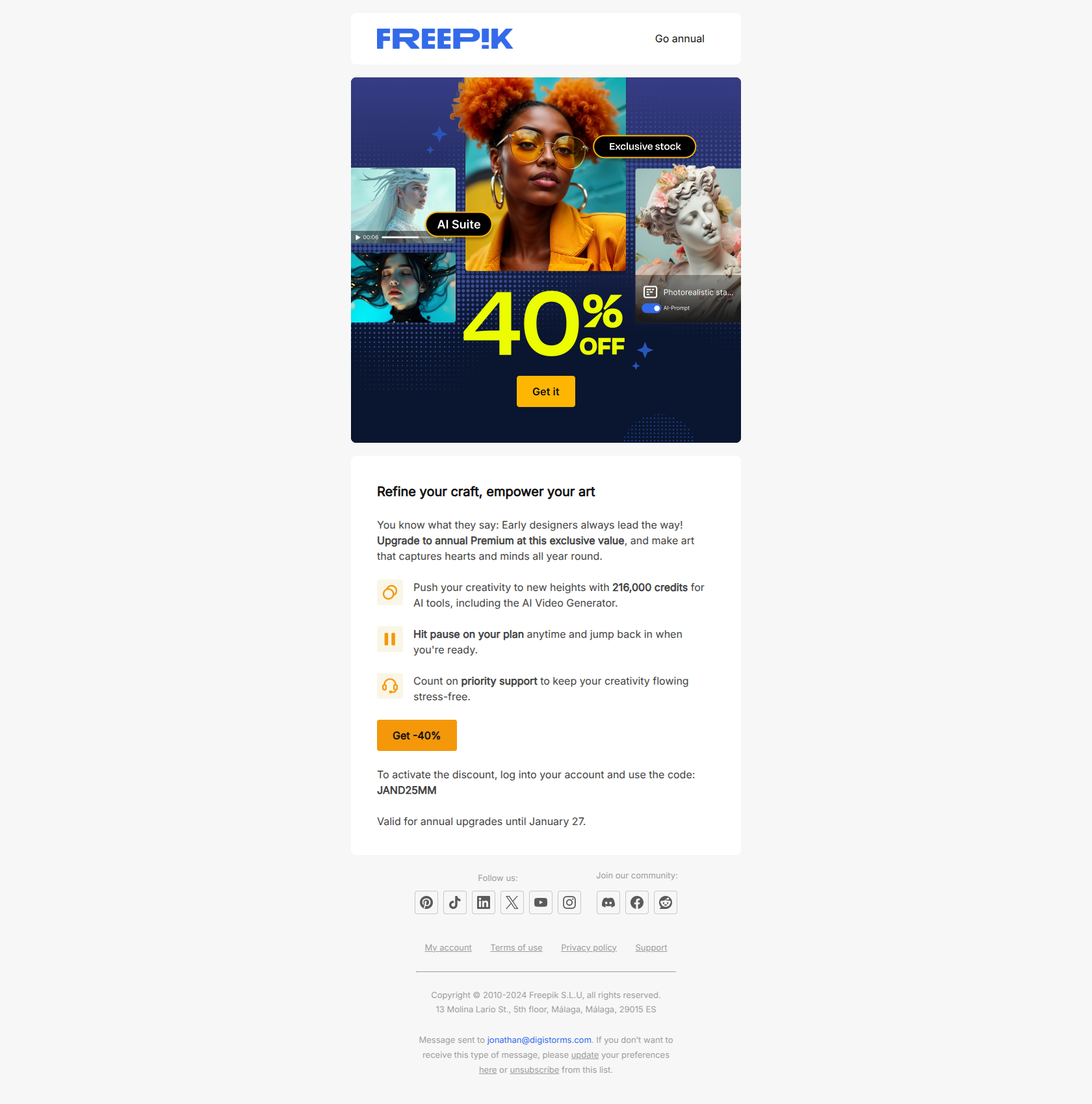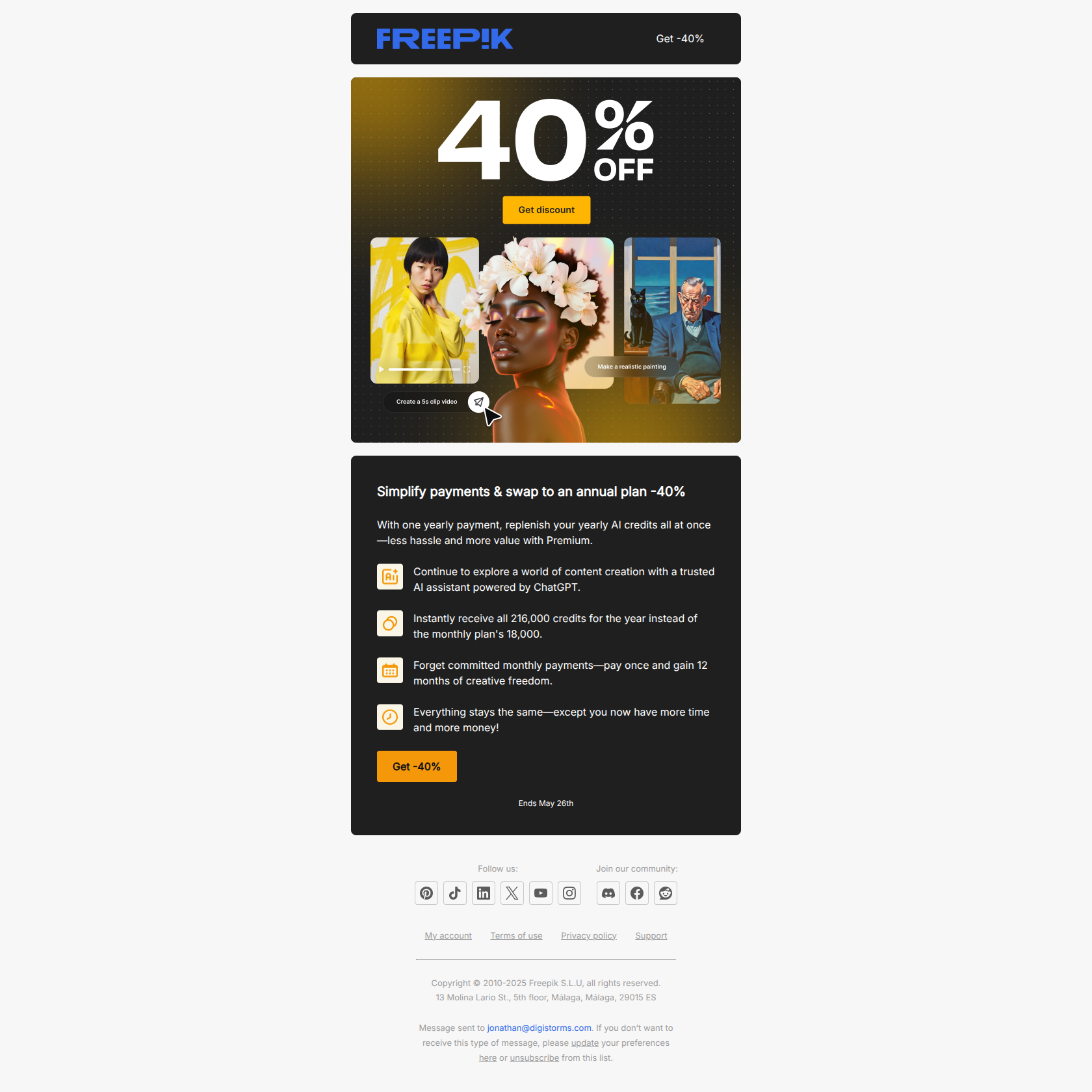
Most lifecycle email programs are built on a calendar: send the welcome on day 0, the feature tour on day 2, the “how’s it going?” on day 5. It’s easy to schedule and easy to reason about. It’s also the reason so many onboarding emails land at exactly the wrong moment — congratulating someone on a feature they haven’t touched, or nudging a user who already converted yesterday.
A behavioral email flips the trigger. Instead of firing on a clock, it fires on what the user did (recorded their first video, created their first automation) or didn’t do (never returned after signup, stopped logging in). The email arrives when it’s relevant, because the user’s own action is what summoned it.
This guide breaks down the difference with 10 real behavioral emails from Loom, Zapier, Grammarly, Calendly, Dropbox, Miro, Apollo, PhantomBuster, Jira, and Typeform — grouped by the three trigger types that matter most, with the pattern you can lift for each.
TL;DR — behavior-based vs time-based email
- Time-based emails fire on a schedule (day 0, day 3, day 7). Simple to build, but they assume every user moves at the same pace — so they routinely arrive before or after the moment they’d actually help.
- Behavior-based emails fire on a user action or inaction (first video recorded, no login in 14 days). They’re harder to set up but land in context, which is why milestone, activation, and inactivity emails consistently out-convert their scheduled equivalents.
- The best programs use both. Behavior is the primary trigger; time is the fallback (e.g. “if the user hasn’t done X within 7 days, send the nudge”). Use this guide’s examples as the behavioral half.
What is a behavioral email?
A behavioral email is a message triggered by a specific user event rather than a fixed date. The event can be something the user completed (an “activation milestone”), something they’re eligible for but haven’t used (a feature-usage nudge), or a stretch of inactivity (a re-engagement trigger).
The contrast is with time-based (or “drip”) emails, which are sent on a predetermined schedule after a single anchor event like signup. Here’s the practical difference:
- Time-based: “It’s day 3 since signup — send the feature tour.” The email goes out whether the user has logged in once or fifty times.
- Behavior-based: “The user just created their first project — send the celebration + next step.” The email only exists because the action happened.
Behavioral triggers come in three flavors, and the 10 examples below are grouped to match them: milestone (fire on a completed action), feature-usage (fire on an unused capability), and inactivity (fire on absence).
Milestone emails — trigger on a completed action
These fire the instant a user does something that proves they “get it.” Timing is everything: send while the dopamine is fresh.
Loom — first video recorded
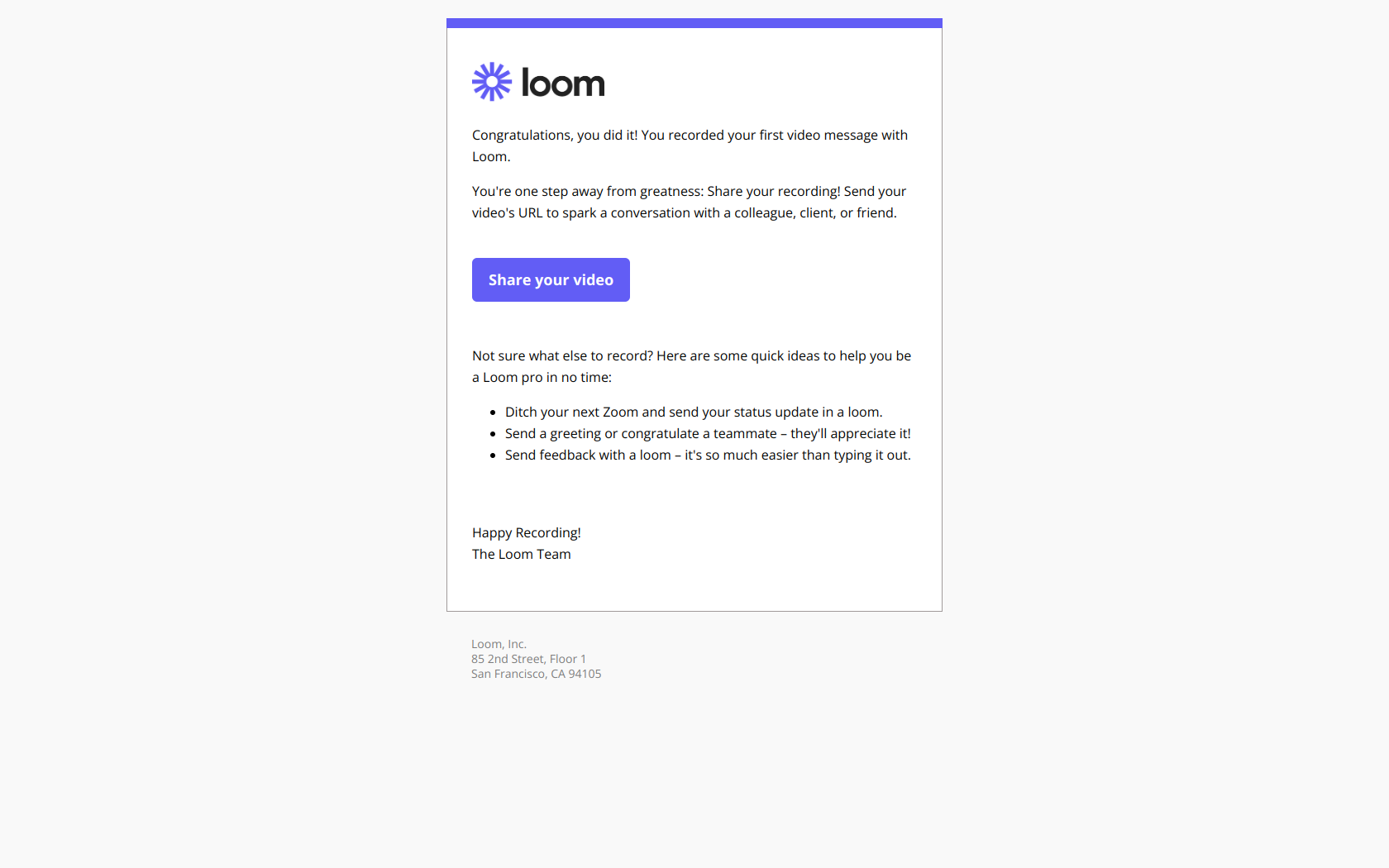
Subject line: Congrats, you recorded your first video on Loom 🥳
Loom sends this immediately after the user completes the core action — recording — not days later on a schedule. Because it’s behavior-triggered, the dopamine hit is fresh and the user is still in execution mode rather than passive consumption mode.
The pattern: celebrate the verb, not the feature. A time-based “here’s how to record a video” email is useless to someone who already recorded one; the behavioral version reaches them at peak momentum and pushes the next behavior (share it, record another). Trigger on the action, then ask for the repeat.
Zapier — first Zap created
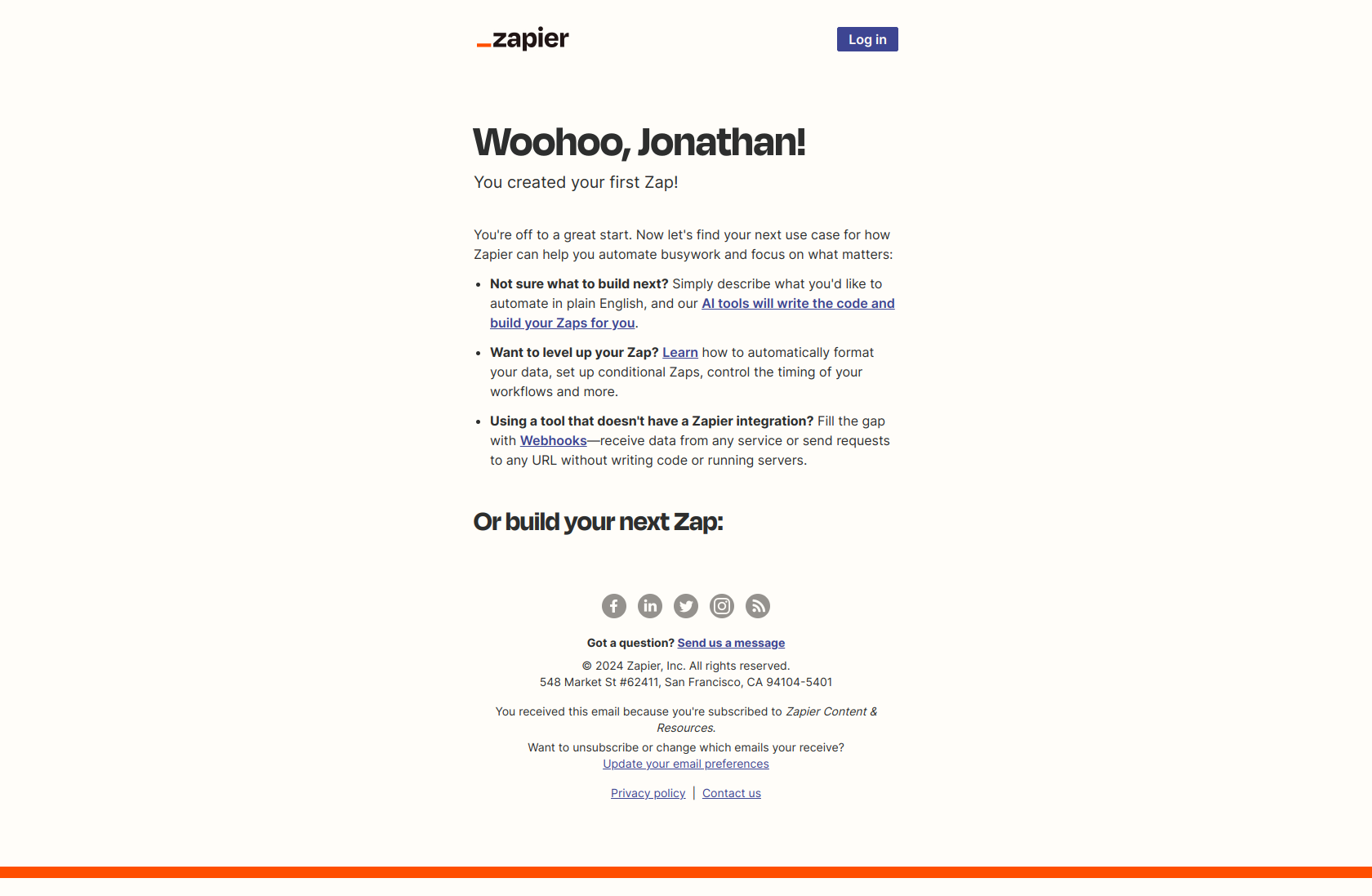
Subject line: Congrats, you’ve created your first Zap!
Zapier congratulates the user on a concrete action completed — first Zap created — rather than on signing up or downloading. Because the trigger is the action and not a calendar day, the email lands when momentum is highest and the user has already proven they understand the core value.
The pattern: celebrate the irreversible action, not the entrance. Anyone can sign up; building your first automation is real proof of intent. A behavioral trigger lets you reserve your best “you did it” copy for the users who’ve actually crossed that line, instead of spraying it at every new signup on day 1.
Grammarly — first step taken
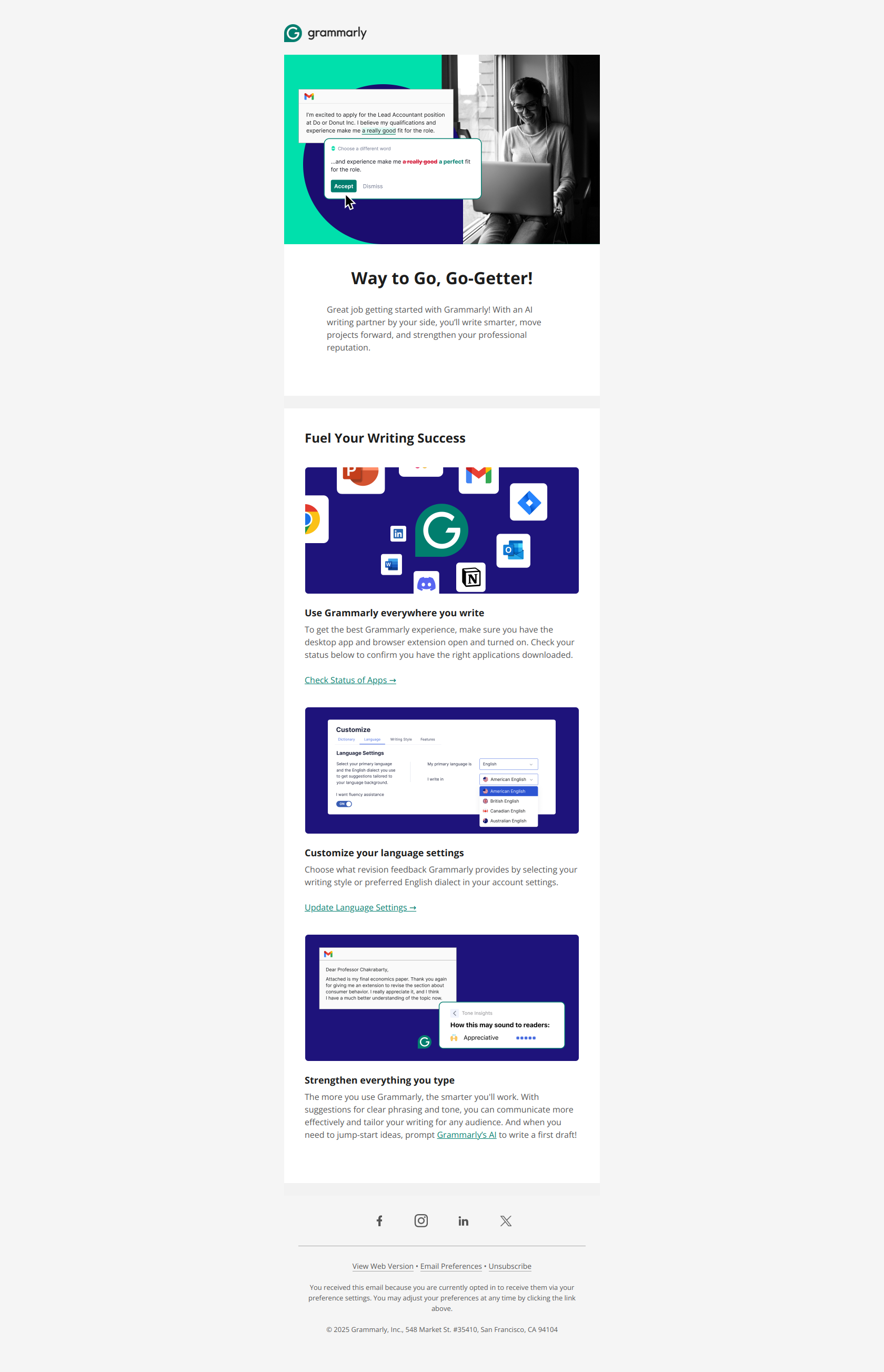
Subject line: Congrats on taking the first step toward effective communication
Grammarly reframes the signup itself as a milestone achievement (“Congrats on taking the first step”) rather than a feature dump. The framing triggers psychological commitment — users who feel they’ve already started something are far more likely to continue it.
The pattern: celebrate the behavior before requesting the next one. This works as a behavioral trigger even at the earliest stage: the act of signing up becomes the event, and the email immediately points at the next concrete action (install, customize, integrate). Acknowledge what they just did, then make the next step feel like continuation, not a fresh ask.
Feature-usage emails — trigger on an unused capability
These fire when a user is eligible for value they haven’t claimed yet. The job is to surface a capability before banner-blindness sets in.
Calendly — feature they’re not using
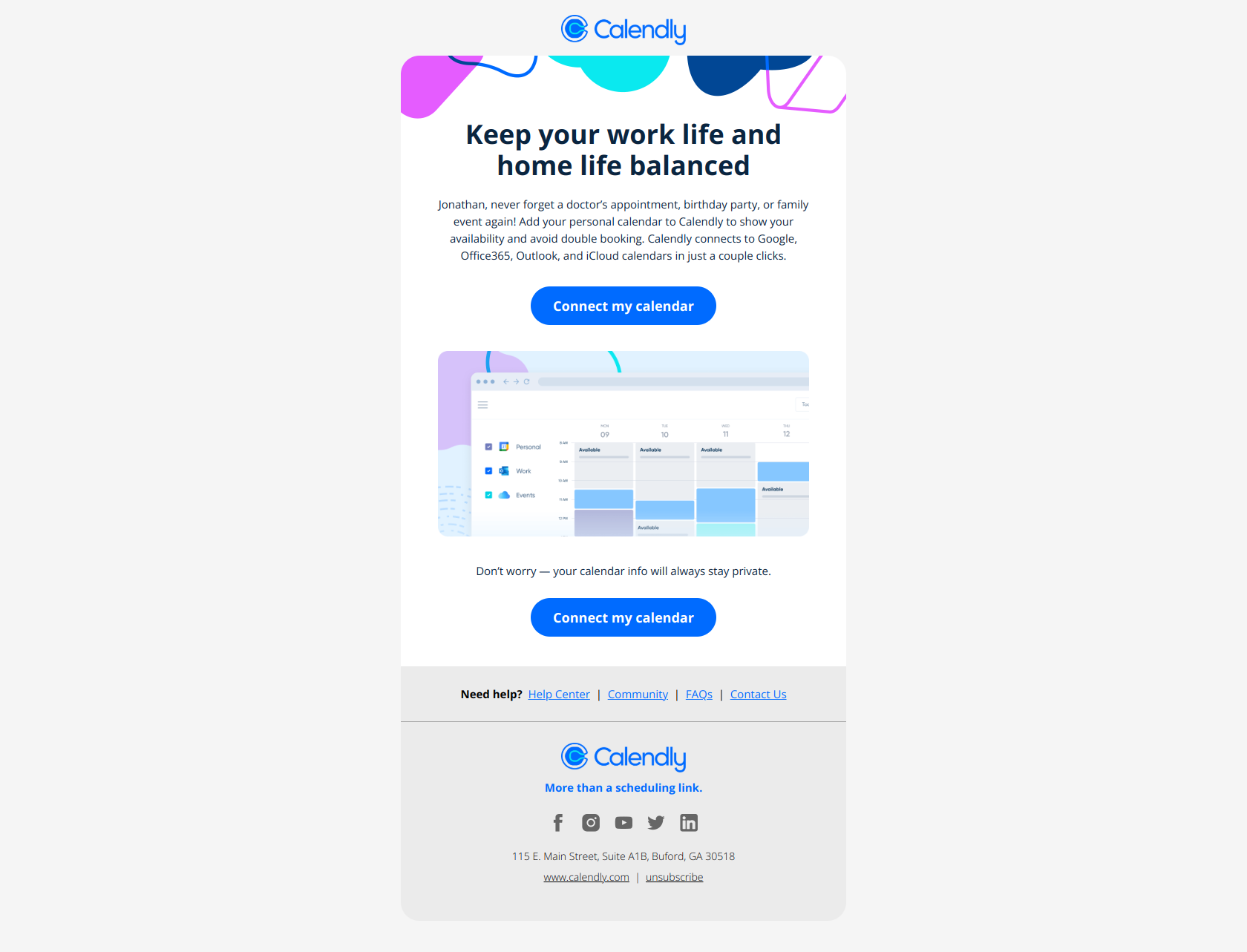
Subject line: Avoid double booking meetings!
Calendly names the pain point (double booking) instead of the feature (calendar sync), so the user immediately recognizes why they should care before opening. The nudge targets people who haven’t connected the relevant integration yet — a behavioral segment, not a calendar cohort.
The pattern: problem before solution. The trigger is “user hasn’t enabled X,” and the copy leads with the consequence of not enabling it. Lift this for any feature-adoption email where users don’t yet understand the cost of inaction — the behavioral targeting ensures you only nag the people who actually need the nudge.
Dropbox — rediscover existing functionality
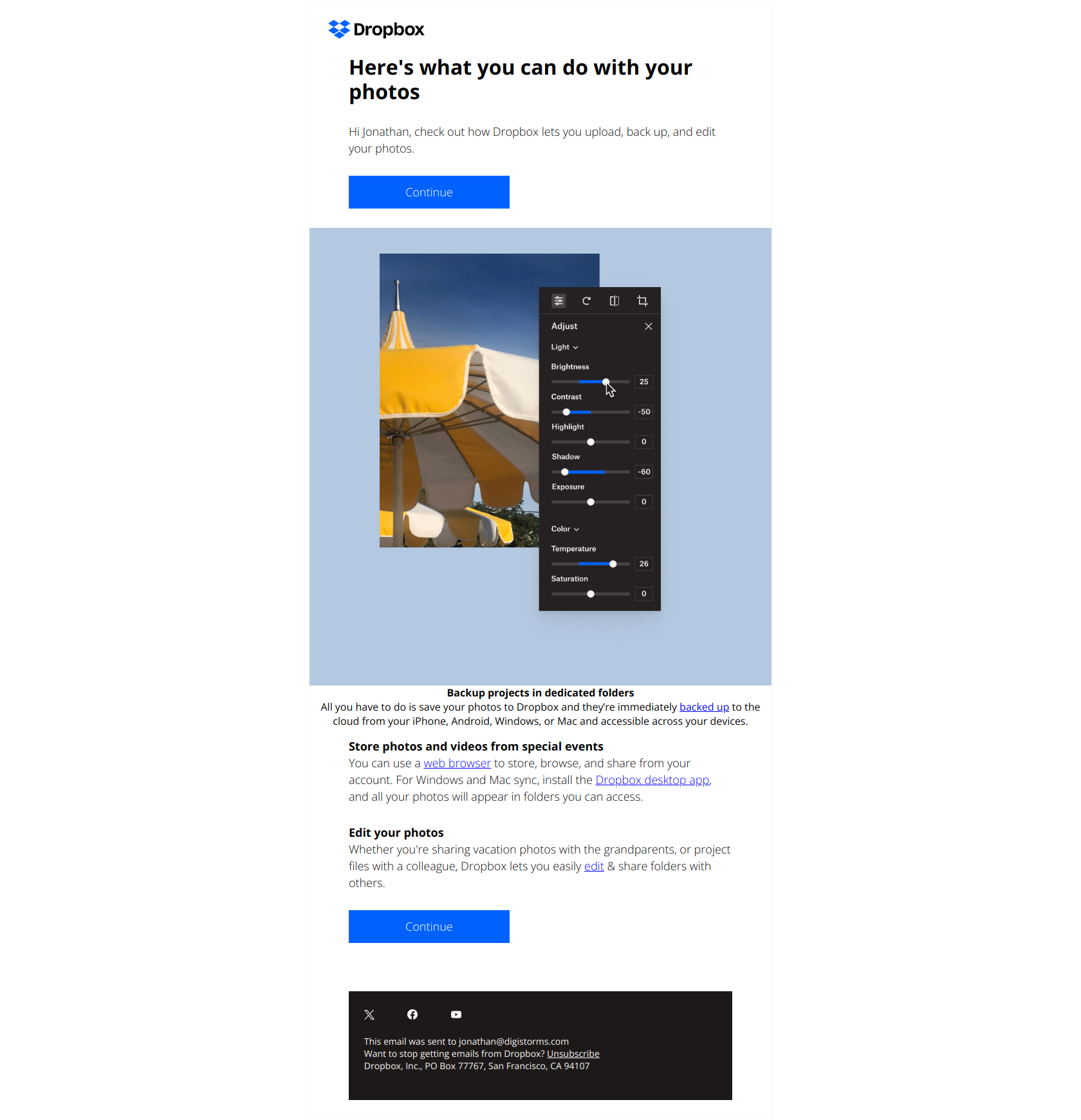
Subject line: 3 things you can do with your photos
Dropbox frames photos as actionable tasks (“3 things you can do”) instead of announcing a feature, which makes users curious about untapped capabilities they might already own rather than defensive about being sold something new.
The pattern: lead with user outcomes, not product features. This is ideal as a behavioral trigger for users who have data in the product (photos uploaded) but haven’t used the features built around it. The user’s own stored content is the trigger — and the email helps them rediscover functionality without setting off banner-blindness.
Miro — nudge the next power-user behavior
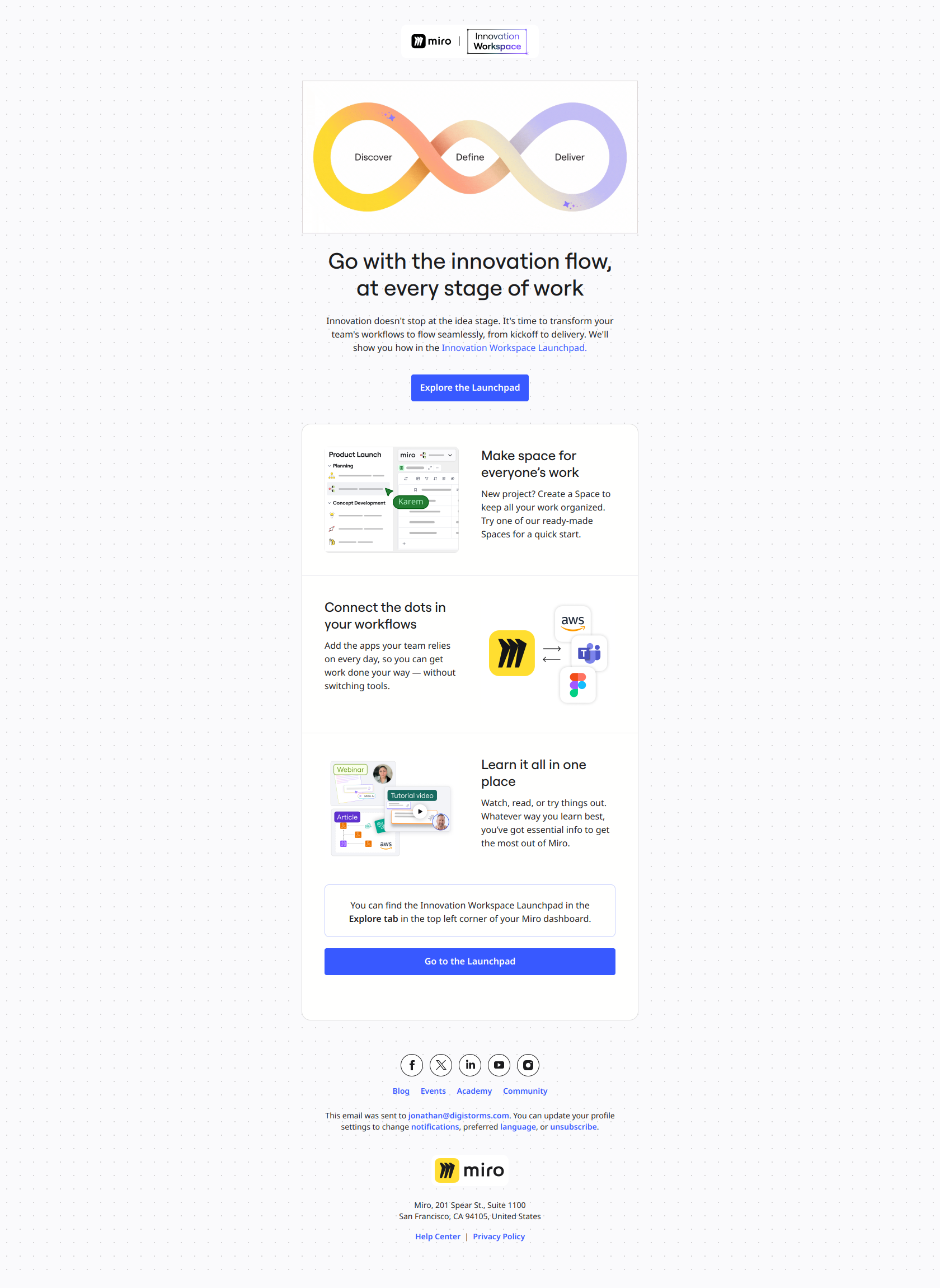
Subject line: A great idea is just the first step
Miro reframes feature adoption as a narrative problem (“idea is just the first step”), not a product problem, so users open because they recognize themselves in the friction of execution rather than feeling sold to.
The pattern: name the job-to-be-done, not the feature. Use this as a behavioral expansion trigger — fired when a user has done the basics but not the deeper workflow — to connect advanced features to outcomes they already care about. The behavioral segment (“active but shallow”) is exactly who this lands for; sent on a fixed schedule, it would hit dormant users and confuse new ones.
Inactivity emails — trigger on absence
These fire when a user stops doing something. Absence is itself a behavior, and it’s one of the most valuable triggers you have.
Apollo — “did we lose you?”

Subject line: Apollo’s AI & A/B Magic 💌
Apollo pairs a tangible product capability (AI & A/B testing) with a casual emoji signal, telling lapsed users exactly what they’ll unlock without feeling like a generic feature pitch. The send is triggered by drop-off, not by a fixed day in the lifecycle.
The pattern: name the specific outcome, not the tool category. When a user goes quiet, the re-engagement email has one job — give them a concrete reason to come back (better emails), not an abstract one (AI magic). Trigger on the absence, then lead with the result they’re missing.
PhantomBuster — expose the usage gap
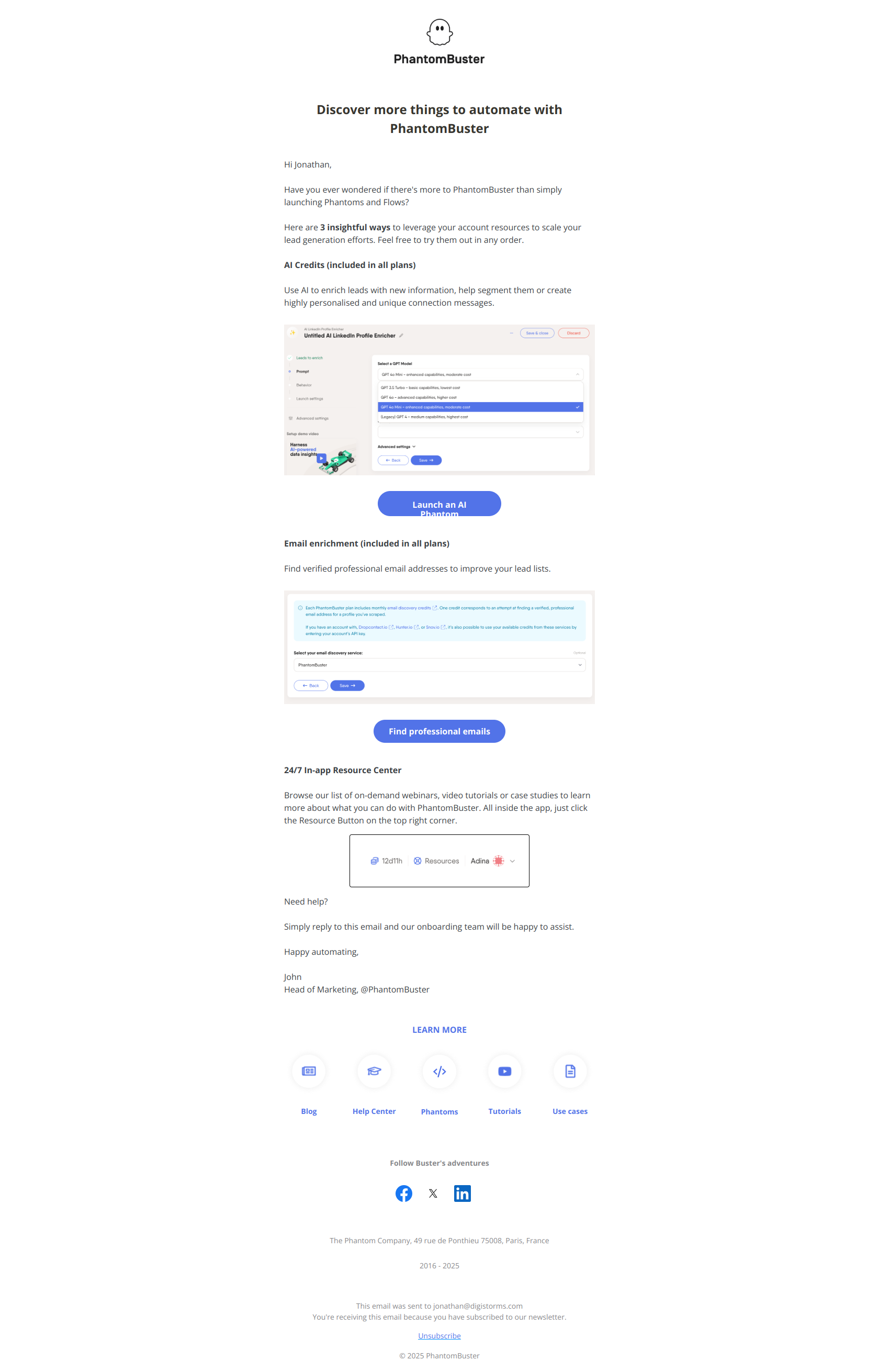
Subject line: Are you truly leveraging your PhantomBuster account?
PhantomBuster asks a behavior question (“Are you truly leveraging…”) instead of announcing a feature, which makes inactive users feel a gap between their current usage and their potential — triggering guilt-driven re-engagement.
The pattern: expose the gap between current state and aspirational state. The trigger is low usage relative to plan; the copy invites users to audit their own underutilization and come back to close it. A time-based version can’t do this — it doesn’t know whether the user is a power user or a ghost.
Jira — quantify what they’re missing
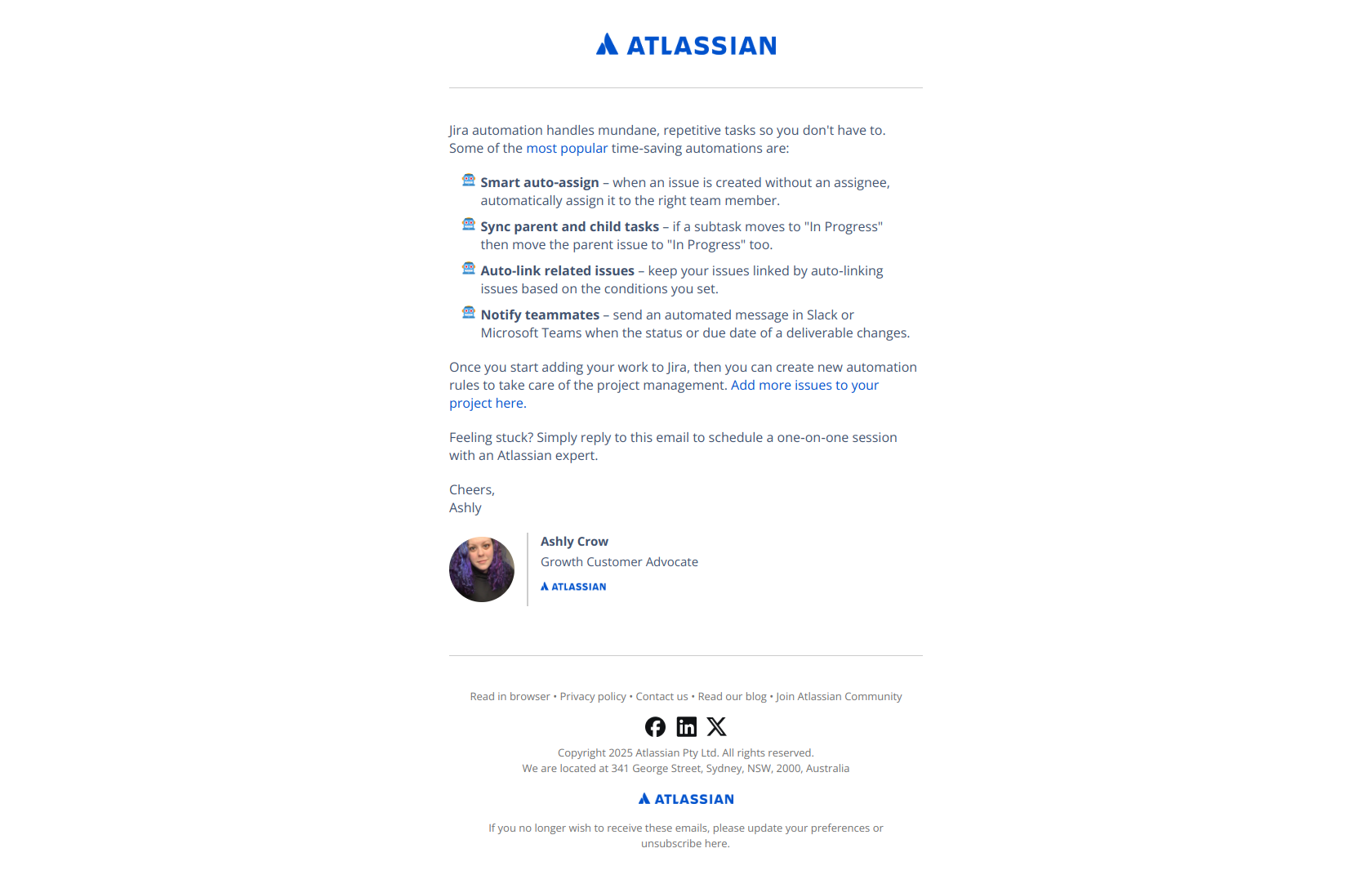
Subject line: Automate away hours of work in Jira every month
Jira quantifies the benefit upfront (“hours of work…every month”) rather than naming the feature, so lapsed users immediately see ROI before deciding whether the email is worth their time.
The pattern: outcome before feature name. Fired on inactivity (or a downgrade), this email reminds users why they signed up by translating a capability into time saved. The behavioral trigger ensures the reminder reaches exactly the people who’ve drifted — not the active users who’d find it redundant.
Typeform — reactivate with stacked outcomes
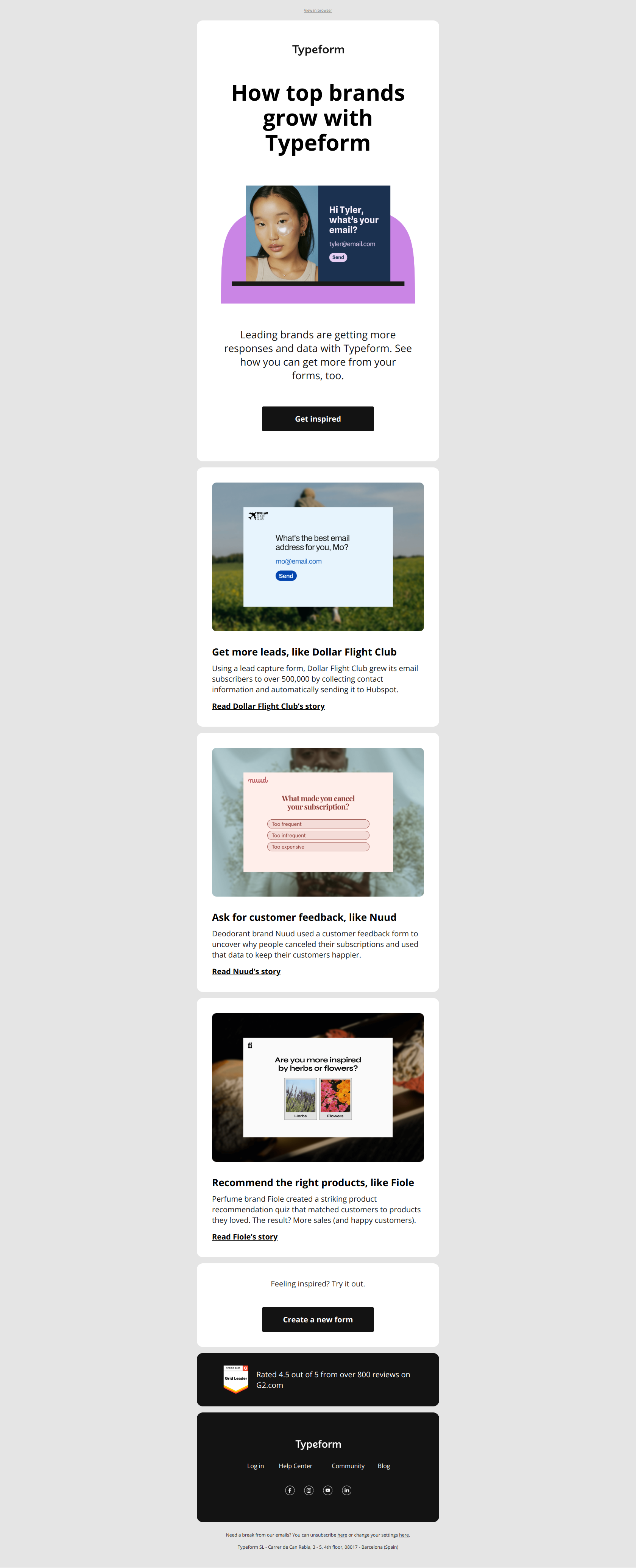
Subject line: Better data, leads, and sales? Forms deliver it all 🙌
Typeform stacks three concrete outcomes (data, leads, sales) instead of naming a feature, so inactive users immediately see what they’re missing rather than what Typeform does.
The pattern: outcomes before features in reactivation copy. The trigger is dormancy; the job is to remind users why they signed up in the first place. Stacking outcomes works because a dormant user has forgotten the specific value — a behavioral trigger gets the timing right, and the outcome stack gets the message right.
Behavior-based vs time-based: which to use when
Behavioral triggers win on relevance; time-based triggers win on simplicity and as a safety net. Here’s how they compare:
| Time-based (drip) | Behavior-based (triggered) | |
|---|---|---|
| Fires on | A schedule (day 0, 3, 7) | A user event or inaction |
| Strength | Simple to build, predictable | Lands in context, higher conversion |
| Weakness | Ignores what the user actually did | Needs event tracking + segmentation |
| Best for | Fallbacks, fixed-cadence newsletters | Milestones, activation, inactivity, win-back |
| Example | ”Day 3: here’s a feature tour" | "You just made your first project — here’s the next step” |
How to layer the two
The strongest programs don’t pick one — they layer behavior over time:
- Behavior is the primary trigger. If the user recorded a video (Loom) or created a Zap (Zapier), fire the milestone email immediately.
- Time is the fallback. If the user hasn’t hit the milestone within 7 days, fire a time-based nudge that points at the action (Calendly, Dropbox, Miro).
- Absence is its own trigger. If the user goes quiet for your product’s natural window (14 days for daily-use, 30 for weekly-use, 60 for monthly), fire the inactivity email (Apollo, PhantomBuster, Jira, Typeform).
This way every email has a reason to exist. Behavior decides whether to send; time decides when to give up waiting and send anyway.
Final word
A time-based email asks “what day is it?” A behavioral email asks “what did the user just do?” The second question is almost always the more useful one — it’s why milestone, activation, and inactivity emails consistently beat their scheduled counterparts. Build behavior as your primary trigger, keep a time-based fallback so nothing falls through the cracks, and your lifecycle program stops talking at a calendar and starts talking to a person.
Want to see these emails in their original format, plus dozens more behavioral triggers from real SaaS brands? Browse the DigiStorms email library — every example above is there with full thread context, sortable by trigger type.