
Brand
Webflow
Subject line
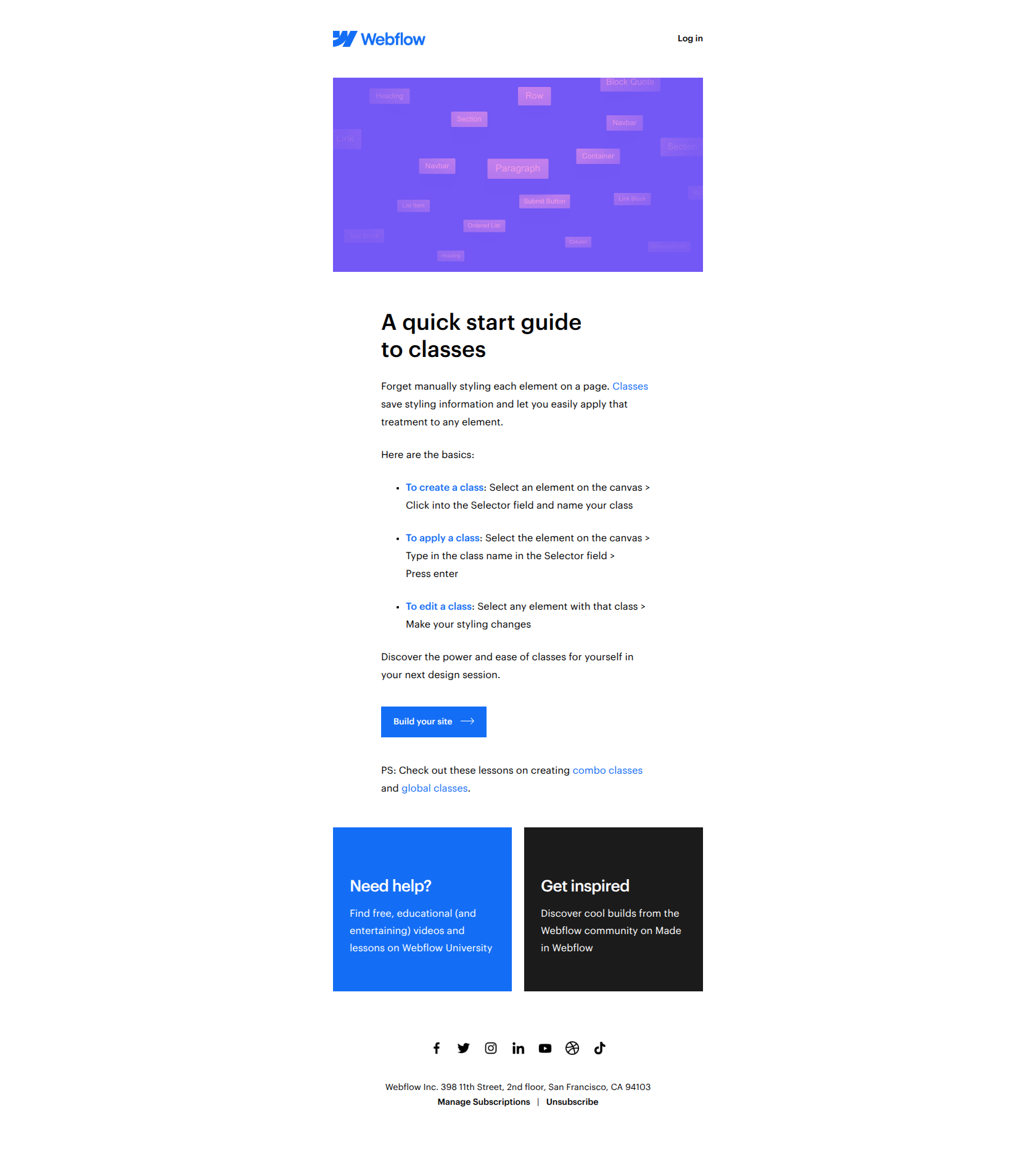
Classes: The ultimate styling shortcut
Use case
Onboard Free UserAbout this email
This email from Webflow serves as an educational tutorial on how to create, apply, and edit classes within their web design platform. It is structured as a detailed quick start guide, breaking down the process into simple steps with actionable tips and encouraging users to discover the power of using classes for efficient styling. The tone is friendly and informative, aiming to empower users to improve their design workflow with helpful links to lessons, community inspiration, and support resources.
Webflow journey
Why this works
**Why this works.** The subject line names the outcome (styling shortcut) not the feature (classes), so free users immediately understand what problem gets solved before opening, and the email delivers on that promise by showing the time-saving benefit first. The pattern here is "lead with the job, not the tool"; you can lift it for any product education email where you want free users to adopt a feature by showing them the workflow friction it removes.
More from Webflow
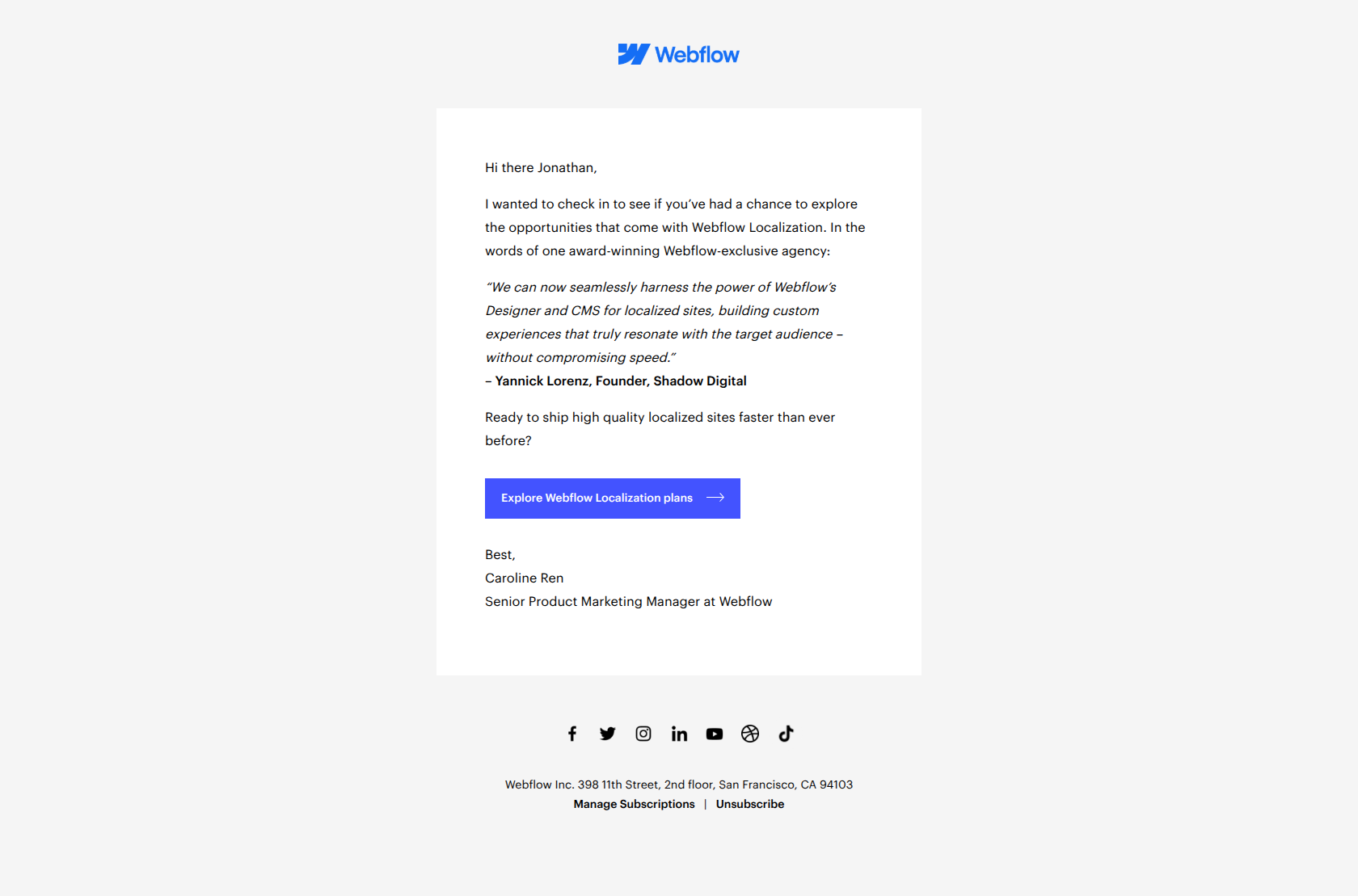
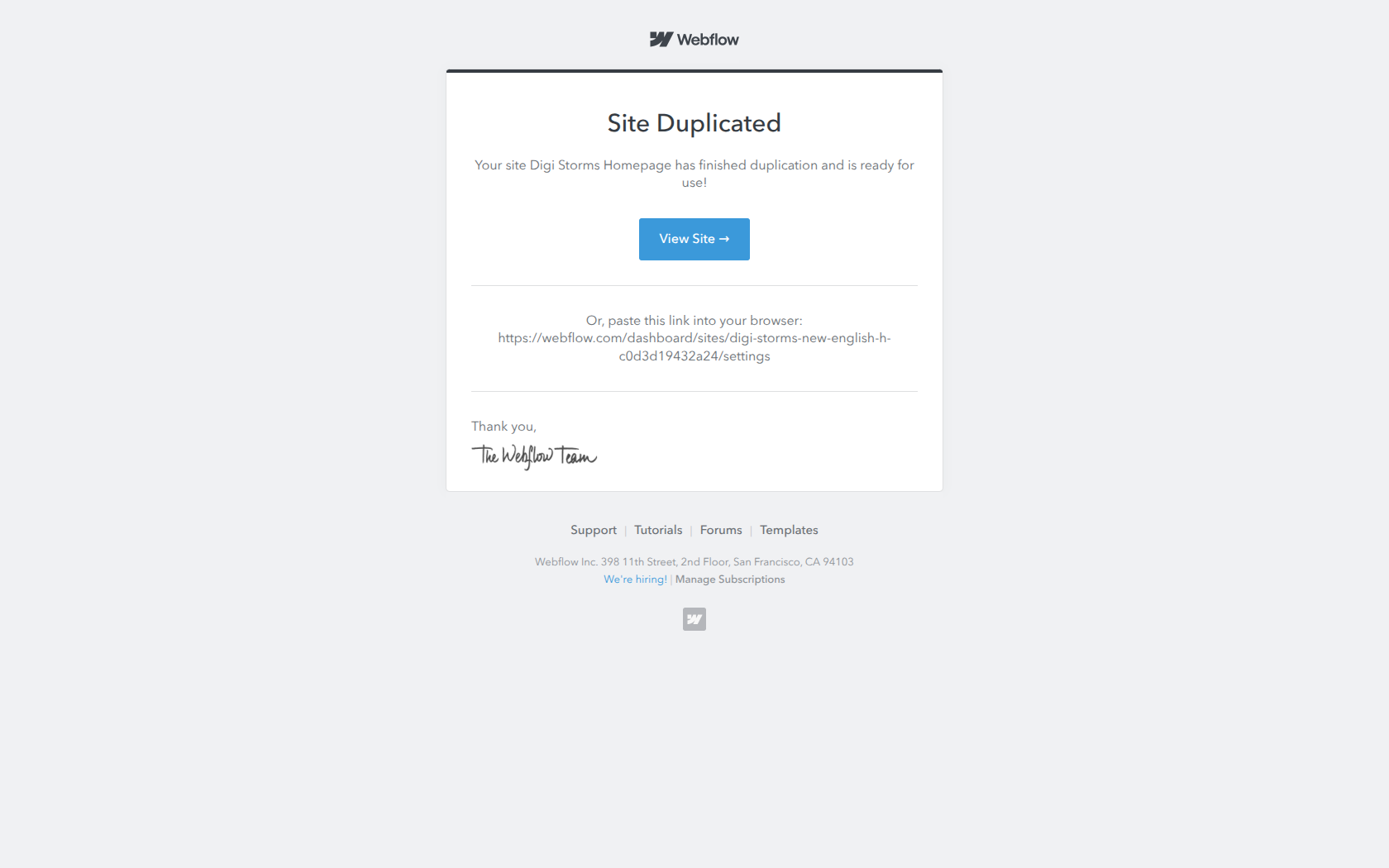
More Onboard Free User emails
Browse all Onboard Free User emails →

(Step 1) Start generating more leads with your forms and landing pages
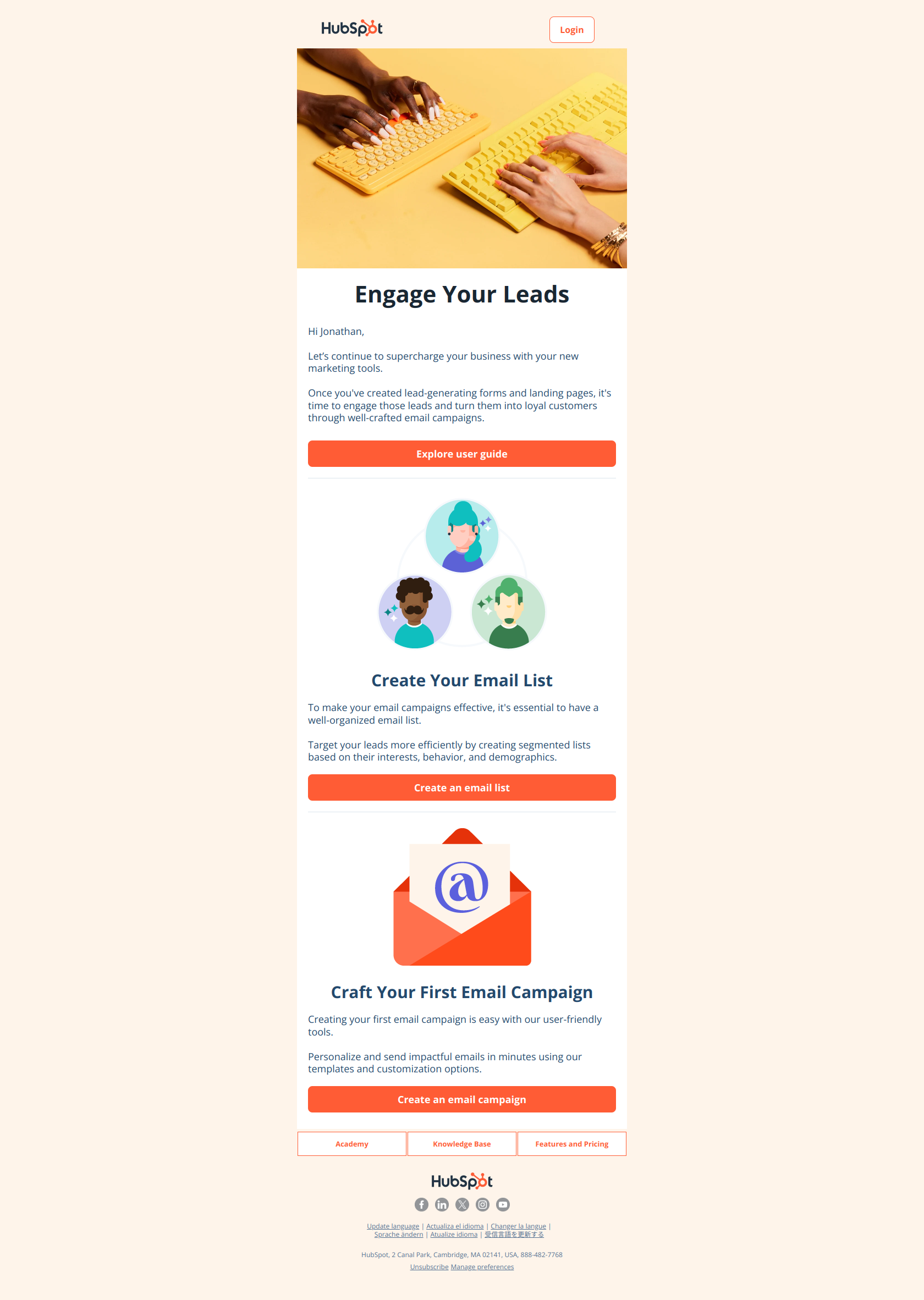
(Step 2) Convert leads into loyal customers with email marketing campaigns
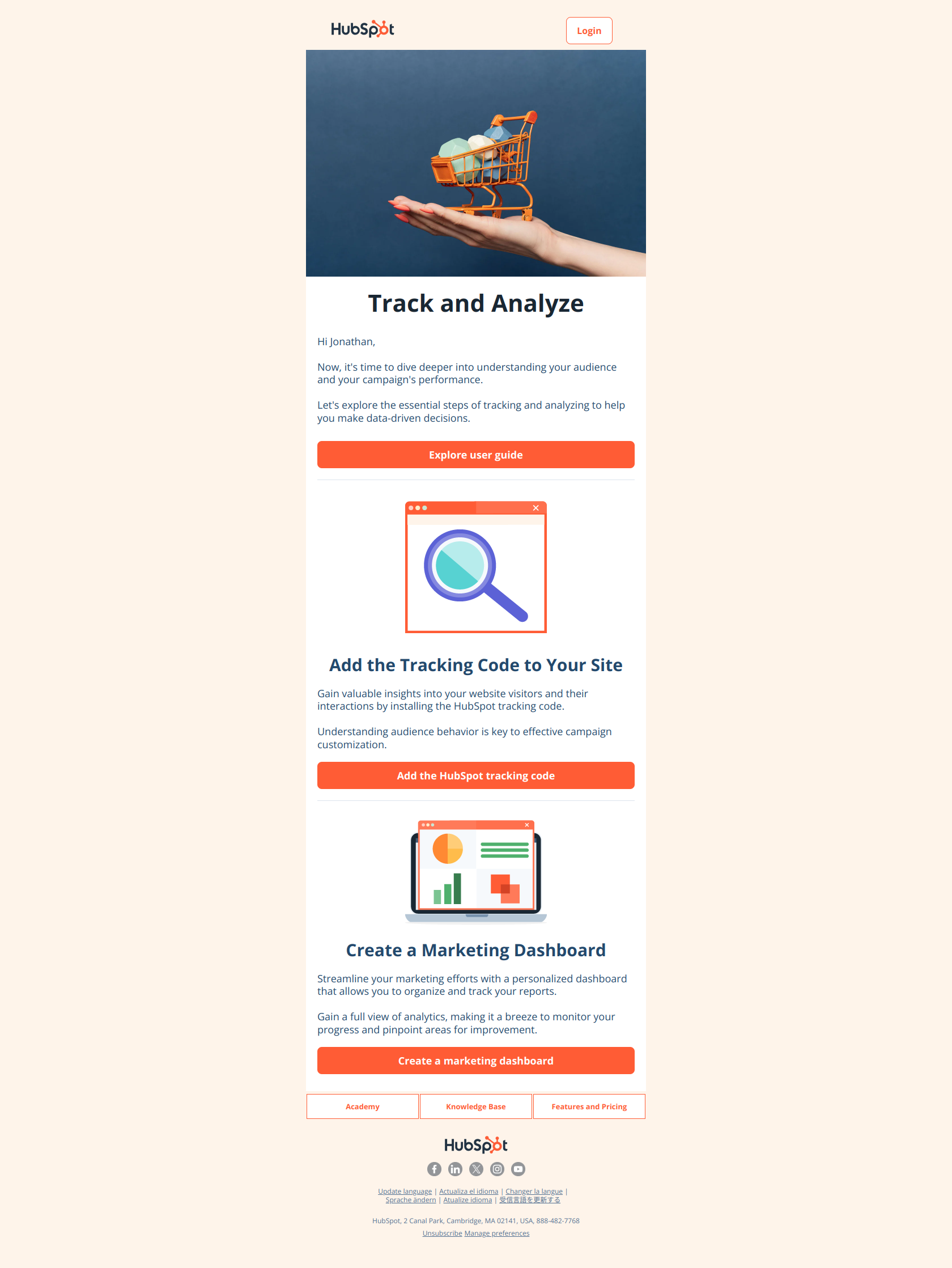
(Step 3) Gain insights and improve results with website tracking and marketing reports
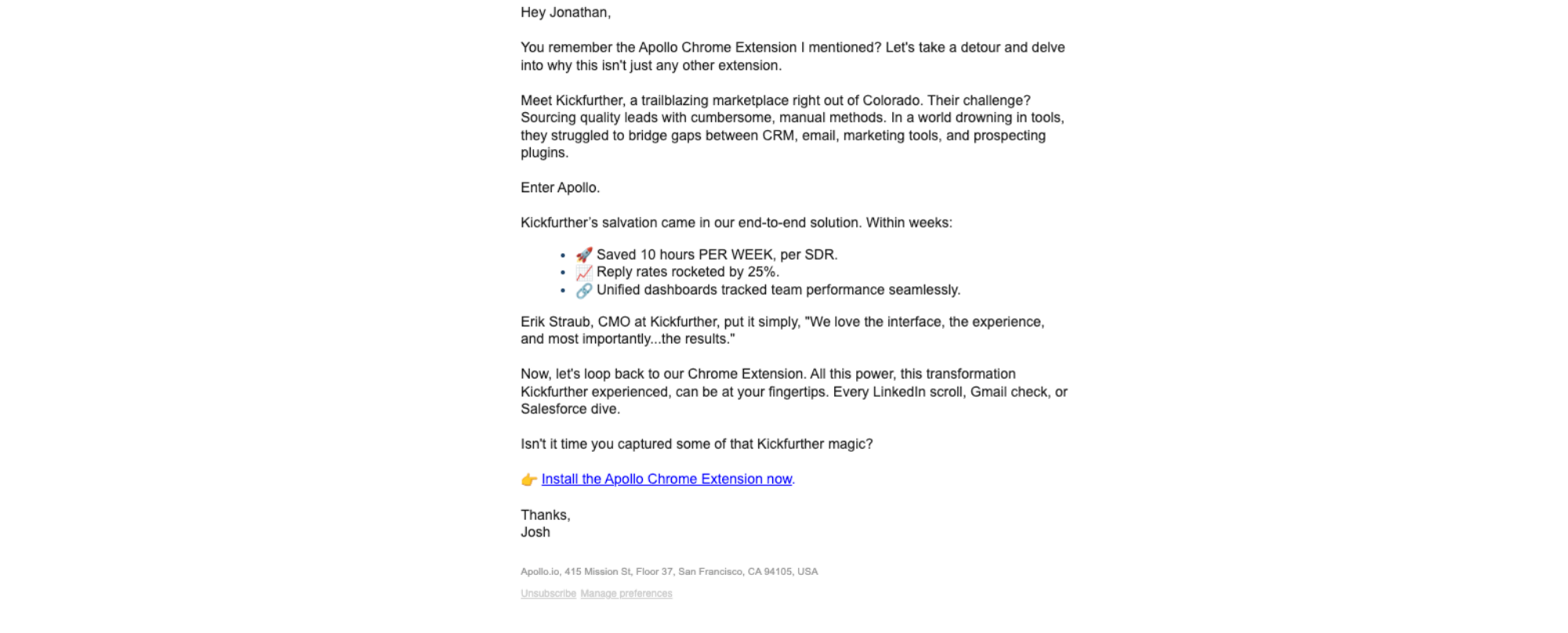
10 hours per week per rep
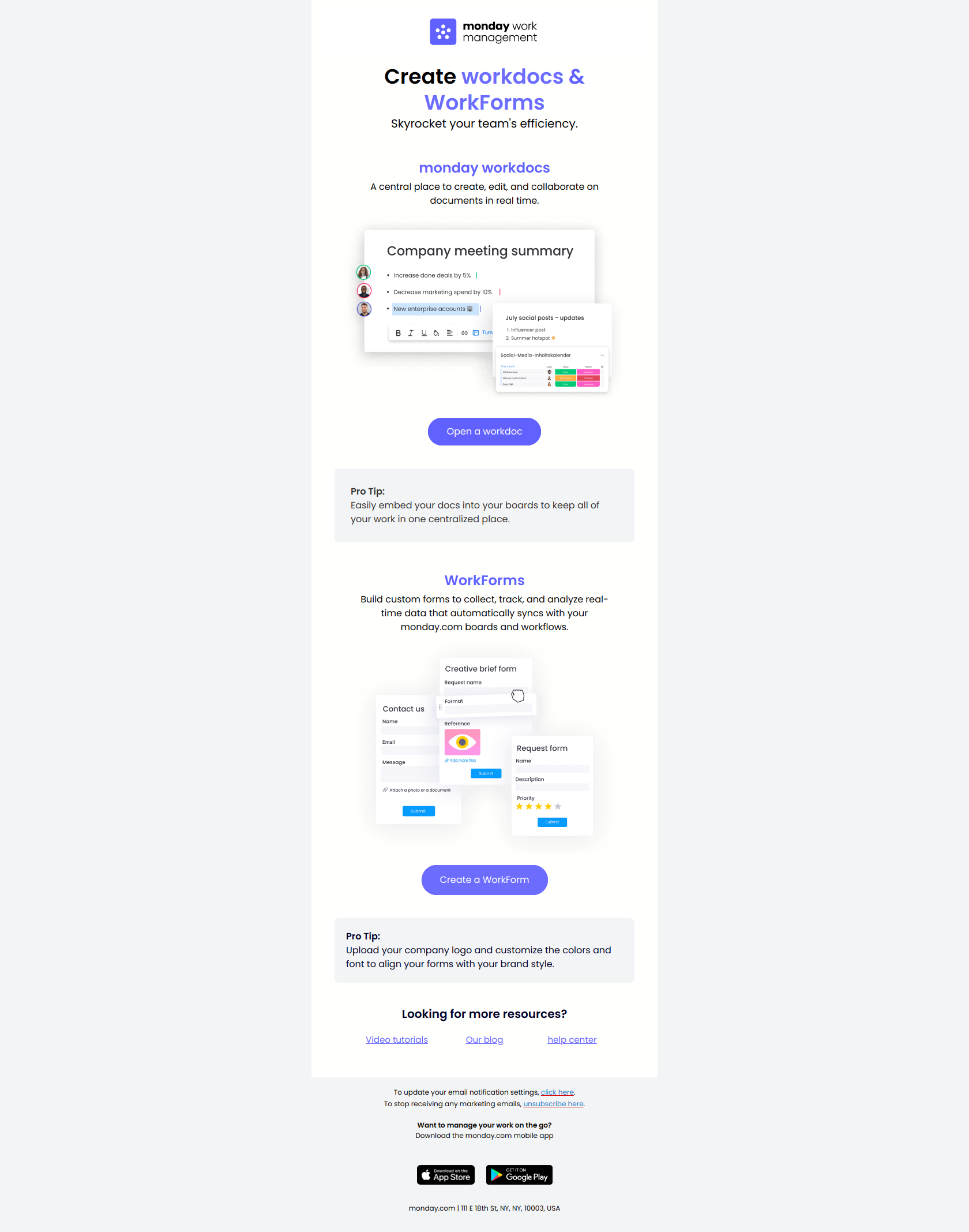
2 key tools to maximize efficiency
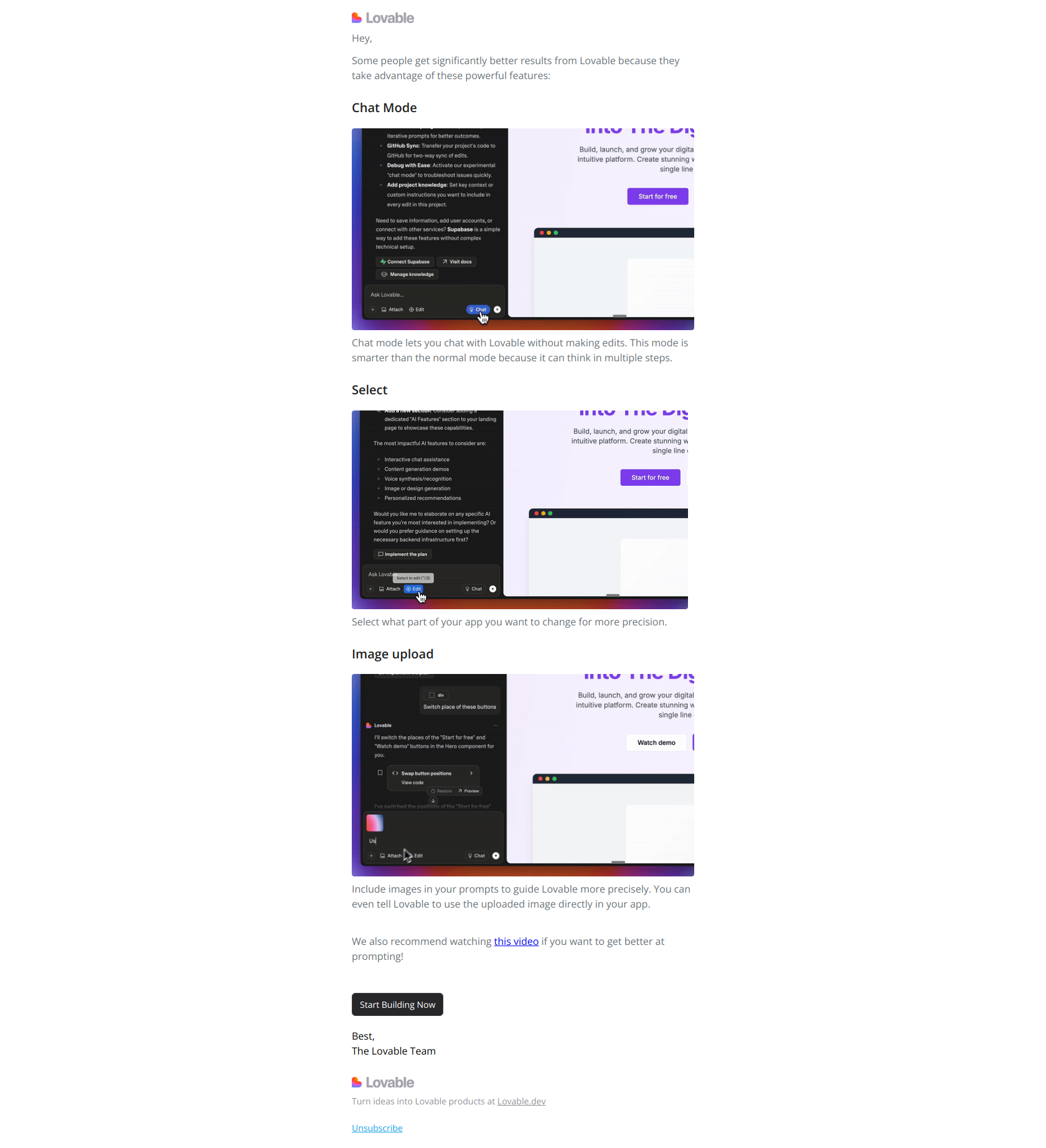
3 tricks to get more value from Lovable