
Brand
Webflow
Subject line
6 display settings you should know
Use case
Onboard Free UserAbout this email
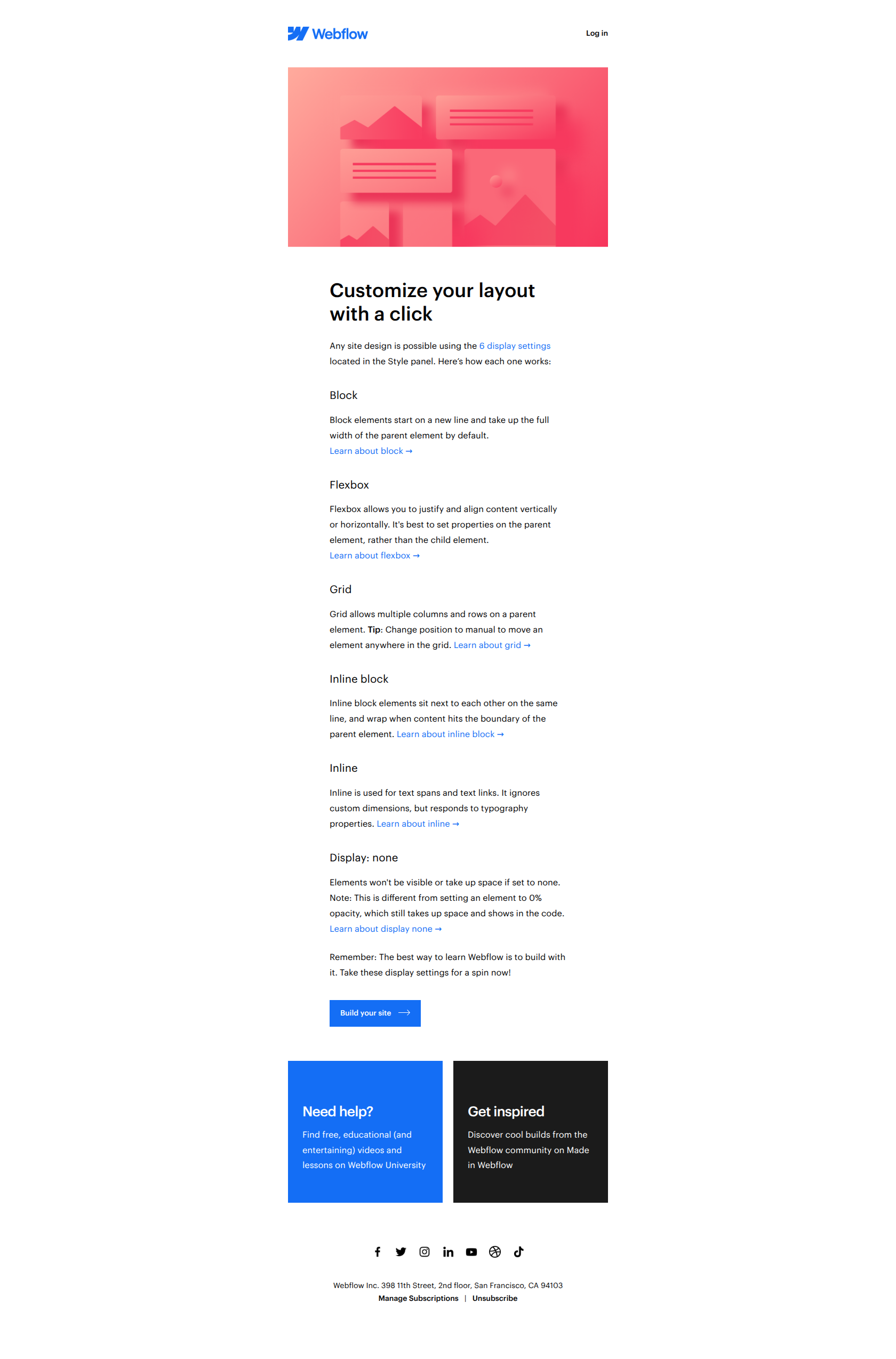
This is an educational promotional email from Webflow that explains the six different CSS display settings (block, flexbox, grid, inline block, inline, and display none) used for customizing web layouts. The email uses a structured format with descriptive headers and brief explanations, supported by images and multiple call-to-action links directing users to learn more or start building their sites. The tone is friendly, encouraging, and instructional, aimed at empowering users to explore and master their site design with Webflow tools.
Webflow journey
Why this works
**Why this works.** Webflow names a specific, learnable skill in the subject line rather than pitching the tool itself, so free users open expecting education, not a sales push, and arrive primed to apply what they learn immediately. The pattern here is "teach the job, not the tool"; you can lift it for any onboarding email where you want users to take action by building confidence in a concrete capability before asking them to use your product.
More from Webflow
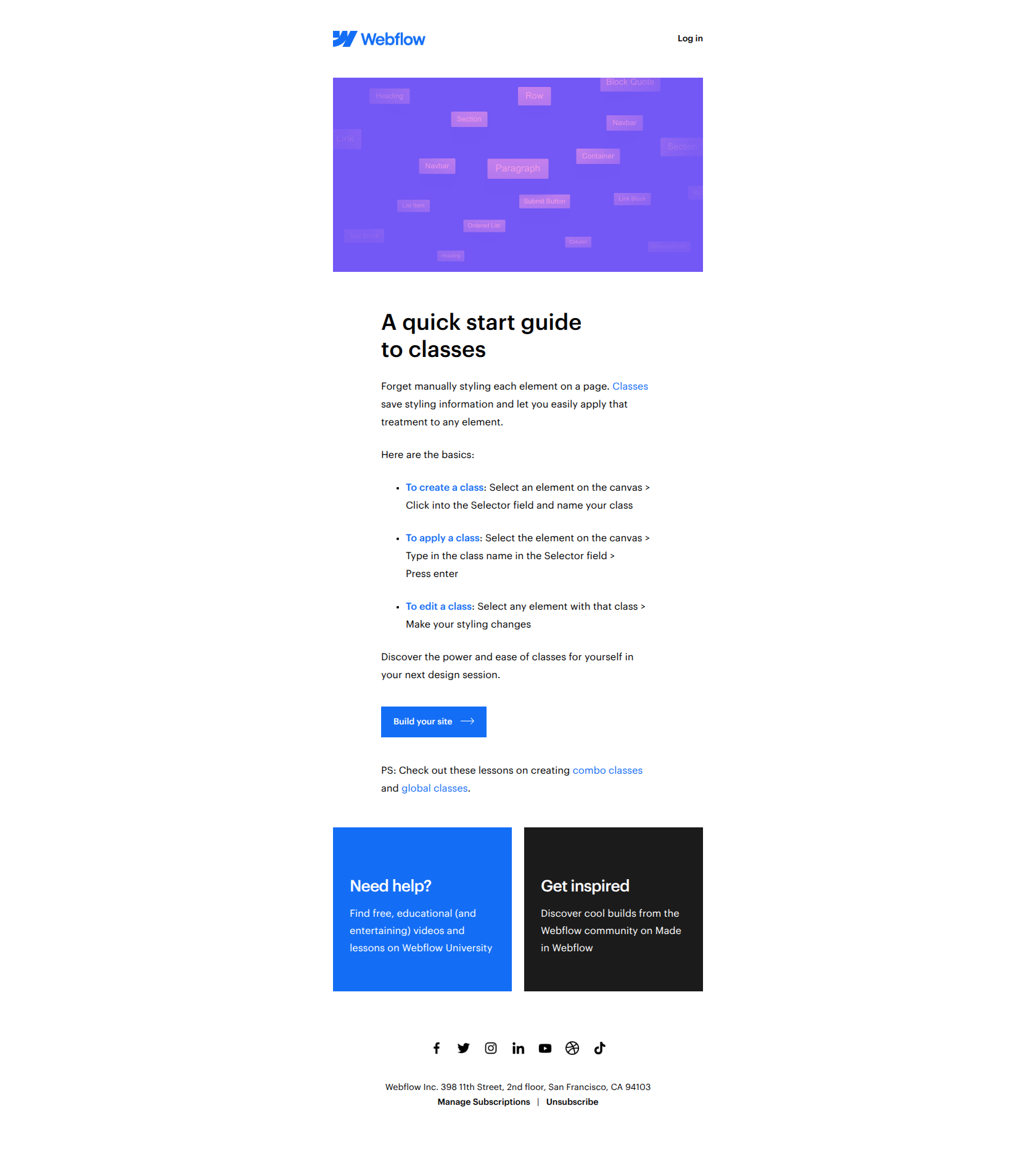
More Onboard Free User emails
Browse all Onboard Free User emails →
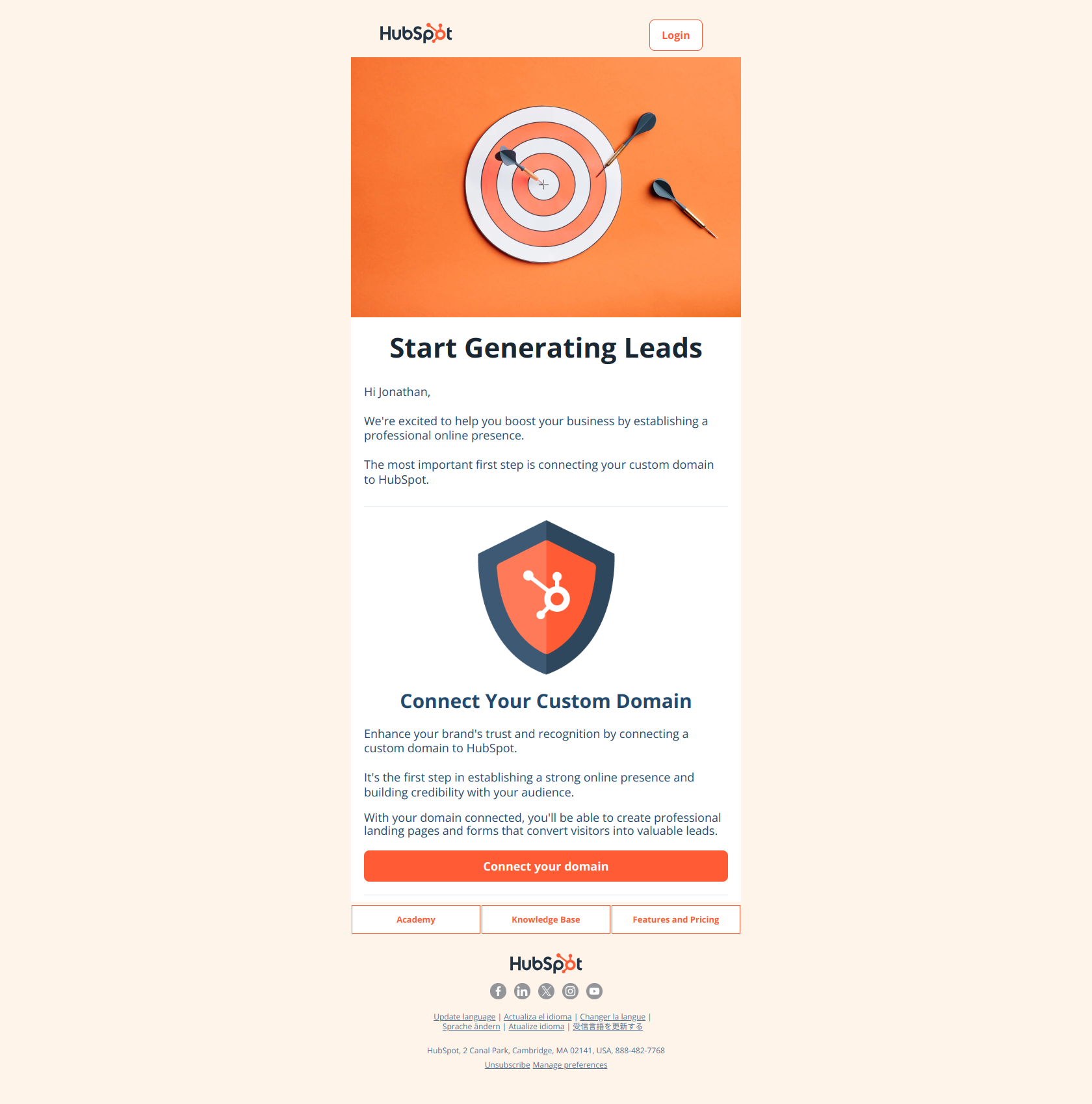
(Step 1) Start generating more leads with your forms and landing pages
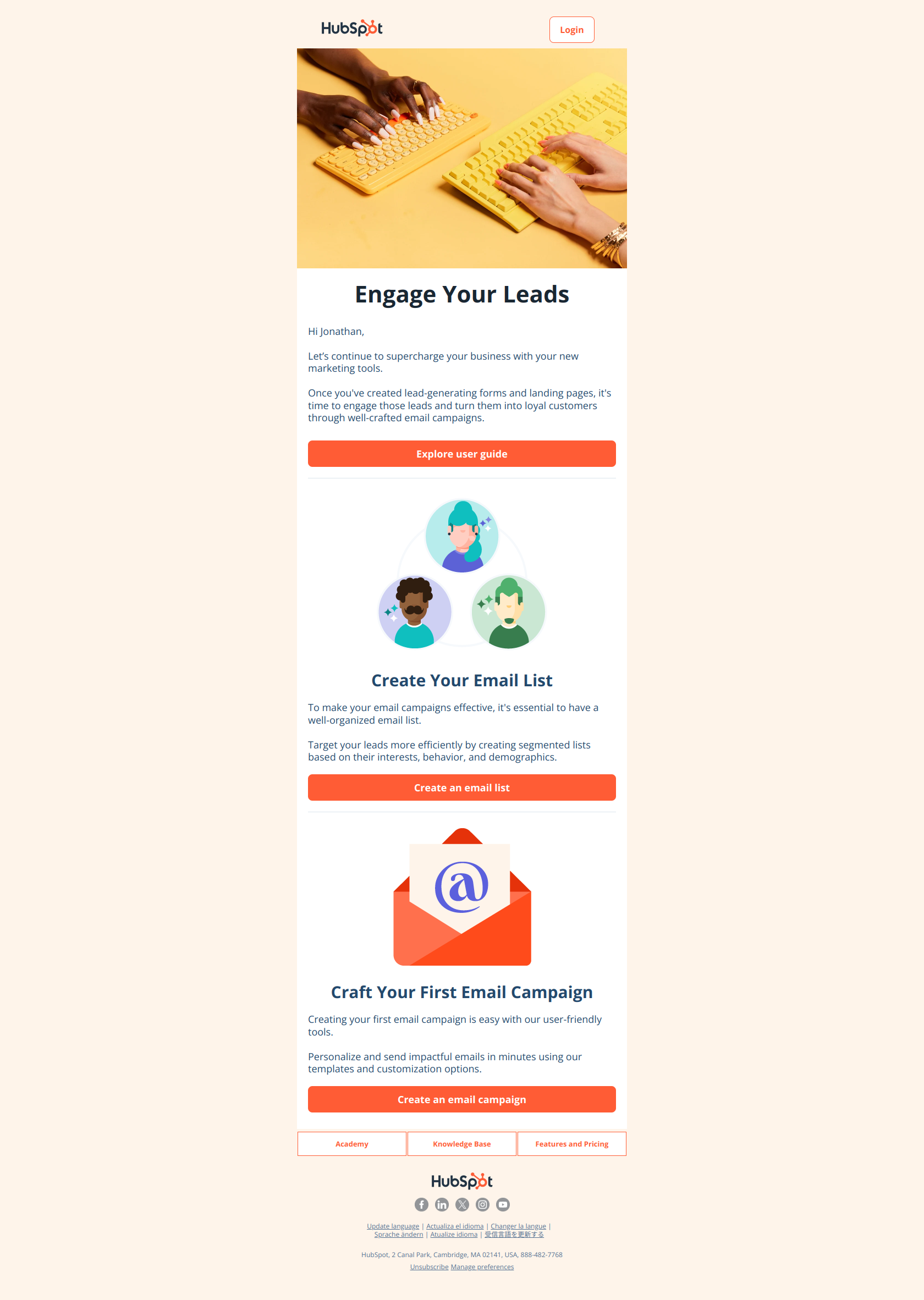
(Step 2) Convert leads into loyal customers with email marketing campaigns
(Step 3) Gain insights and improve results with website tracking and marketing reports
10 hours per week per rep
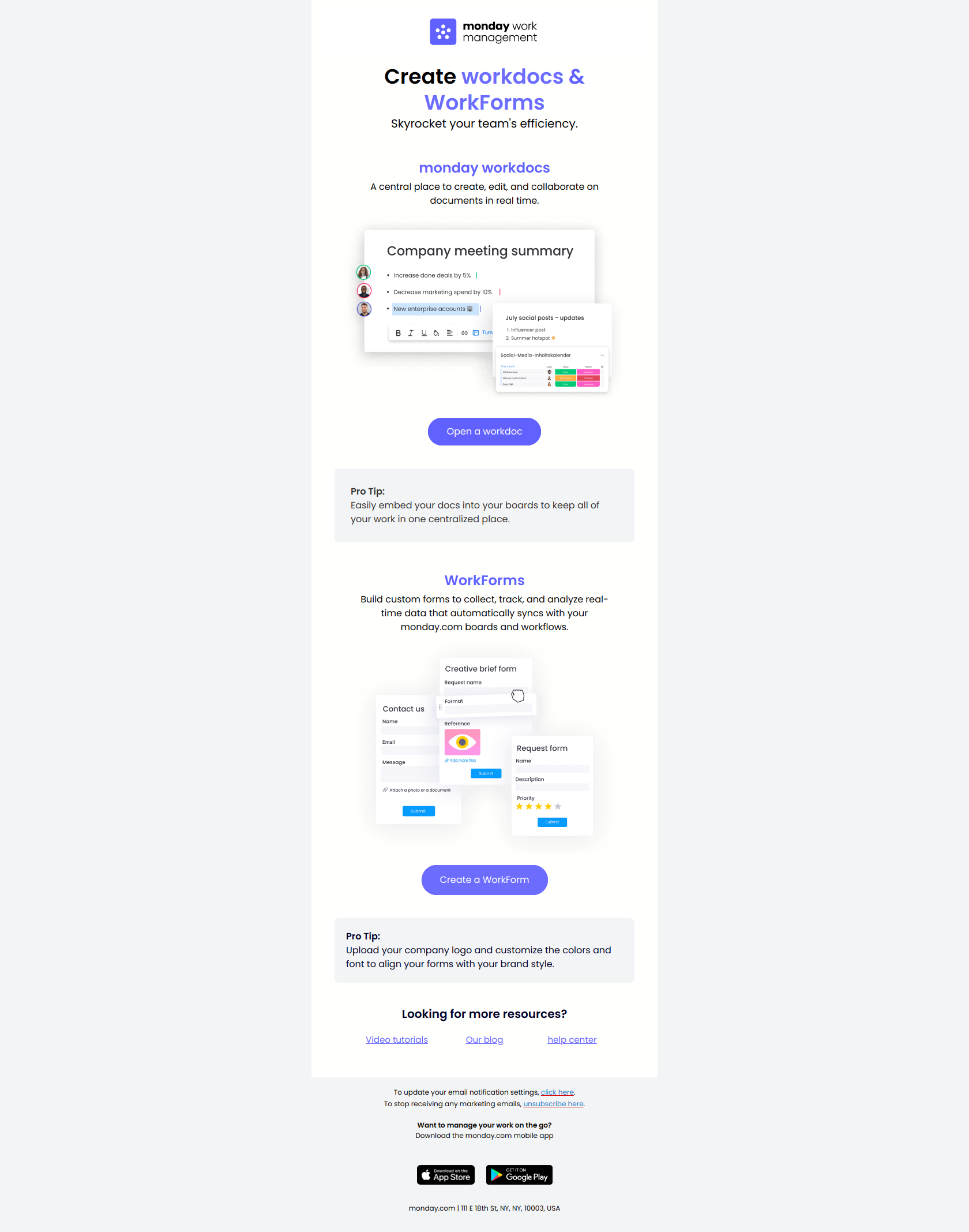
2 key tools to maximize efficiency
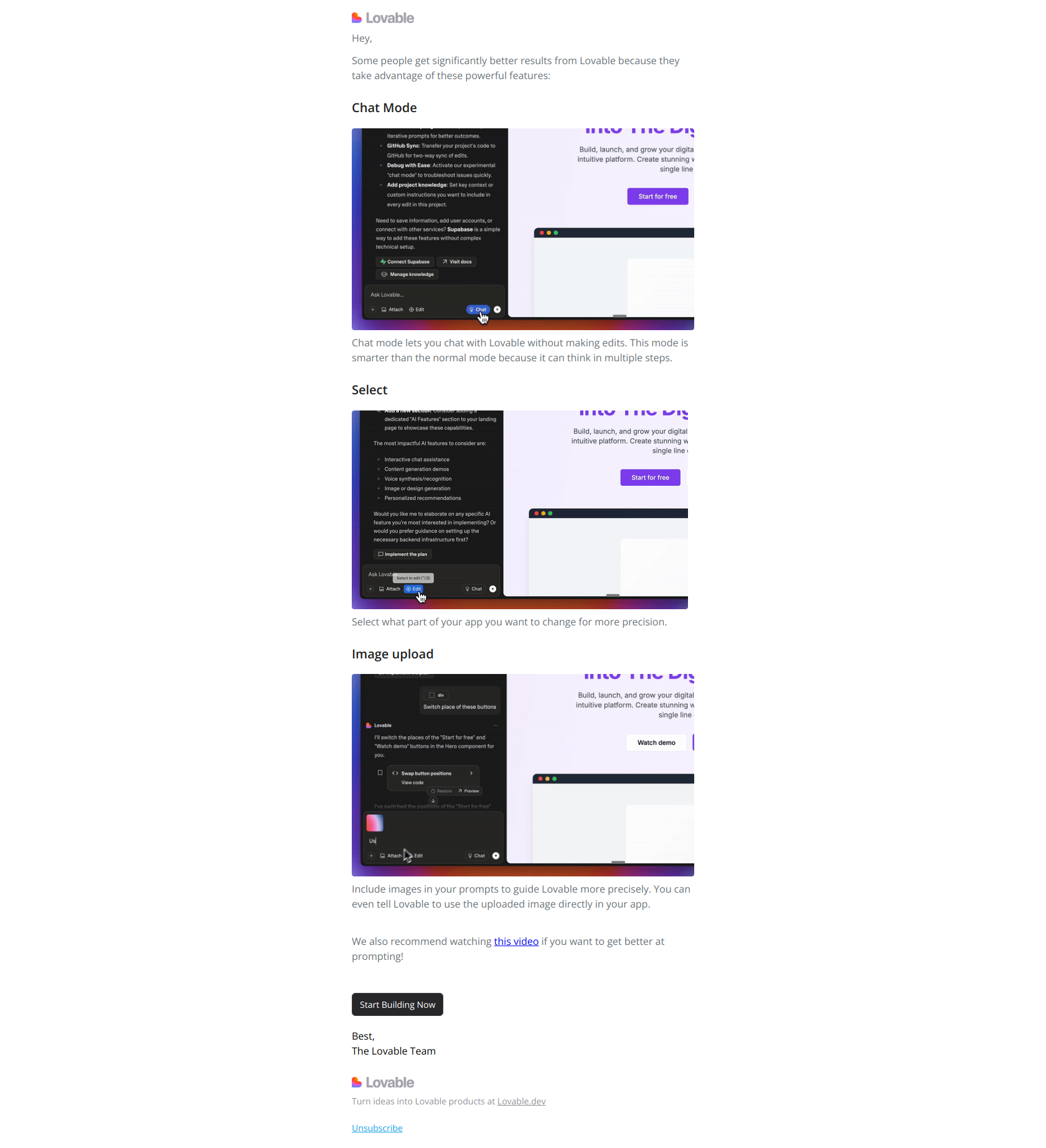
3 tricks to get more value from Lovable