Ask the internet for the best time to send marketing emails and you’ll get a confident answer: Tuesday at 10 a.m. Then you’ll get a second confident answer — Thursday at 8 a.m. — and a third for 1 p.m. on a Sunday. They can’t all be right, and the reason they disagree is that almost every “best time to send” study is measuring broadcast newsletters going out to a general consumer list. That’s a different animal from a SaaS lifecycle email.
This guide gives you the consensus answer first — a genuinely useful default if you’re sending a one-to-many broadcast — and then the part most articles skip: for the emails that actually move SaaS metrics (onboarding, trial conversion, win-back, milestones), the best time to send isn’t a slot on the calendar at all. It’s the moment the user does something. We’ll show you four real examples from Calendly, Canva, ClickUp, and Buffer where the trigger sets the time.
TL;DR — the best time to send marketing emails
- For broadcast emails, the consensus best time to send is mid-week mornings — Tuesday, Wednesday, or Thursday between roughly 9 and 11 a.m. in the recipient’s local time zone. It’s a sensible default, not a law; your own audience data beats any benchmark.
- For SaaS lifecycle emails, the best time to send is right after the trigger fires — the trial starts, the account goes quiet, the trial is about to expire, the user hits a milestone. Behavior-based timing consistently out-converts any fixed clock slot.
- The practical rule: use day-and-time defaults for one-to-many broadcasts, and use behavior-based triggers for everything tied to where a user is in their journey. Most SaaS programs need both, weighted heavily toward triggers.
What is the best time to send marketing emails?
The best time to send a broadcast marketing email — a newsletter, a product roundup, an announcement going to your whole list at once — is mid-week, mid-morning, in the recipient’s local time zone. Across the major aggregated send-time studies the pattern is remarkably stable: the middle of the week (Tuesday through Thursday) beats Monday and Friday, and the late-morning window (around 9–11 a.m.) beats both the early-bird and after-lunch slots.
The logic is simple. Monday inboxes are buried under the weekend’s backlog, so a Monday send competes with everything that piled up. Friday afternoons fall off a cliff as people mentally check out. The mid-week morning window catches people after they’ve triaged the overnight pile but before the day’s meetings swallow them.
But notice what that answer is optimizing for: a single message sent to many people who have no particular relationship to it yet. That describes a consumer newsletter. It does not describe the email that tells a brand-new user how to set up their workspace, or the one that warns them their trial ends tomorrow. For those, “Tuesday at 10 a.m.” is the wrong question entirely.
Best day of the week to send marketing emails
If you’re sending a broadcast and you need a default, here’s the consensus ranking. Treat it as a starting hypothesis to test, not a guarantee.
| Day | Broadcast verdict | Why |
|---|---|---|
| Tuesday | Best | Inbox backlog cleared; full attention; the most-cited winner |
| Wednesday | Best | Mid-week steady state; consistently strong |
| Thursday | Strong | Still engaged; good for “before the weekend” asks |
| Monday | Weak | Competing with weekend backlog and Monday overwhelm |
| Friday | Weak | Attention declining into the weekend |
| Sat / Sun | Niche | Lower volume, sometimes higher engagement for B2C; rarely right for B2B SaaS |
For B2B SaaS specifically, lean into Tuesday–Thursday. Your recipients are at work, in their inbox, and in the headspace to act on a work tool — which is exactly the context your email needs.
Best time of day to send marketing emails
| Time window | Broadcast verdict | Notes |
|---|---|---|
| 6–8 a.m. | Situational | Catches early-risers and “inbox zero before work” people |
| 9–11 a.m. | Best | The consensus sweet spot — post-triage, pre-meetings |
| 12–2 p.m. | Moderate | The lunch-break check; decent for mobile-heavy lists |
| 3–5 p.m. | Weak | Afternoon focus dip; low intent |
| After 6 p.m. | Situational | B2C and personal-device reading; weak for B2B |
The single most important word in both tables is local. A 10 a.m. send is only a 10 a.m. send for the slice of your list in your own time zone. If your audience spans the US coasts — let alone Europe and APAC — a fixed UTC send time scatters across every window above. This is why send-time optimization (more on that below) matters more than picking the “right” hour.
The SaaS caveat: lifecycle email runs on triggers, not the clock
Here’s the part the generic listicles miss. In our analysis of 1,051 real SaaS lifecycle emails, the single most common email type wasn’t a newsletter or a broadcast — it was the feature-usage nudge, at 24.8% of all emails. Add product education and usage-expansion prompts and you’re over 60% of everything SaaS companies send. None of those are “Tuesday at 10 a.m.” emails. They’re triggered: someone signed up, skipped a setup step, went quiet, or outgrew their plan.
For those emails, the right send time is defined by the user’s behavior, and trying to force them onto a calendar actively hurts you:
- A trial-expiration warning has exactly one correct send time: a fixed interval before the trial ends. Send it “next Tuesday because Tuesdays are best” and you’ve either jumped the gun or missed the deadline.
- An inactivity nudge is meaningless on a schedule. Its whole job is to fire because the user went quiet — that’s the timing.
- A milestone email lands precisely when it’s earned. A day later and the moment is gone.
This is the difference between behavior-based and time-based email. Time-based email asks “what day is it?” Behavior-based email asks “what did the user just do?” — and for lifecycle SaaS, the second question wins almost every time. The behavior is the timing.
When the trigger sets the time: 4 real SaaS emails
These four emails, pulled from the DigiStorms email library, all fire on a user action rather than a calendar slot. For each, the send time is the trigger — and that’s exactly why they work.
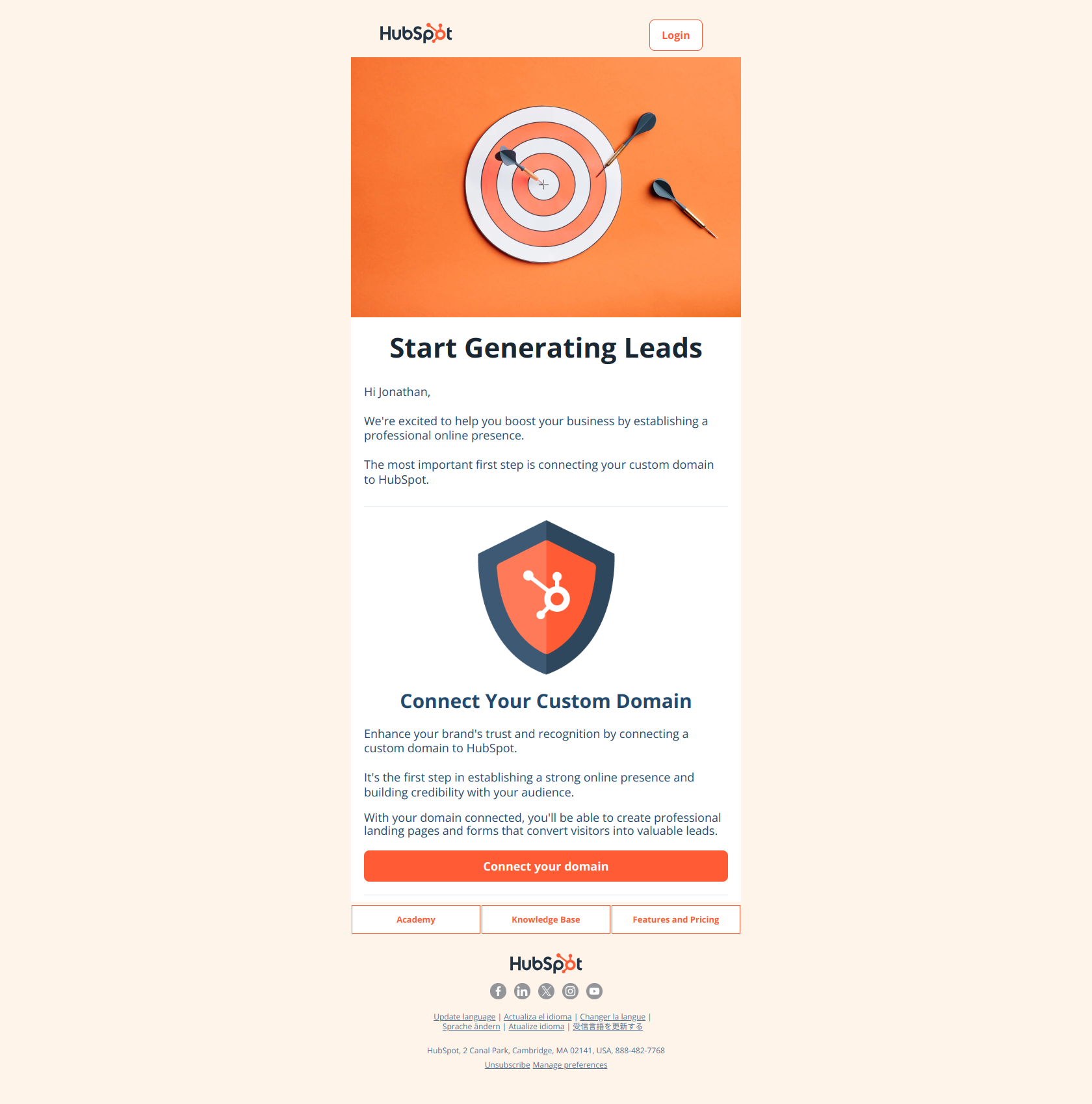
ClickUp — the moment the trial starts
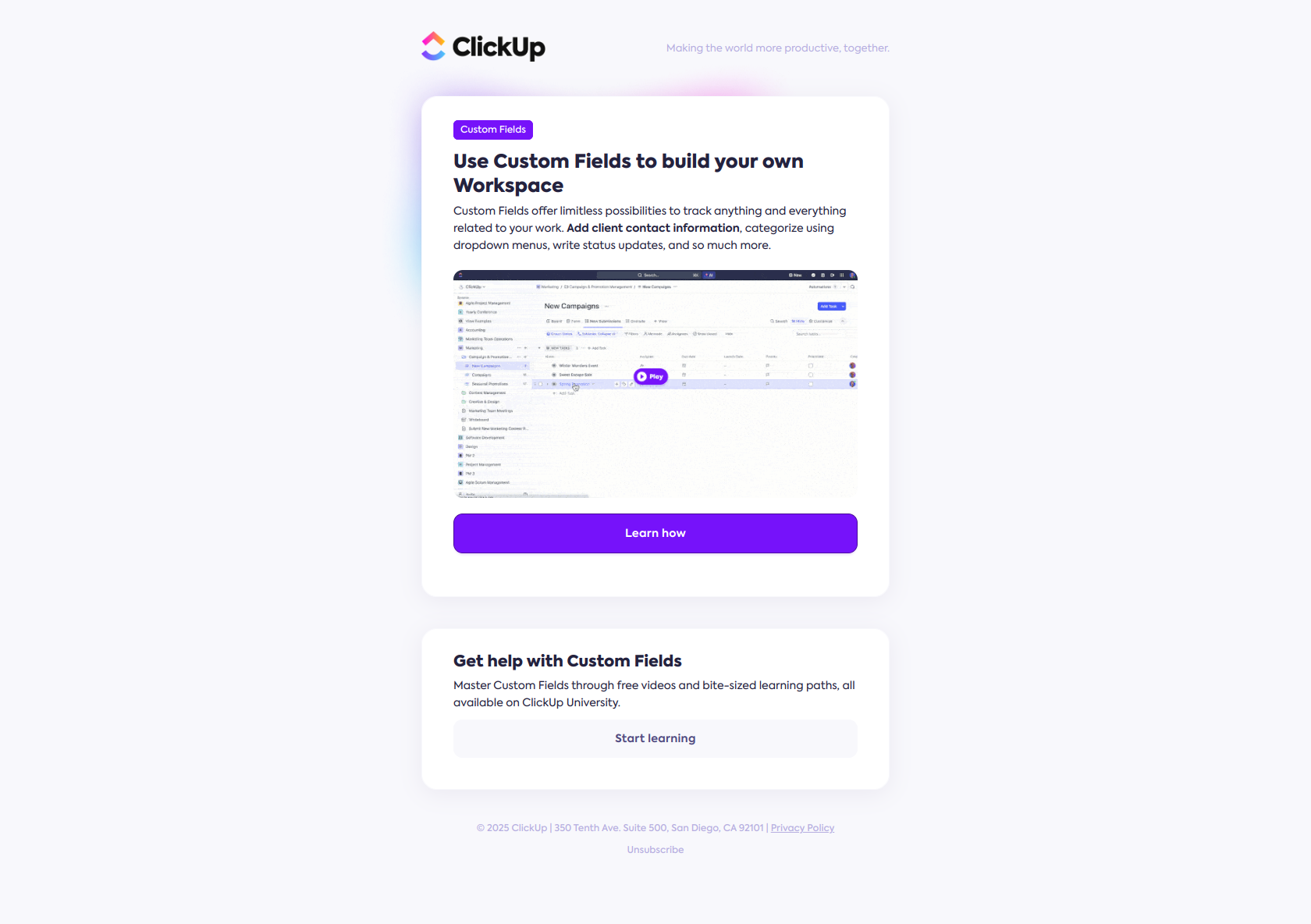
Subject line: Personalize your workspace with Custom Fields
The clock that matters here isn’t day-of-week — it’s “minutes after signup.” ClickUp fires this while intent is at its absolute peak: the user just created a workspace and is staring at an empty canvas. The subject names the outcome (personalize your workspace), not the feature, so it reads as help rather than a product tour. The pattern: the best time to send an activation email is while the user is still in the product for the first time — not the next morning when the spark has cooled. Send-time optimization can’t manufacture that window; only the trigger can.
Canva — the moment the account goes quiet
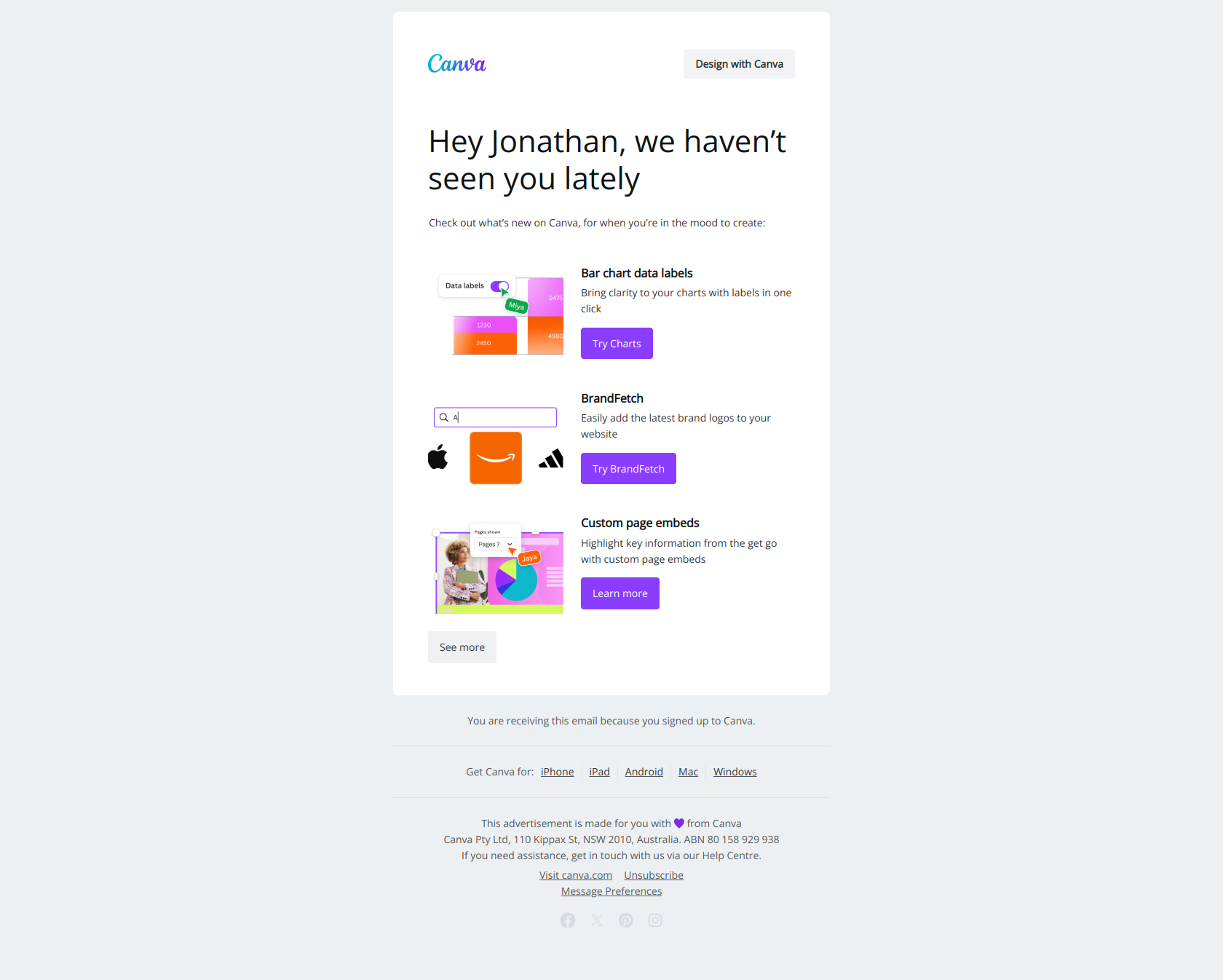
Subject line: Hey Jonathan, we miss you…
There is no “best day” to send a win-back email, because the trigger is the user’s silence, not the calendar. Canva fires this when a once-active account stops showing up, and leads with emotional language — “we miss you” — to reframe the return from transactional to relational. The pattern: vulnerability before value. A re-engagement email’s timing is defined entirely by the inactivity window you set; pick that window (14 days, 30 days, 60 days) and the send time takes care of itself.
Calendly — the moment before the trial expires
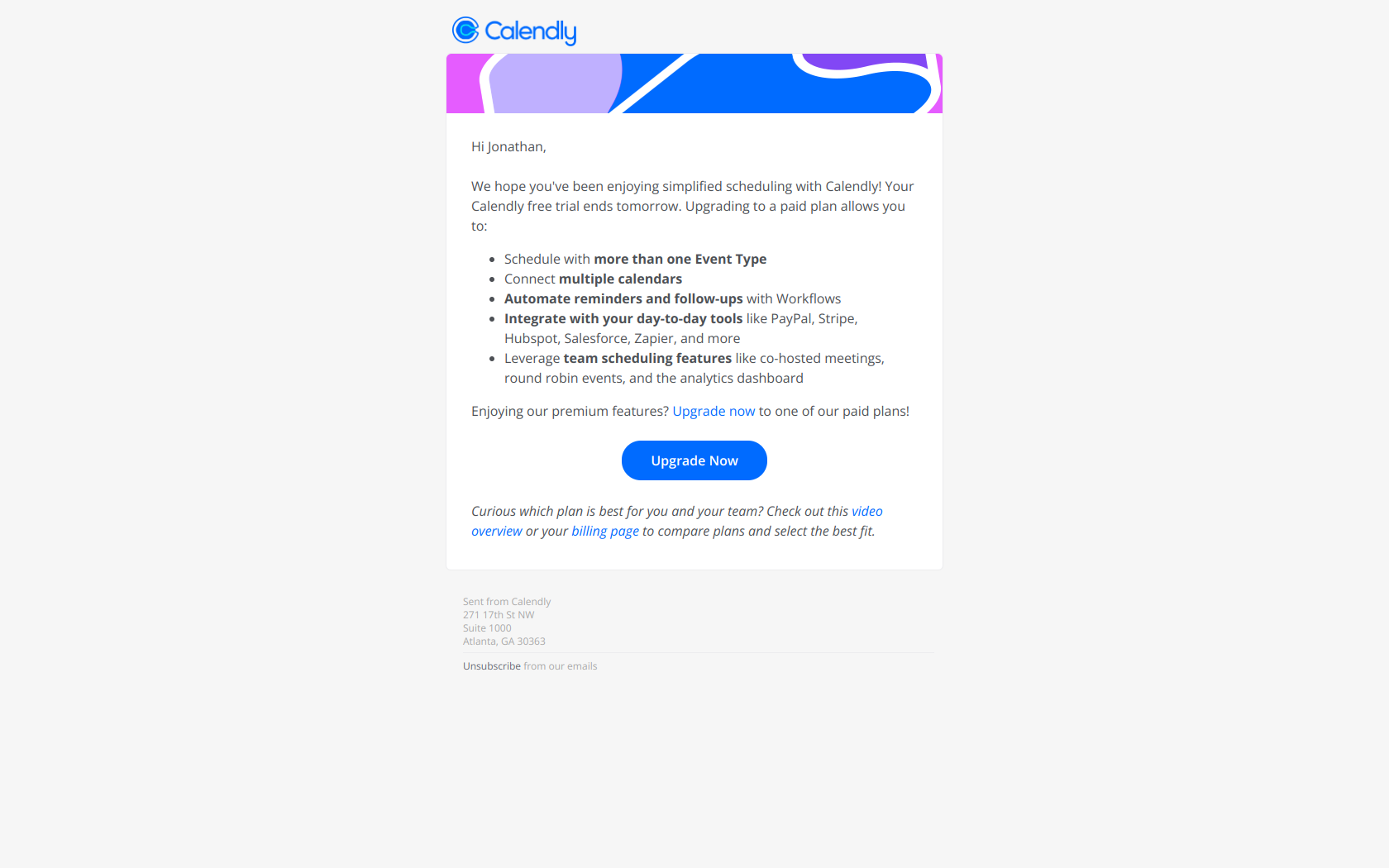
Subject line: Jonathan, your Calendly Teams Trial ends tomorrow!
This is the clearest case where the trigger is the deadline. Calendly names the deadline (“ends tomorrow”) instead of a benefit, creating urgency through scarcity and forcing a decision now instead of a bookmark for later. The pattern: deadline over benefit. The send time is locked to the trial-end date minus one day — move it to a “better” hour and you either warn too early (ignored) or too late (already churned). For free-to-paid conversion, trigger timing isn’t a nice-to-have; it’s the entire mechanism.
Buffer — the moment an achievement is earned
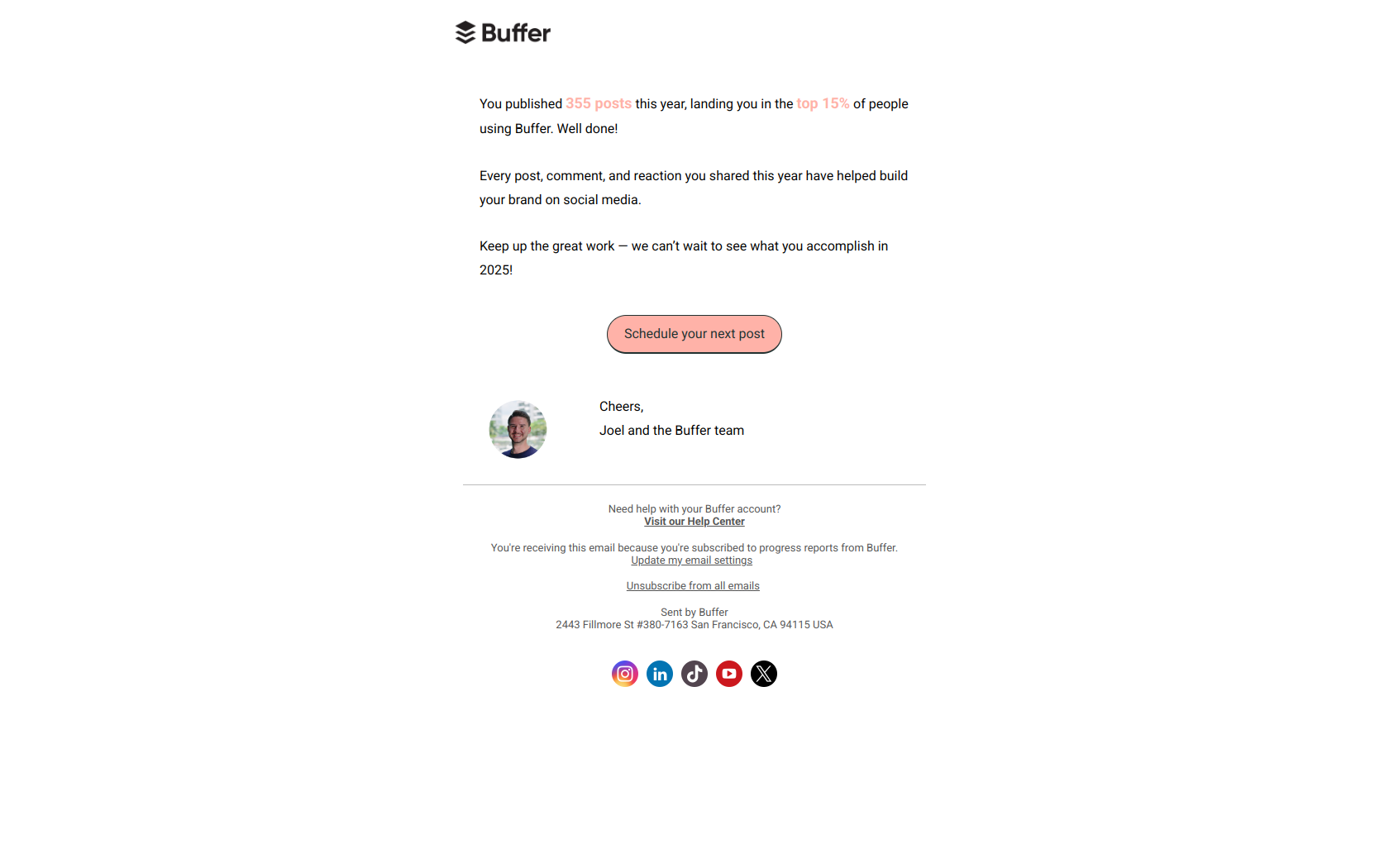
Subject line: You’re in the top 15% of Buffer users!
A milestone email is the most time-sensitive of all: it’s only true at the moment it’s earned. Buffer quantifies the achievement with a specific percentile (top 15%) rather than a generic “congrats,” so the praise reads as real proof rather than flattery. The pattern: specificity signals legitimacy. Schedule this for a “good send day” and you’ve severed it from the event that gave it meaning. The best time to send a milestone email is the instant the milestone is hit.
Broadcast vs. triggered: which timing rule applies
Use this to decide whether a given email needs a clock slot or a trigger.
| If the email is… | Timing is set by… | Best-time rule |
|---|---|---|
| Newsletter / product roundup | The calendar | Mid-week, 9–11 a.m. local; A/B test from there |
| Launch / announcement to whole list | The calendar | Tue–Thu morning; avoid Mon/Fri |
| Welcome / activation | Signup event | Immediately, while the user is in-product |
| Onboarding sequence | Days-since-signup + actions | Fixed intervals, accelerated by behavior |
| Trial-expiration warning | Trial-end date | Fixed offset before expiry (e.g. T-3, T-1) |
| Inactivity / win-back | Inactivity window | When the user crosses your quiet threshold |
| Milestone / celebration | The achievement | The instant it’s earned |
The honest summary: fixed send-time advice applies to a minority of what a healthy SaaS program sends. The newsletter and the announcement get the Tuesday-morning treatment. Everything else — the behavioral emails that drive activation, retention, and expansion — gets sent when the user’s behavior says it’s time.
How to find your best send time
Benchmarks are a starting point. Your own data is the answer. Four steps:
- Switch on send-time optimization. Most ESPs (Customer.io, Braze, HubSpot, Mailchimp) can send each recipient at the hour they personally tend to open — which quietly solves the time-zone scatter problem for you. Turn it on for broadcasts before you hand-tune an hour.
- A/B test the day and time on your broadcasts only. Hold the content constant, vary the send slot, and let a few sends settle. Don’t test this on triggered emails — their timing is fixed by the trigger by design.
- Map your triggers, then set the offsets. List every lifecycle moment (signup, setup-skip, inactivity, trial-end, milestone) and define the delay for each. That work matters far more than any “best hour.”
- Re-check quarterly. Audience behavior drifts. A slot that won last year may not this year.
Browse real send-timing in the wild
Every email above lives in the DigiStorms email library alongside more than a thousand other real SaaS lifecycle emails — filterable by trigger, lifecycle stage, and brand, so you can see exactly when companies like Calendly, Canva, and Buffer fire each type. It’s the fastest way to see how the best programs let behavior, not the clock, decide the send time.
And if you’d rather skip the guesswork, DigiStorms generates a full lifecycle email sequence — triggers, timing, and copy — based on the patterns top SaaS companies actually use. Try it free and let the behavior set the schedule.