
Brand
Adobe
Subject line
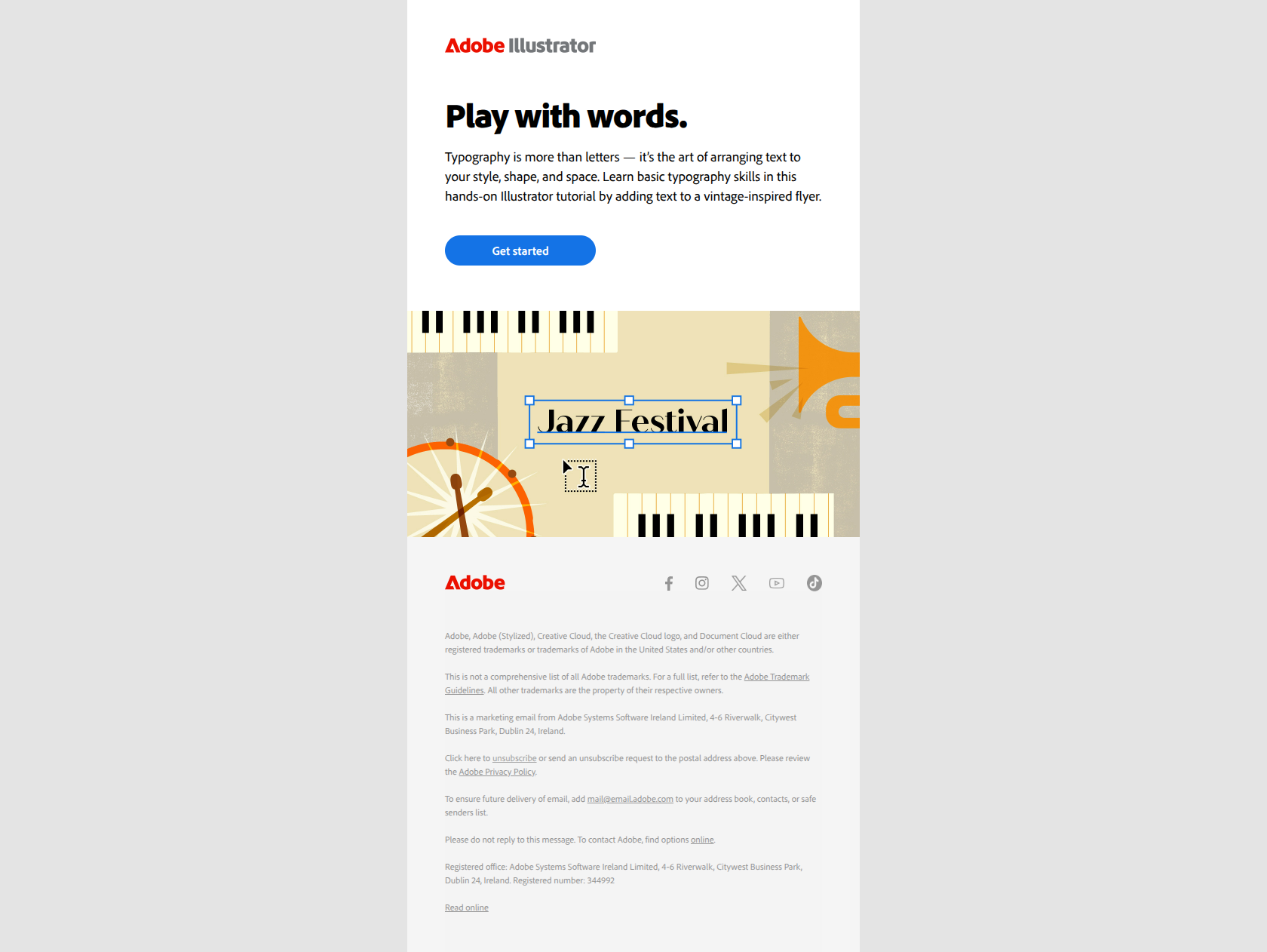
Get started with text and typography
Use case
Onboard Paid UserAbout this email
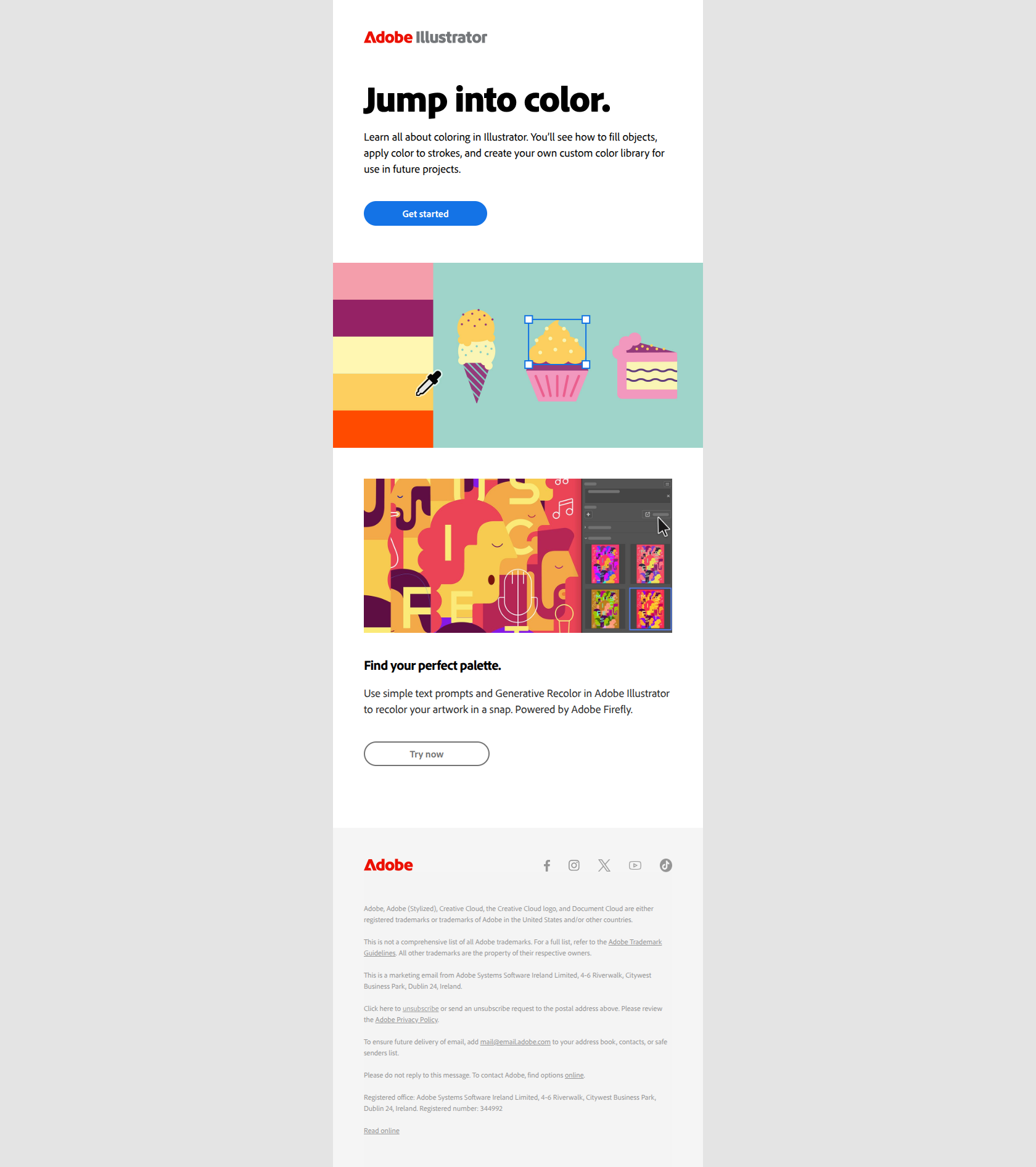
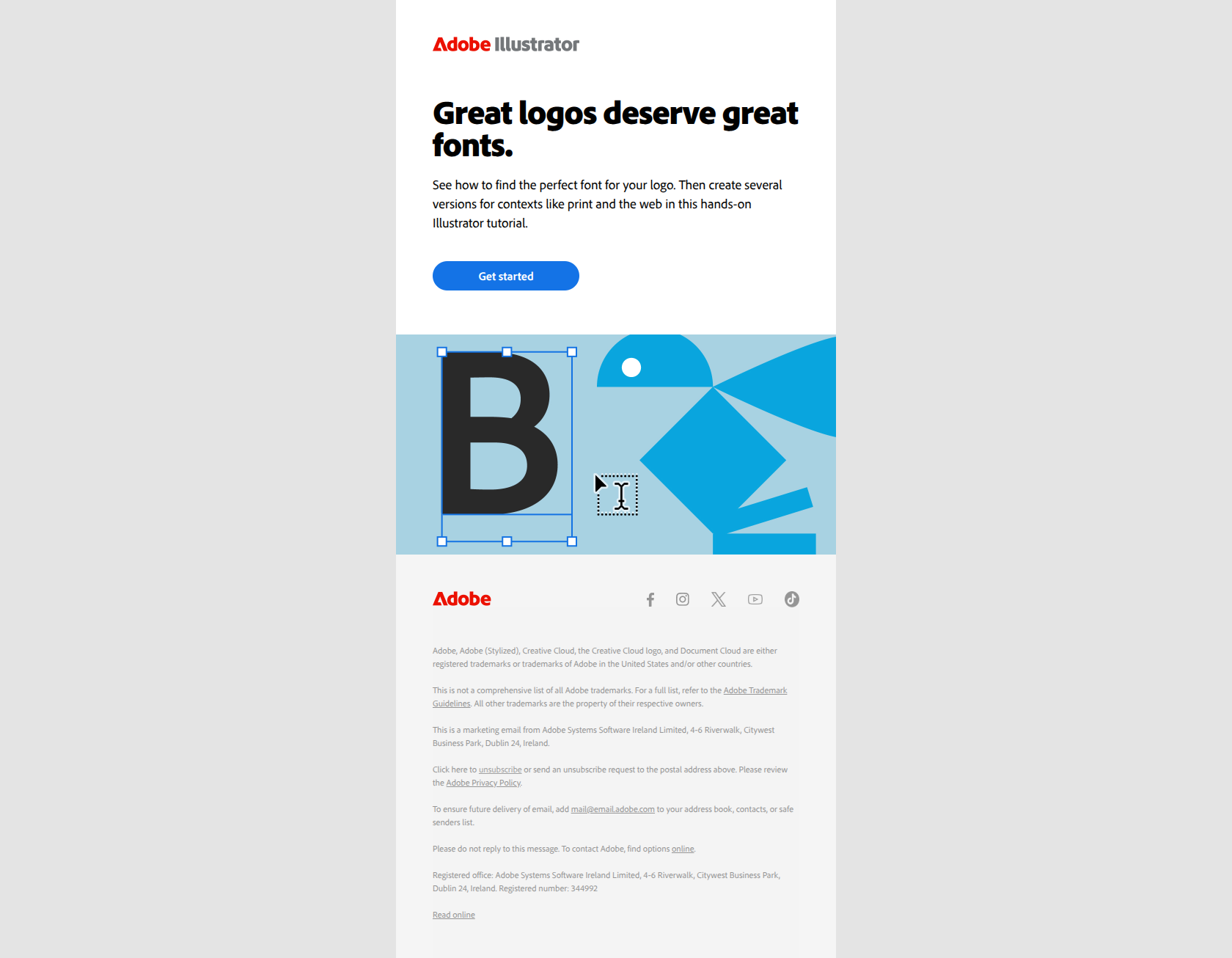
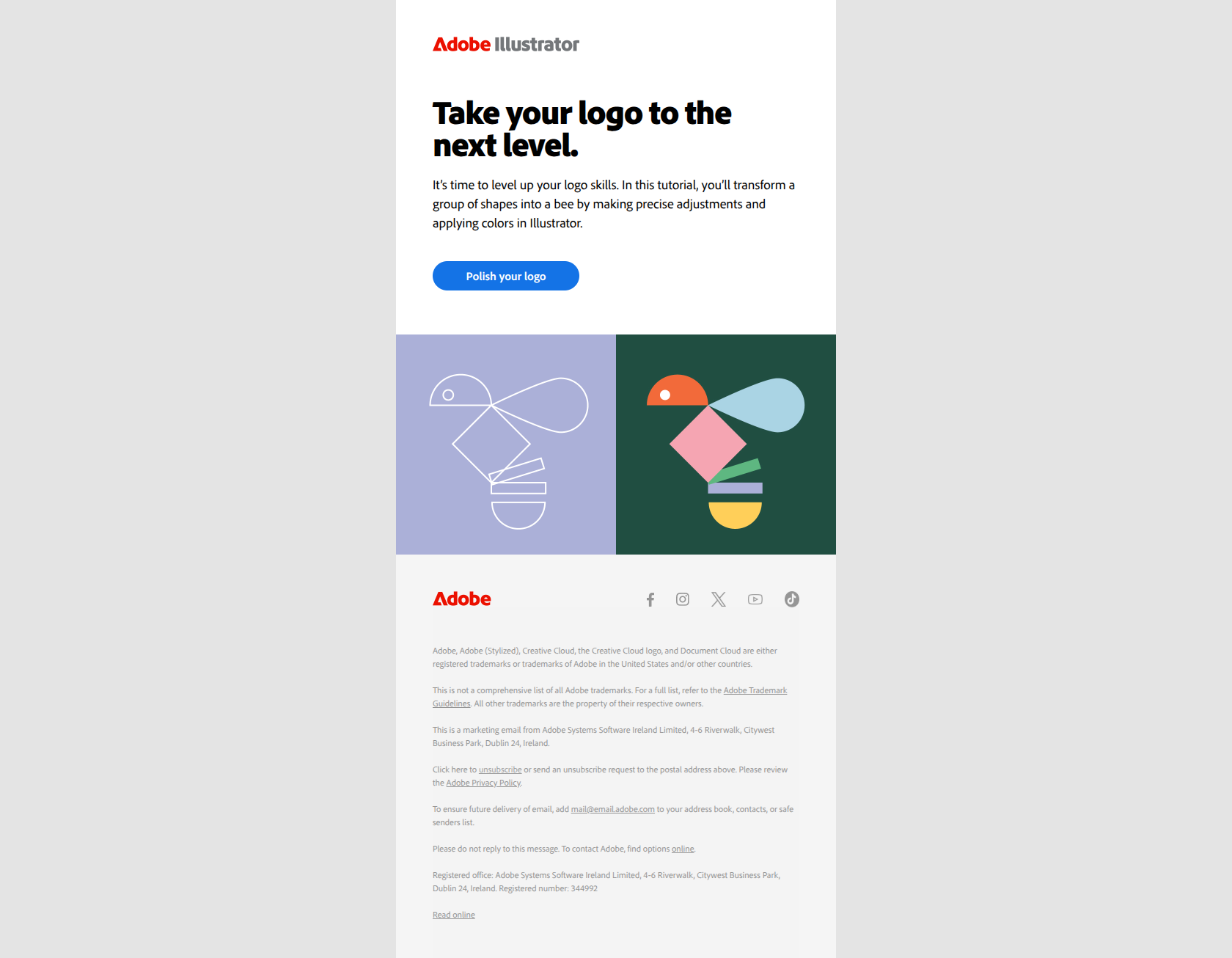
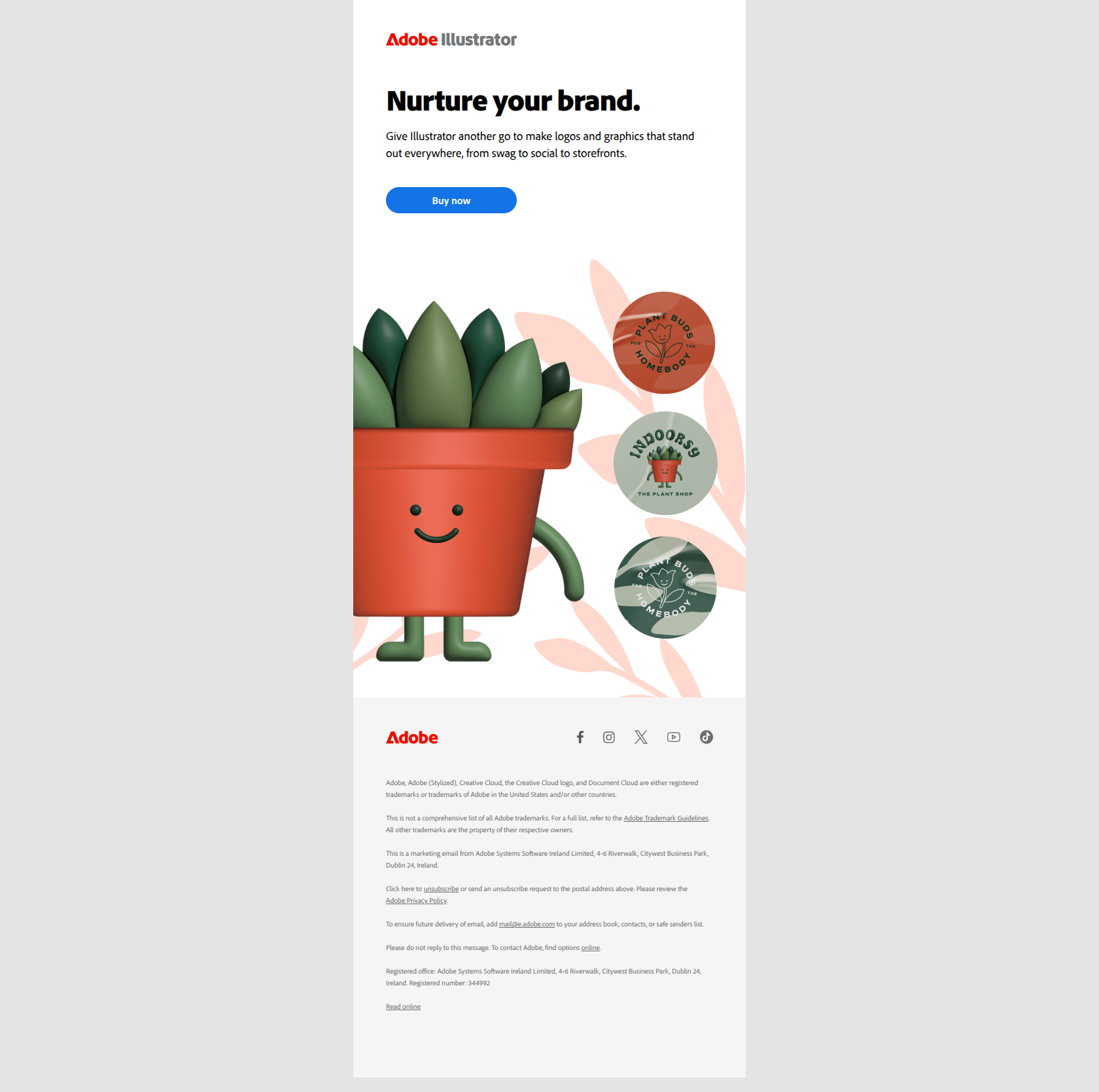
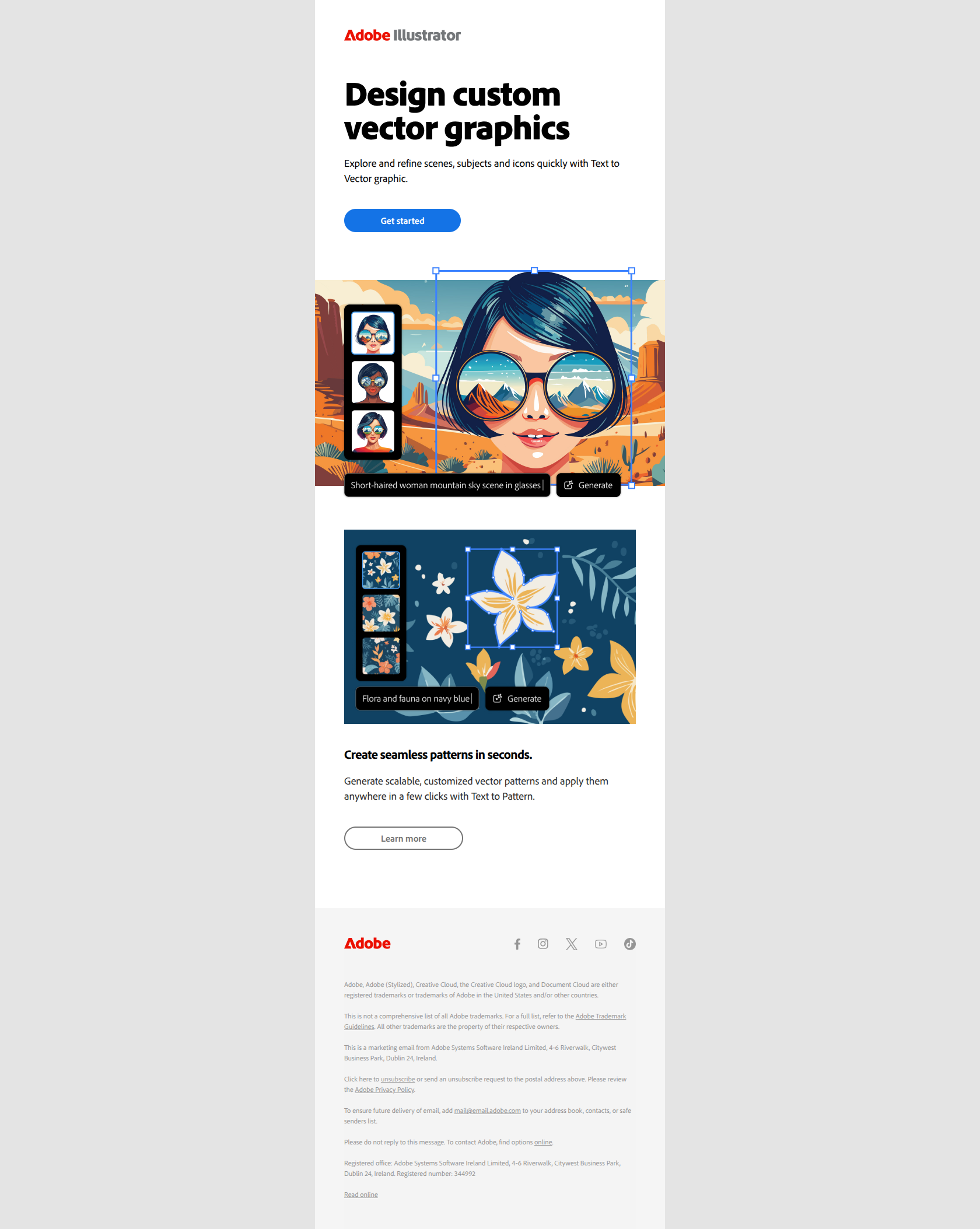
This email from Adobe promotes learning typography skills within Adobe Illustrator by guiding users to a hands-on tutorial for adding text to designs. The structure includes a clear header, an engaging image, a concise description encouraging creativity with typography, and a prominent call-to-action button leading to the tutorial. The tone is professional yet inviting, aiming to inspire users to explore and improve their design skills while maintaining brand consistency with logos and legal disclaimers at the footer.
Adobe journey
Why this works
**Why this works.** The subject line frames typography as a skill to master ("Get started with") rather than a feature to toggle, so paid users see this as an outcome they can achieve, not a button they should click. The pattern here is "outcome framing over feature naming"; you can lift it for any onboarding feature-education email where you want users to view the tool as a means to their creative goal, not an end in itself.