
Brand
Adobe
Subject line
Add color with Illustrator
Use case
Onboard Paid UserAbout this email
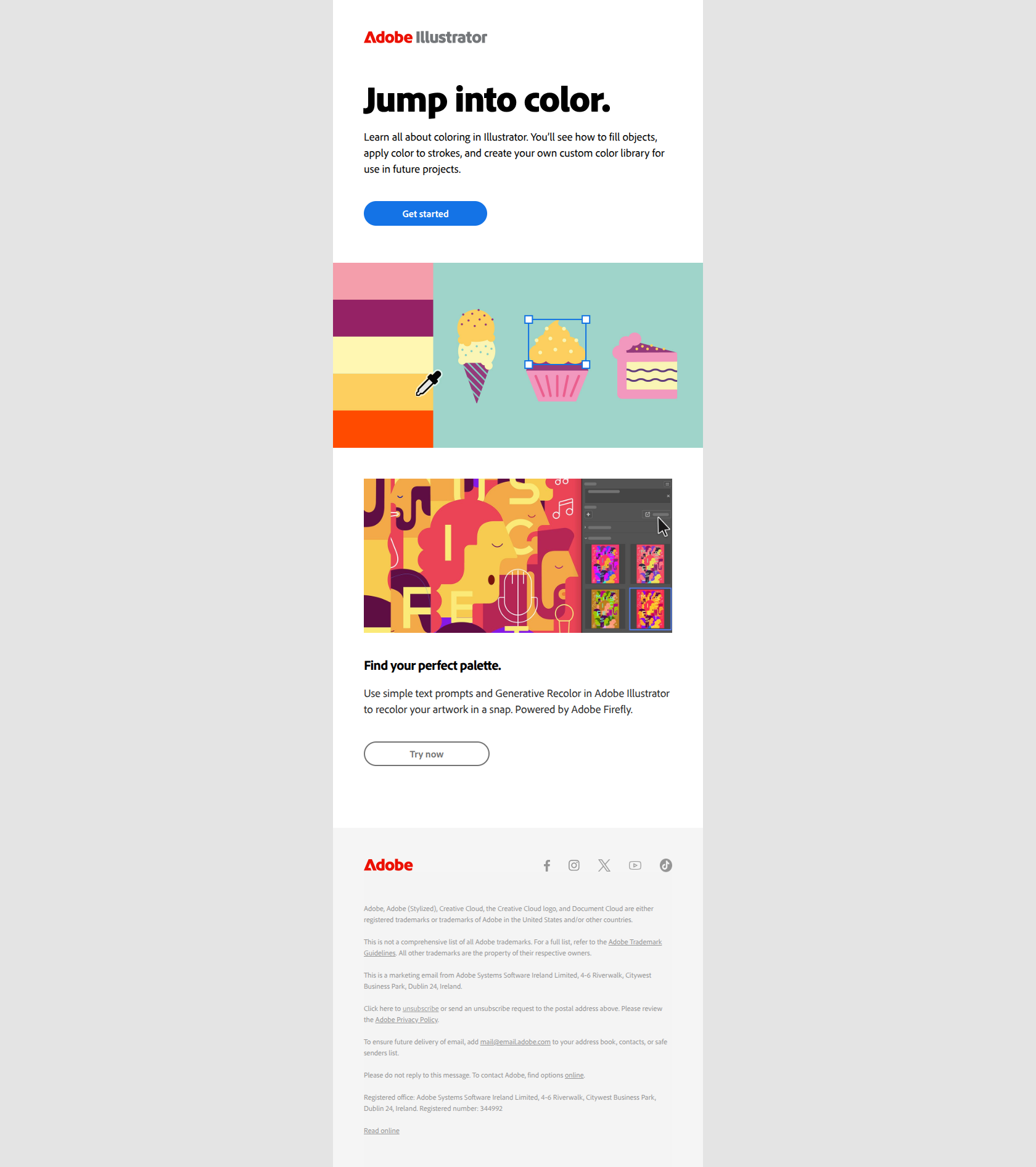
This Adobe marketing email is structured to educate users on how to add color to objects in Adobe Illustrator. It uses a clear, informative tone with a combination of instructional text, linked images, and multiple call-to-action buttons directing users to tutorials and features like Generative Recolor powered by Adobe Firefly. The layout highlights key features visually and encourages engagement with the product's coloring tools while integrating brand-reinforcing elements such as logos and social media links.
Adobe journey
Why this works
**Why this works.** The subject line names a concrete user outcome ("Add color") instead of a feature or product update, so paid users immediately recognize the email solves a task they want to complete rather than pitching them something new. The pattern here is "task-first subject lines"; you can lift it for any onboarding feature-nudge email where you want users to see the capability as a means to their goal, not as a product announcement.