A transactional email is an automatic, one-to-one message triggered by a user action — a receipt, a password reset, a login alert. A marketing email is a one-to-many message sent to promote, educate, or re-engage — a newsletter, a product launch, a discount offer.
The two categories look similar from the outside (both are emails, both come from your domain), but they’re treated completely differently by email service providers, by inbox filters, by regulators, and by users themselves. Mixing them up costs deliverability, conversion, and sometimes compliance.
This article gives you the practical, side-by-side difference — with three real transactional examples and three real marketing examples to ground the comparison.
TL;DR — transactional email vs marketing email at a glance
| Dimension | Transactional email | Marketing email |
|---|---|---|
| Trigger | User action (purchase, signup, login) | Schedule or campaign (broadcast, drip) |
| Audience | One specific user | Segment or full list |
| Intent | Inform, confirm, secure | Promote, educate, re-engage |
| Consent required | No (user implicitly consents by acting) | Yes — explicit opt-in |
| Unsubscribe link | Not legally required | Legally required (CAN-SPAM, GDPR) |
| Sending IP / domain | Often a dedicated transactional sender | Often a separate marketing sender |
| Open rate (typical) | 80-95% | 20-30% |
| Time-sensitivity | High (real-time or near real-time) | Low (can be queued) |
| Examples | Receipts, password resets, login alerts | Newsletters, promotions, webinar invites |
The single most important practical difference: transactional emails do not require consent and do not require an unsubscribe link, but if you mix marketing content into a transactional email, the entire email becomes a marketing email under most regulations — and that’s where companies get into trouble.
What is a transactional email?
A transactional email is an automated, one-to-one message sent in response to a specific user action. The user expects it. It contains information they need.
The category includes:
- Order confirmations and receipts
- Password resets
- Email verification / account activation
- Shipping notifications
- Login alerts and security warnings
- Failed payment notices
- Account deletion confirmations
- Two-factor authentication codes
Transactional emails are sent through transactional email services (Postmark, SendGrid’s transactional API, Resend, Amazon SES) that prioritize speed and deliverability over campaign features. They typically arrive within seconds of the trigger event.
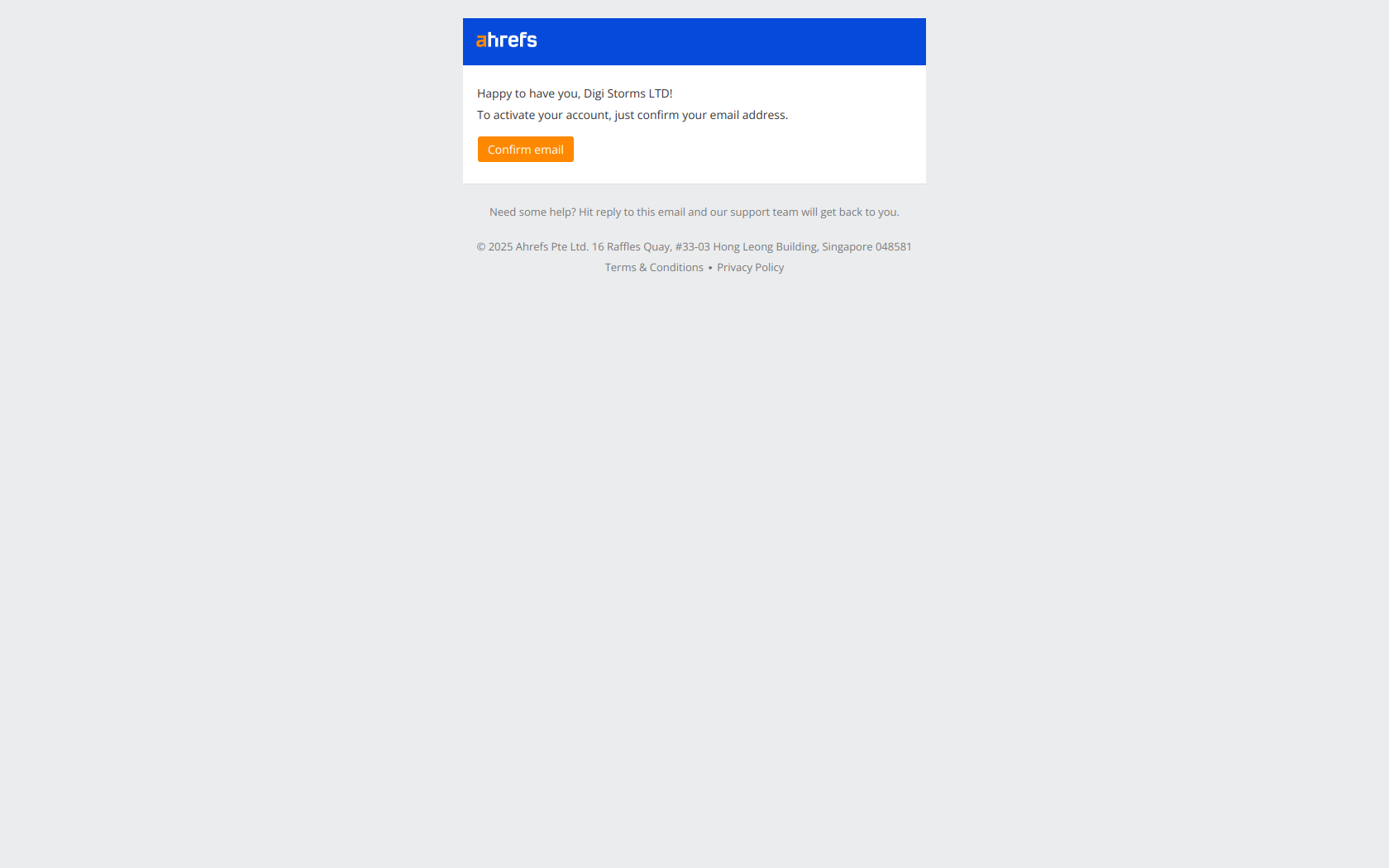
Transactional email example #1 — Stripe email verification
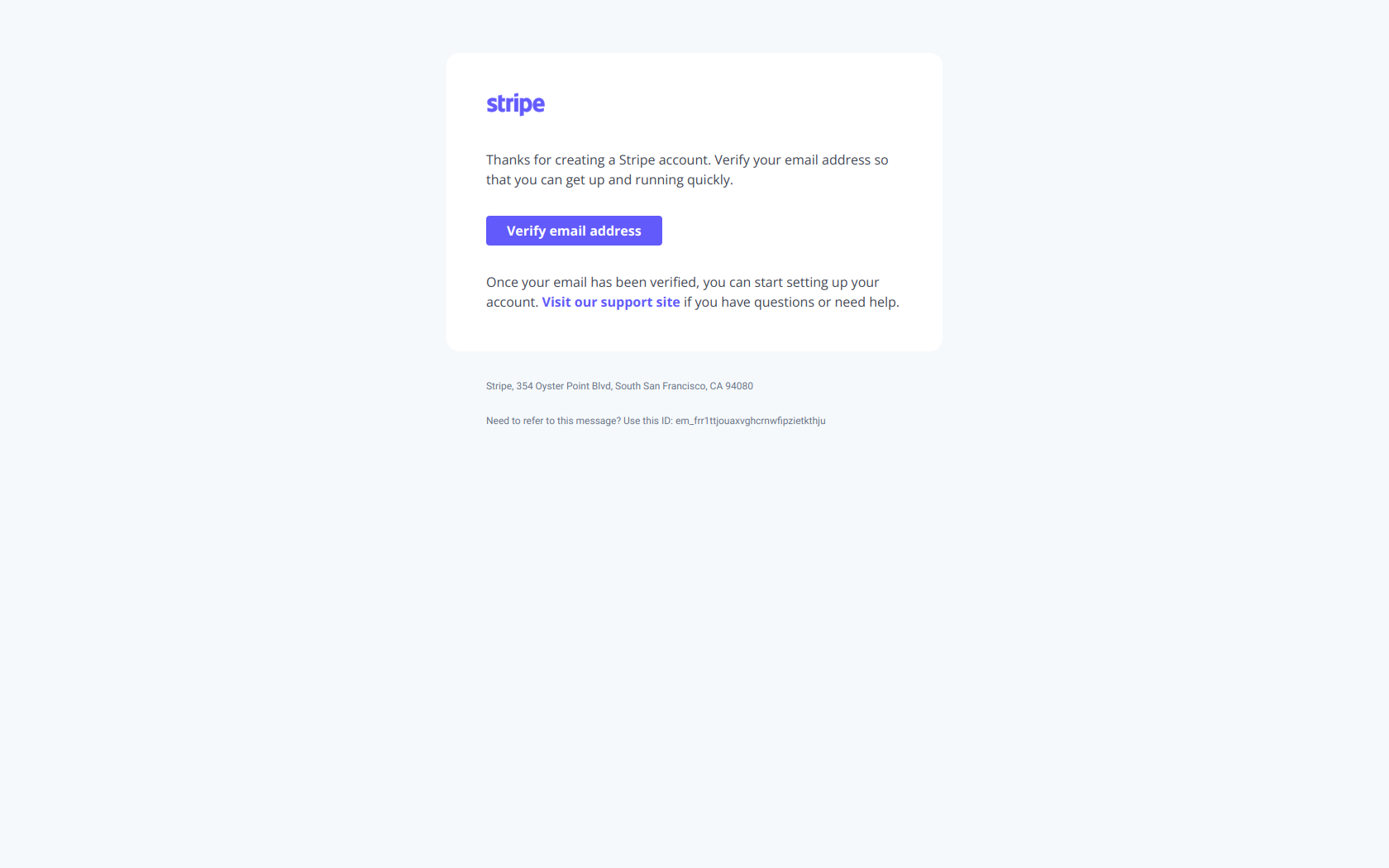
Subject line: Verify your email address
A textbook transactional email. Single CTA, no marketing language, no upsell, no unsubscribe link (none needed). The user signed up for Stripe — they’re expecting this email and they need to act on it within minutes for the account to work.
Why it’s transactional: triggered by user action (signup), one specific recipient, single utility (verify email), zero promotional content.
Transactional email example #2 — Calendly payment receipt
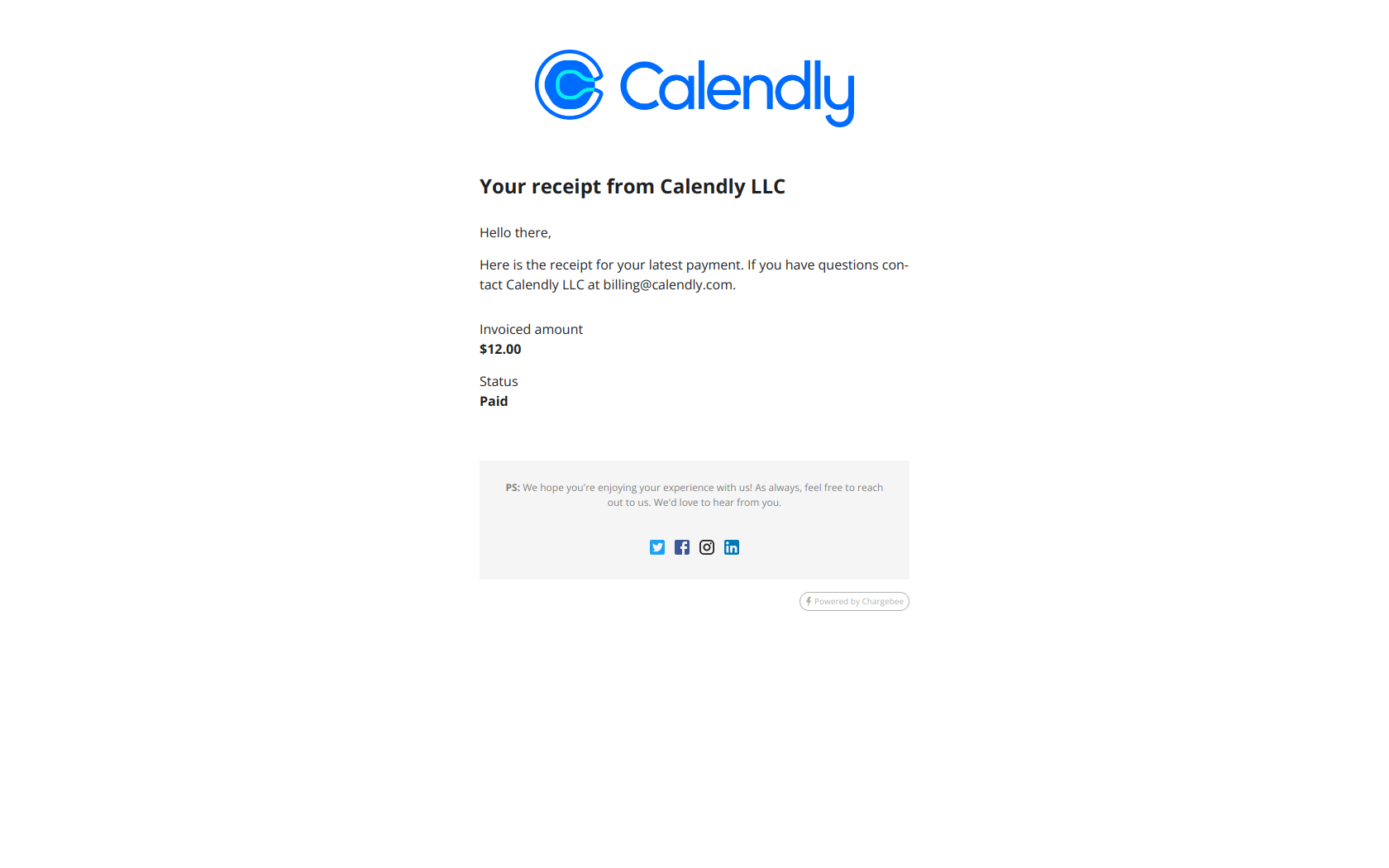
Subject line: Your receipt from Calendly LLC
The classic payment receipt. The email exists because the user paid — they need a record of the transaction. The body lists the line items, total, payment method, and tax. There’s no “while you’re here, did you know about our new feature” upsell.
Why it’s transactional: triggered by a payment event, contains only the information necessary for the transaction record, sent to the one user who paid.
Transactional email example #3 — Notion login from new device
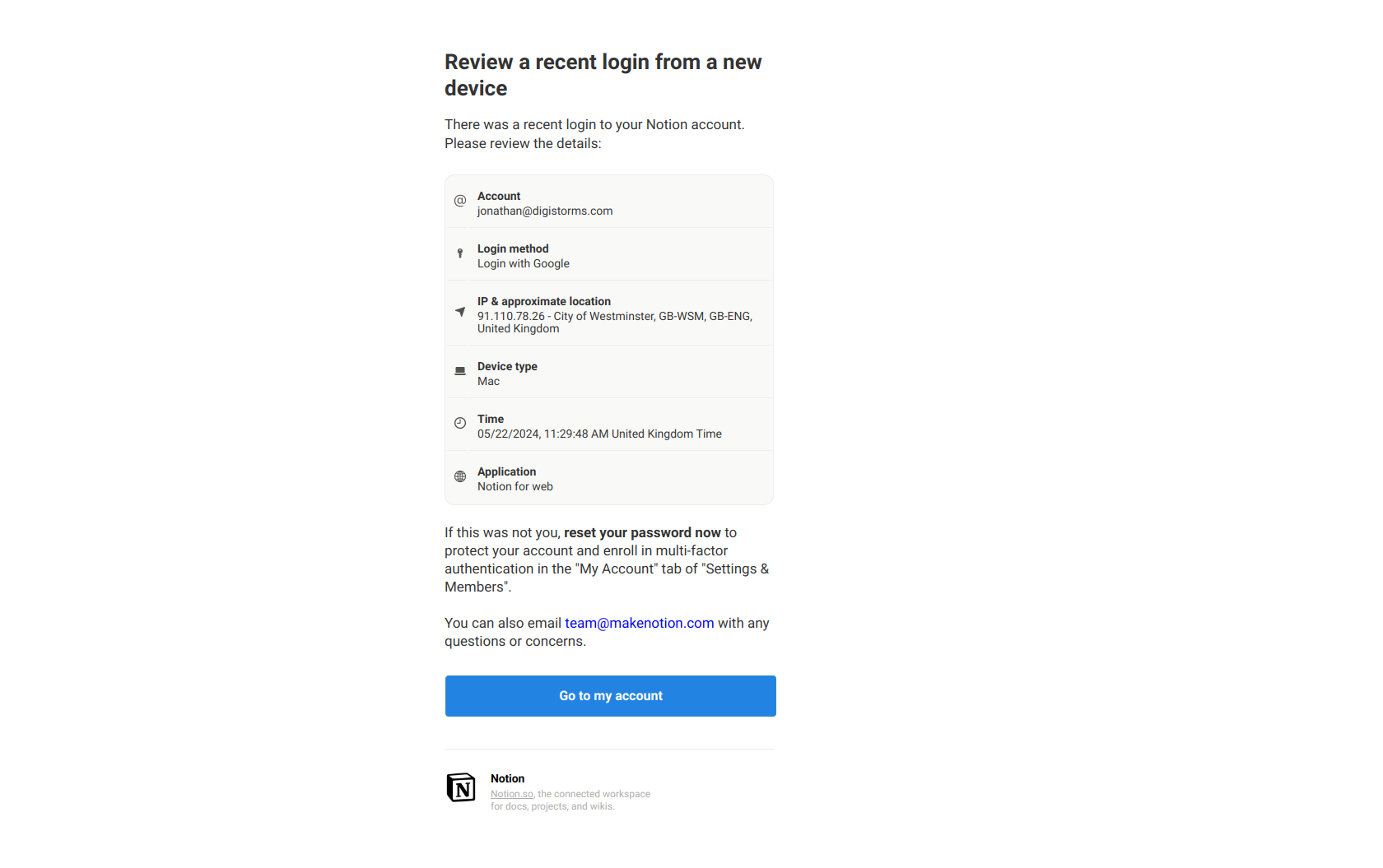
Subject line: A new device logged into your account
Security alerts are a high-trust transactional category. The user expects to be told when something happens to their account. The body gives the device, location, and time, plus a “this wasn’t me” link. No marketing.
Why it’s transactional: triggered by a security event, single utility (notify of access), high consequence if missed.
What is a marketing email?
A marketing email is a planned, one-to-many message sent to promote a product, educate an audience, or drive a campaign. The recipient consented to receive it (typically through a signup form or checkbox at registration).
The category includes:
- Newsletters
- Product announcements and launches
- Webinar invitations
- Re-engagement campaigns
- Promotional offers and discounts
- Onboarding sequences (most welcome emails are marketing)
- Drip campaigns and lifecycle emails
Marketing emails go through marketing email service providers (Mailchimp, Customer.io, ActiveCampaign, HubSpot, Klaviyo) that emphasize segmentation, A/B testing, and campaign analytics. They’re typically sent in batches and may be queued for hours.
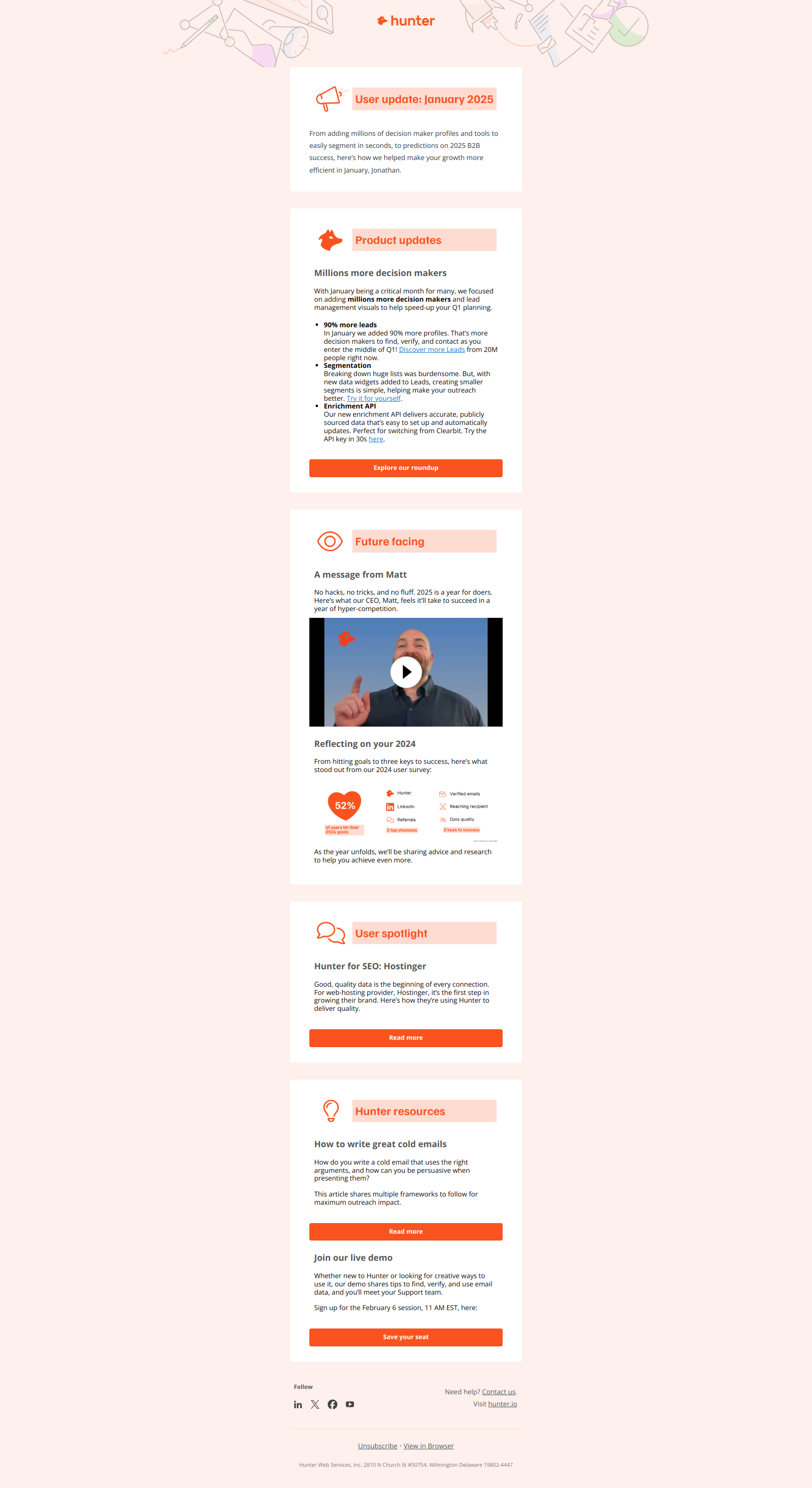
Marketing email example #1 — Beehiiv creator newsletter

Subject line: 🔴 What 12+ successful creators taught us this quarter
A pure content-marketing newsletter. The reader signed up for it. The intent is to keep Beehiiv top-of-mind for their audience of newsletter operators. The send is scheduled (not triggered by user action) and goes to a segment, not a single user.
Why it’s marketing: scheduled send, one-to-many distribution, content-led intent, opt-in required.
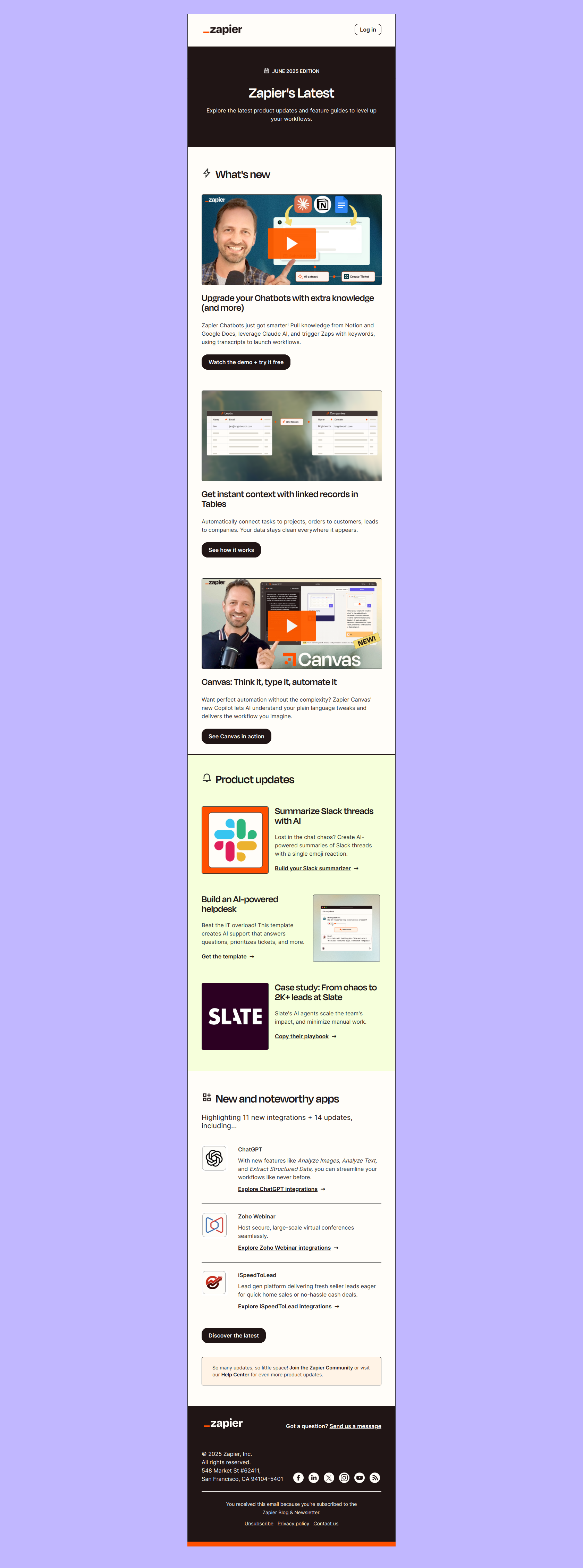
Marketing email example #2 — Zapier promotional offer
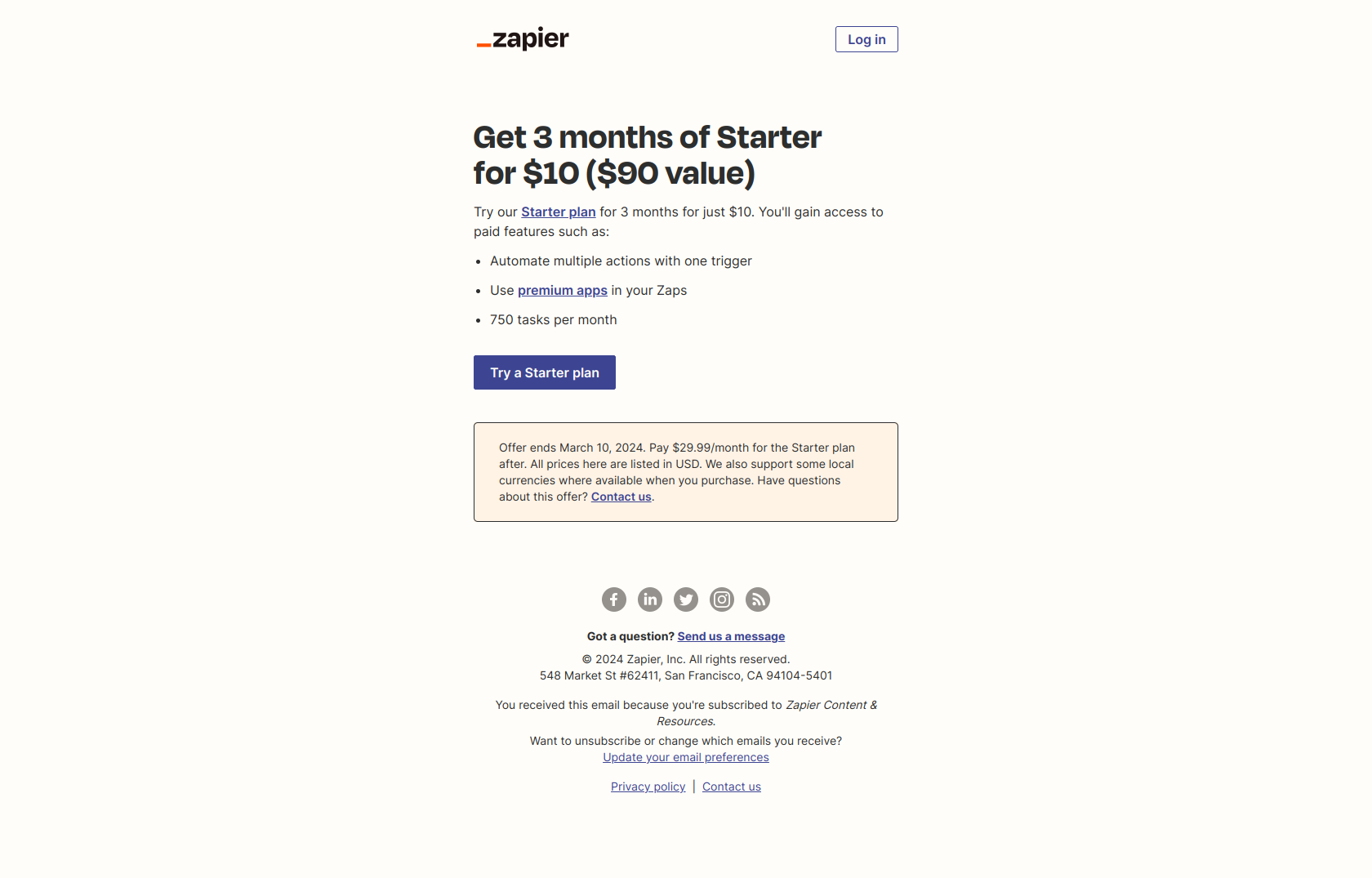
Subject line: Get 3 months of our Starter plan for $10
A promotional offer email — the most clearly “marketing” of the marketing categories. The send is part of a campaign. The body promotes a discounted upgrade path. Unsubscribe link required. The recipient could have gone months without hearing from Zapier and then received this.
Why it’s marketing: campaign-driven, promotional intent, segmented audience, unsubscribe legally required.
Marketing email example #3 — Calendly webinar invitation
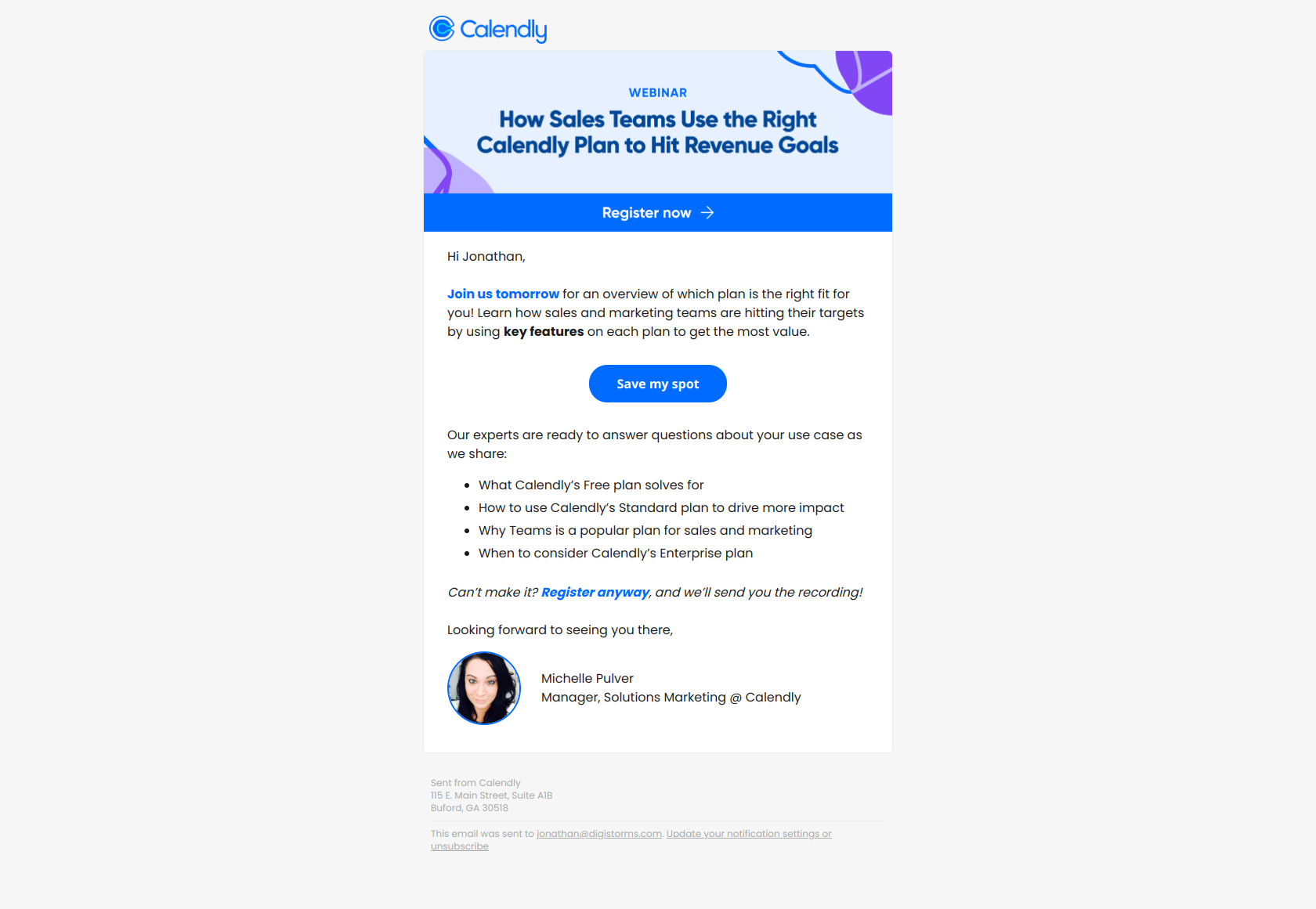
Subject line: Tomorrow’s webinar: Hit your numbers with the right Calendly plan
A webinar invite — the lead-nurture workhorse of B2B marketing. Calendly sends this to a segment of trial users to drive upgrades. The trigger is the campaign (the webinar is tomorrow), not a user action.
Why it’s marketing: scheduled send, segmented audience, intent is to drive an outcome (upgrade), opt-in required.
Why mixing them up is dangerous
Many SaaS companies inadvertently turn transactional emails into marketing emails by adding upsell content, related-product blocks, or “you might also like” sections. The risk:
-
Legal exposure. Under GDPR, CAN-SPAM, and CASL, an email with mixed content is treated as a marketing email — meaning consent and unsubscribe rules apply. Most companies running an “upsell in the receipt” don’t realize they’ve crossed into territory that requires explicit opt-in.
-
Deliverability hit. Transactional senders maintain very high inbox placement because of transactional content — banks, password resets, receipts. Mix in promotional content and the sender reputation can drop, hurting all your transactional emails.
-
User trust erosion. Users open transactional emails because they expect utility. Open one and find a sales pitch and the next one gets archived unread.
The clean rule: send transactional and marketing emails through separate domains or subdomains, with separate sender reputations. Use notifications@yourapp.com for transactional and hello@yourapp.com (or a marketing subdomain) for marketing.
When to use which
| Situation | Email type |
|---|---|
| User just signed up | Transactional (welcome/verification) — but you can follow with a marketing onboarding sequence after consent |
| User just paid | Transactional (receipt) |
| User reset password | Transactional |
| You launched a new feature | Marketing |
| User has been inactive 30 days | Marketing (re-engagement) |
| User canceled subscription | Both — transactional confirmation (cancellation receipt) + marketing follow-up (win-back) over time |
| Failed payment | Transactional (the failure notice itself) |
| User completed onboarding milestone | Marketing (lifecycle email) |
| Security event (new login, password change) | Transactional |
| Webinar invite | Marketing |
The common gray zone is welcome/onboarding emails. The first welcome (confirming the account works) is transactional. The follow-up sequence that teaches the user how to get value is marketing — and requires the user to have opted in to it (which most signup flows include implicitly via the terms of service, but you should make this explicit).
Practical implementation: separate the infrastructure
If your stack still sends both through the same provider, here’s the upgrade path:
- Choose a transactional ESP for true transactional messages (Postmark, Resend, AWS SES). These are optimized for low latency and high inbox placement.
- Choose a marketing ESP for campaigns (Customer.io, Mailchimp, HubSpot, ConvertKit). These are optimized for segmentation, A/B testing, and campaign analytics.
- Use a separate sending domain or subdomain for each.
mail.yourapp.comfor marketing,notifications.yourapp.comfor transactional. This protects the transactional reputation if a marketing campaign tanks. - Audit your current “transactional” emails — anything that includes promotional content, related products, or upsells should either move to marketing infrastructure or have the promotional content removed.
Final word
The cleanest mental model: a transactional email is information the user needs because of something they did. A marketing email is information you want them to have because of something you’re doing. The first is utility. The second is intent. They live in separate buckets — and treating them that way protects deliverability, compliance, and user trust.
Want to see how real SaaS companies structure both types? Browse the DigiStorms email library — transactional and marketing examples are tagged separately, with full thread context for each.